Better creative starts with better questions.
Practical guides to creative angles, product-reference images, AI ad briefs, and cinematic product stories, with templates and examples for performance teams.
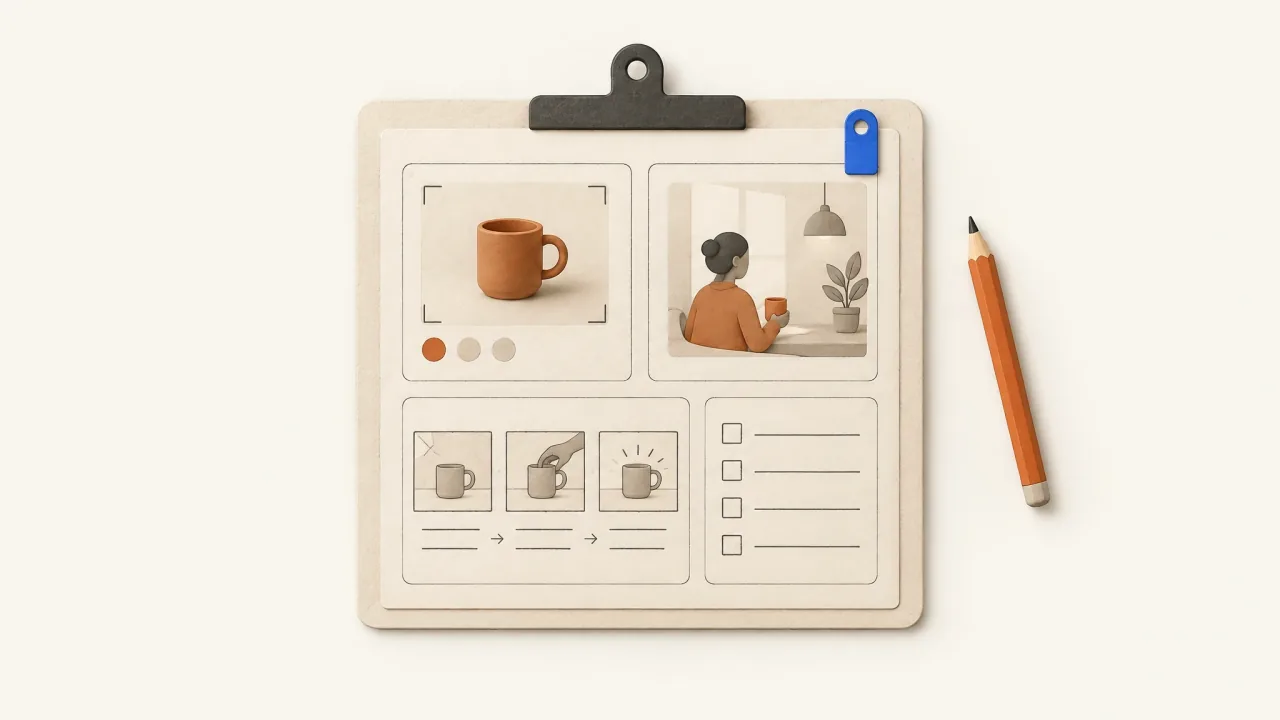
A Creative Brief for AI Ads: Template and Worked Example
Copy an AI ad production brief covering approved facts, buying angle, product identity, demonstration, delivery, and revision priorities.
Open the guide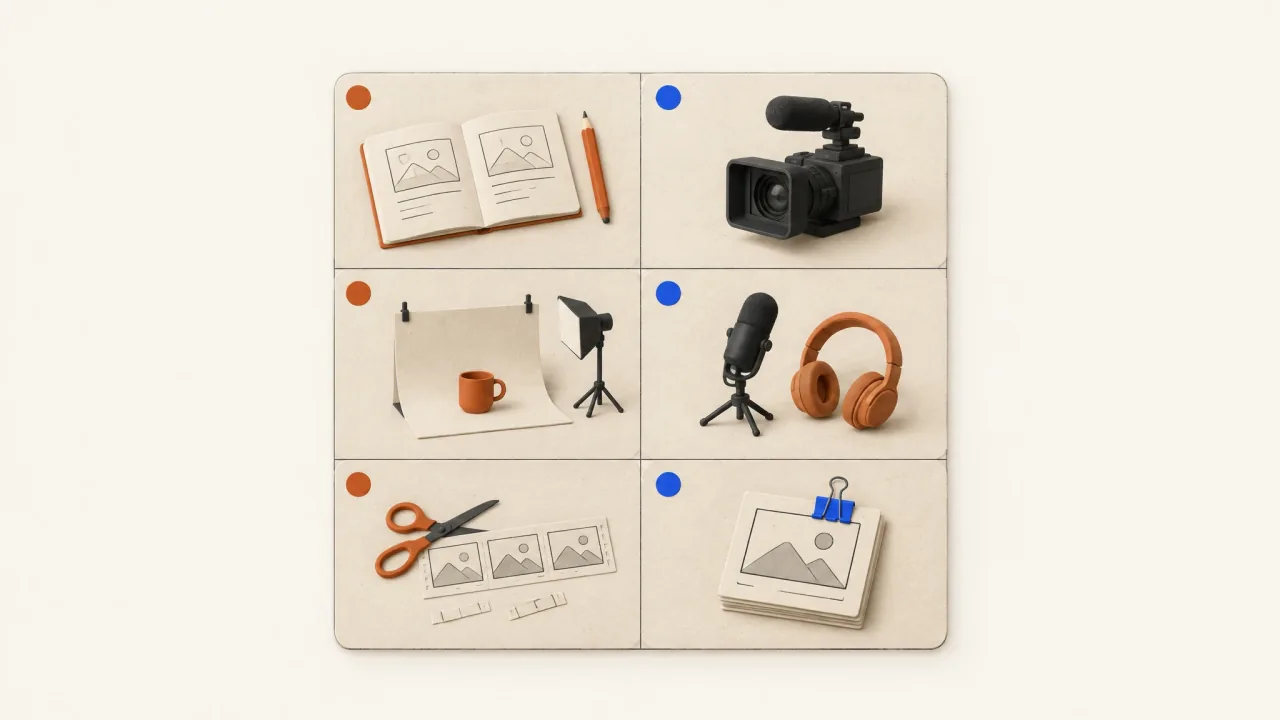
A Creative-Testing Production Matrix with Clear Limits
Turn a campaign question into a production plan. Set clear limits, name what changes and stays fixed, and record dependencies and acceptance decisions.
Open the guide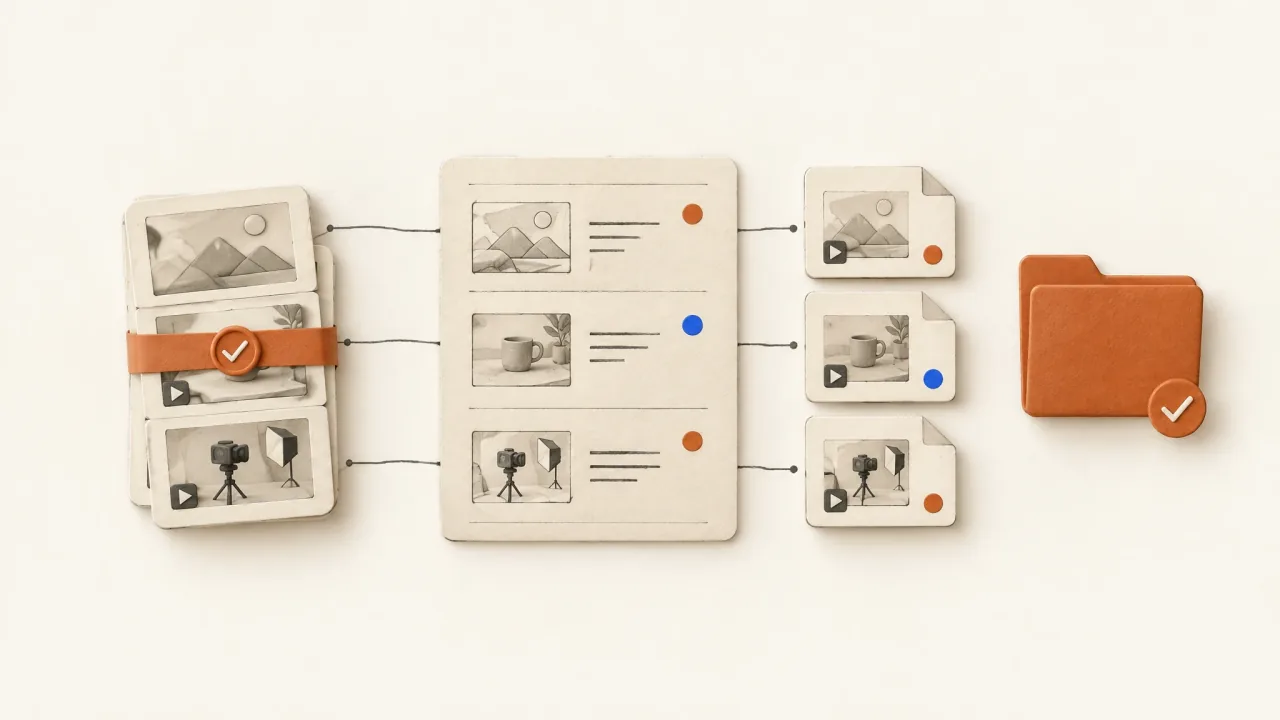
A Test-Ready Creative Asset Manifest
Hand off actual ad exports with the buying reasons to test, fixed elements, source versions, technical checks, and clear readiness decisions.
Open the guide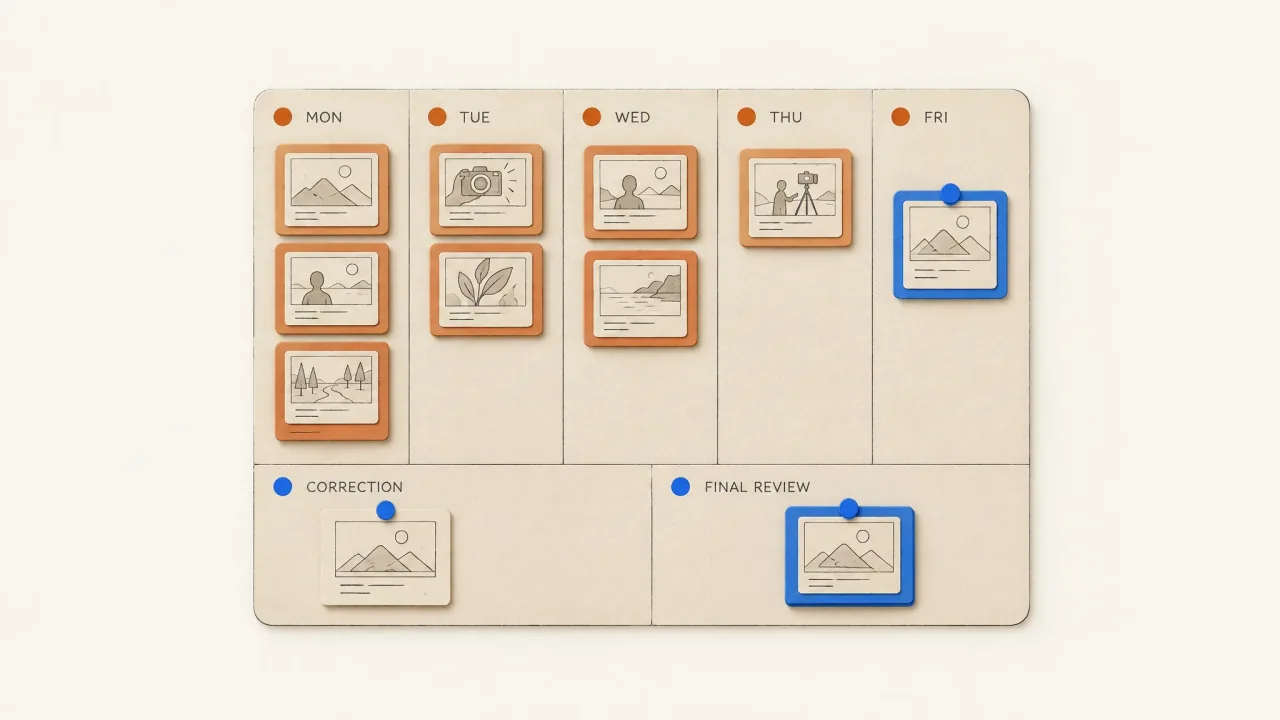
A Weekly Creative Production Plan That Fits Your Capacity
Build a weekly ad-production plan from comparable run records, available review time, clear priorities, and decisions about when to stop.
Open the guide
Ad File Naming and Versioning: Identify the Accepted Export
Use stable filenames and keep each export version intact. Record acceptance so your team can identify the exact ad file approved for delivery.
Open the guide
Advantage+ Placements: Reframe Video for Feed, Stories, and Reels
Decide when to crop, move overlays, or request a new shot for Feed, Stories, and Reels, using a placement worksheet and an illustrative tabletop demo.
Open the guide
An Ordinary-Product Creative Challenge with Useful Limits
Plan a no-presenter product challenge with clear limits, a complete desk-lamp brief, two proposed treatments, selection checks, and a reusable decision record.
Open the guide
Audience Fatigue or Creative Fatigue? Choose the Next Change
Use a decision tree to review ad exposure, repeated messages, and missing evidence before deciding whether to refresh your video creative.
Open the guide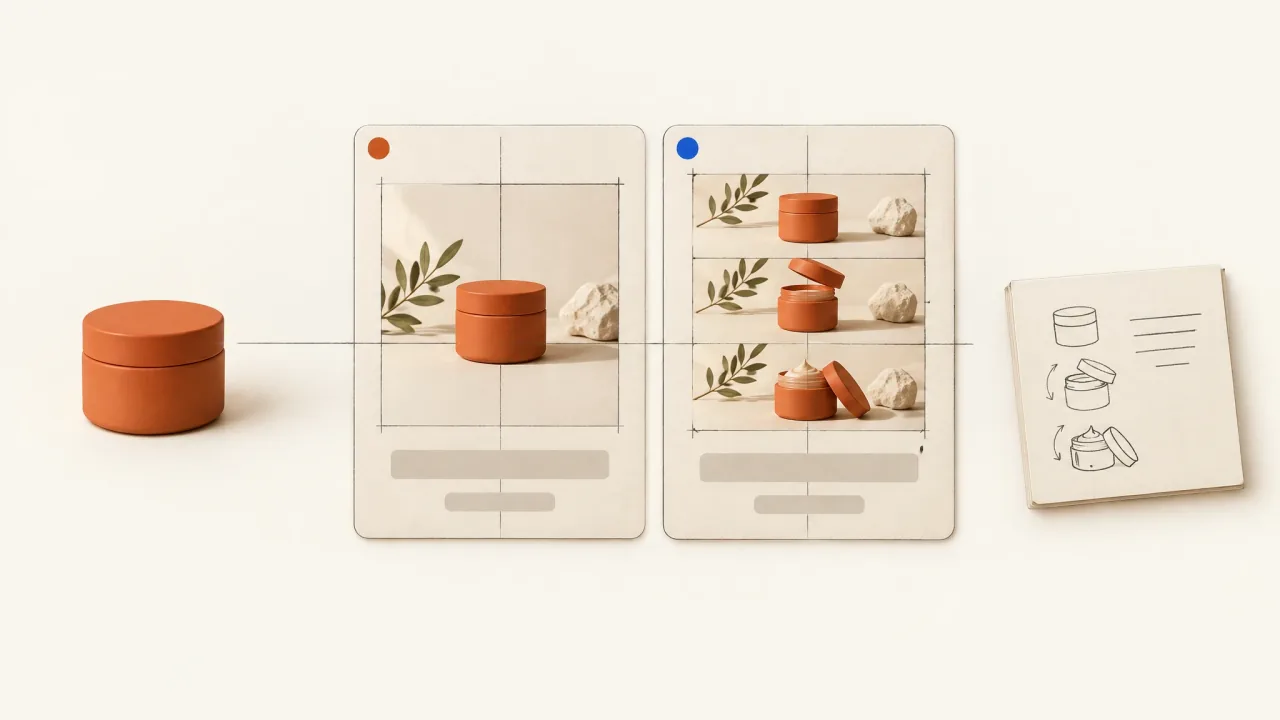
Beauty Video vs Image Ads: Build a Matched Pair
Brief a comparable beauty image-and-video pair with the same product facts, message, offer, and destination, and record the format differences.
Open the guide
Best Font for Meta Video Ads? Test the Actual Export
Test ad typography with an exact-text sample, weight and glyph checks, a documented font source, and phone previews of the compressed video export.
Open the guide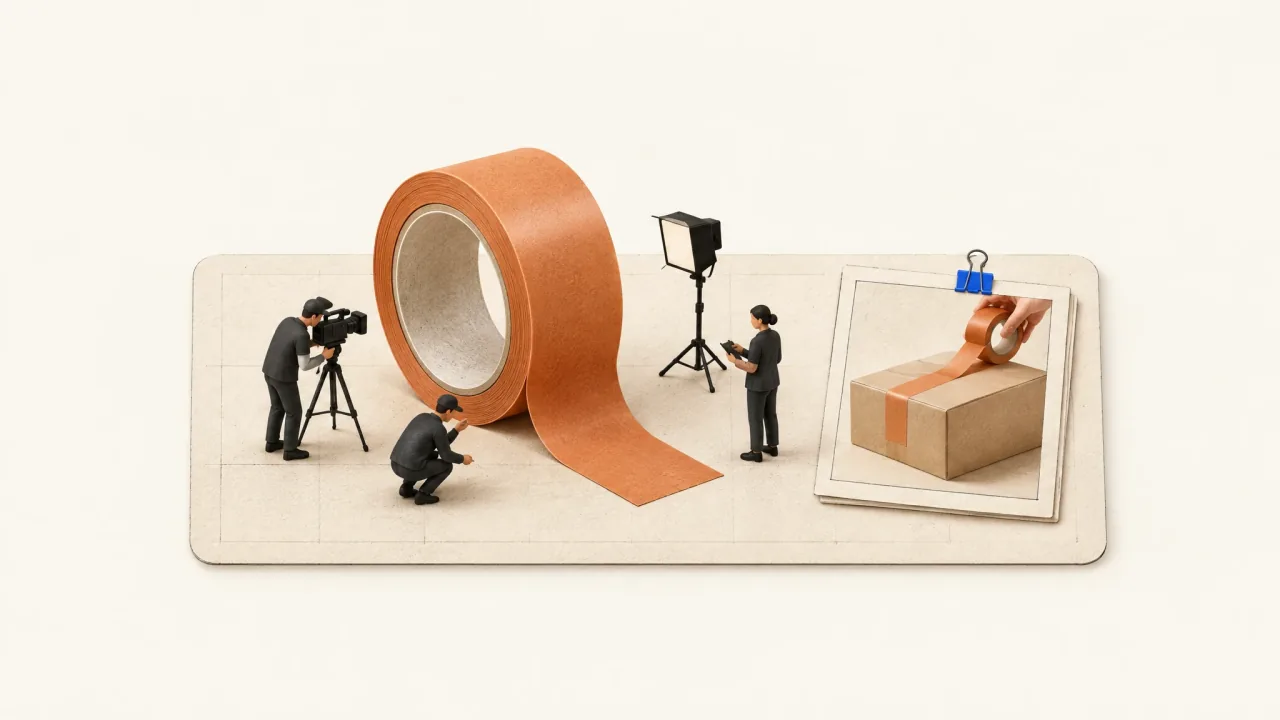
Brief an Impossible Shot with a Commercial Job
Brief a miniature, scale-reversal, or impossible-transition shot with a clear purpose, fixed identity details, a return to literal use, and review criteria.
Open the guide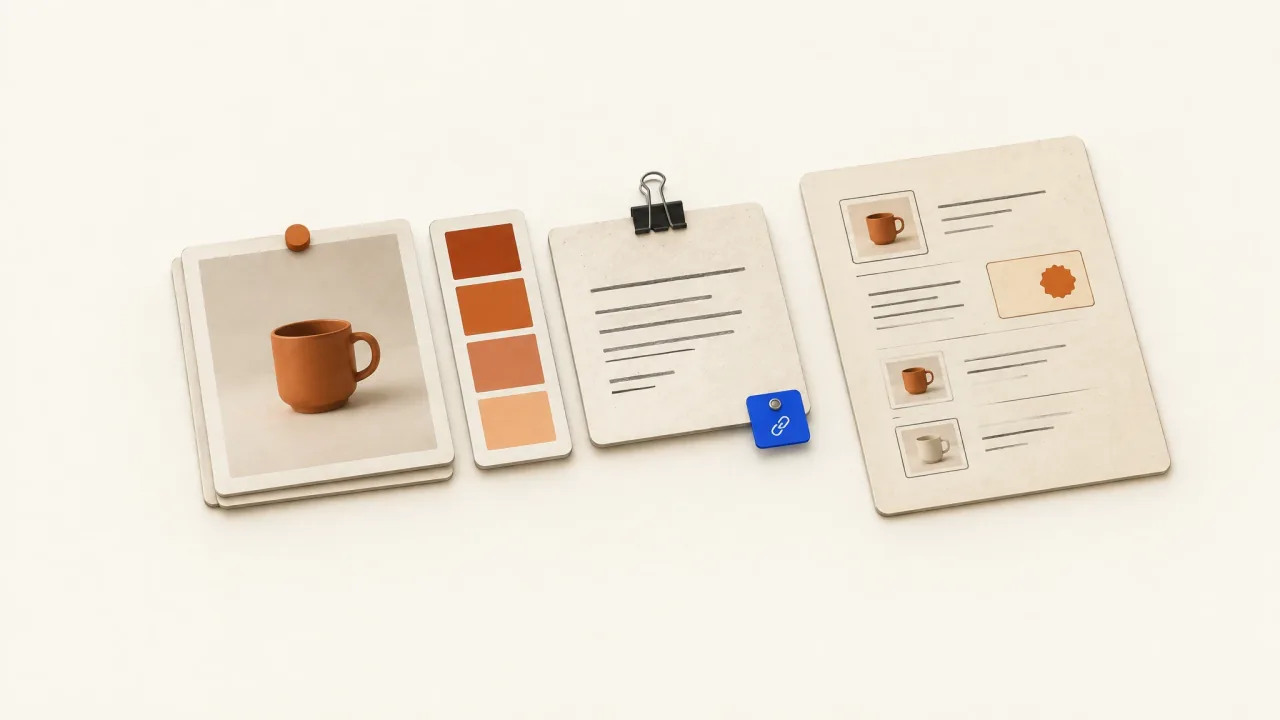
Build a Sourced Brand Packet for an AI Ad Agent
Organize reusable product facts, approved language, visuals, and source records, with a separate campaign annex for changing offers.
Open the guide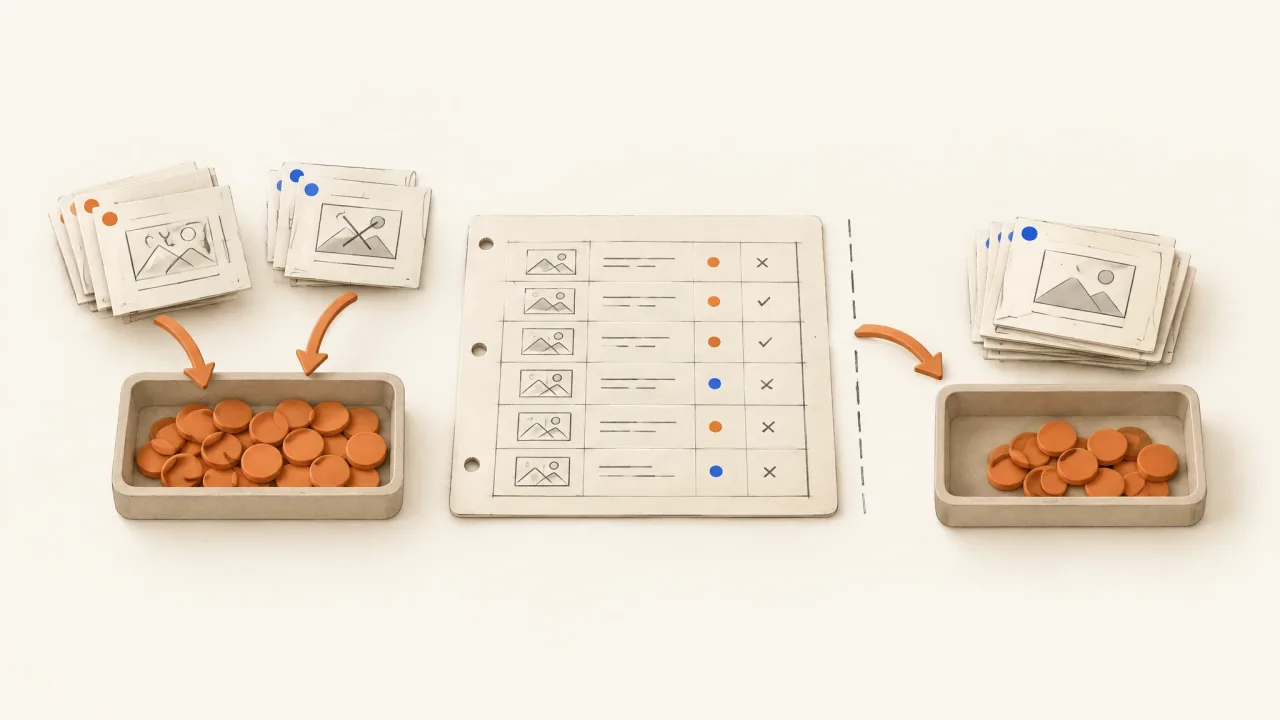
Calculate Production Cost per Accepted Ad
Build a full run ledger, keep rejected attempts, separate credits from money, and calculate cost per accepted finished ad rather than per generation.
Open the guide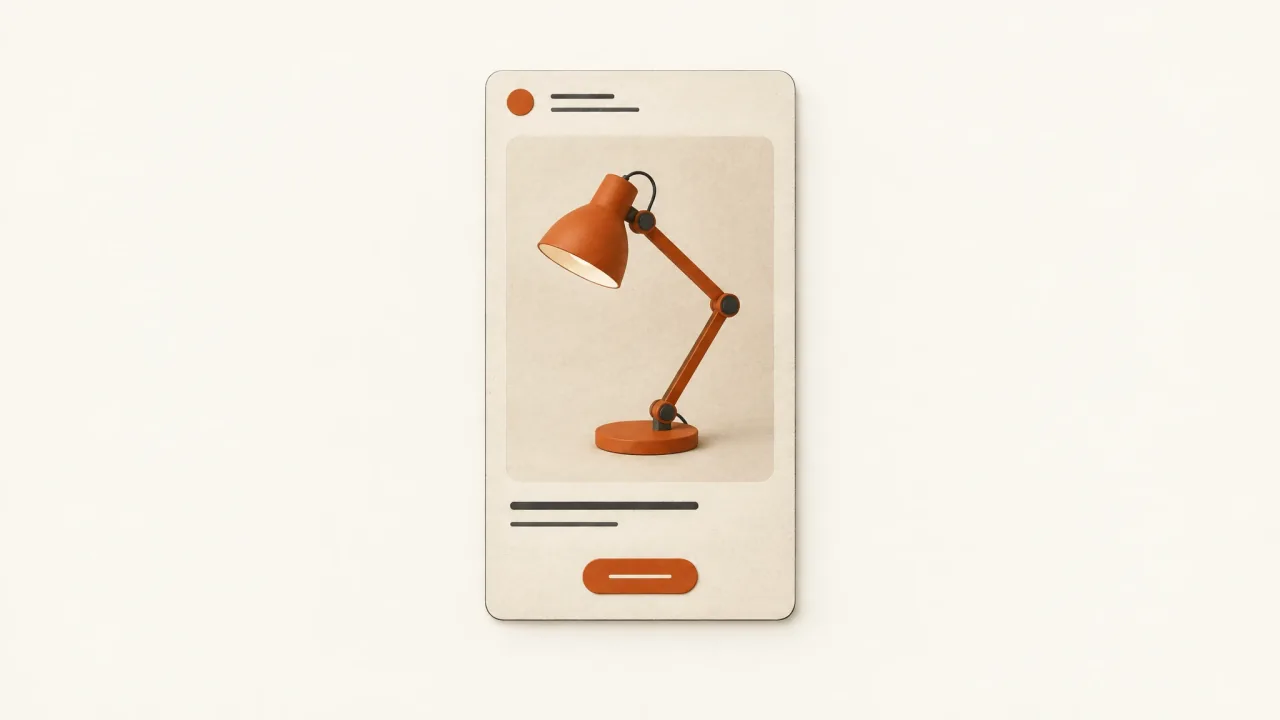
Caption Hierarchy for Mobile Video Ads: A Frame Audit
Give spoken captions, product identity, and action text separate jobs, then audit their timing, contrast, conflicts, and placement in the final mobile ad.
Open the guide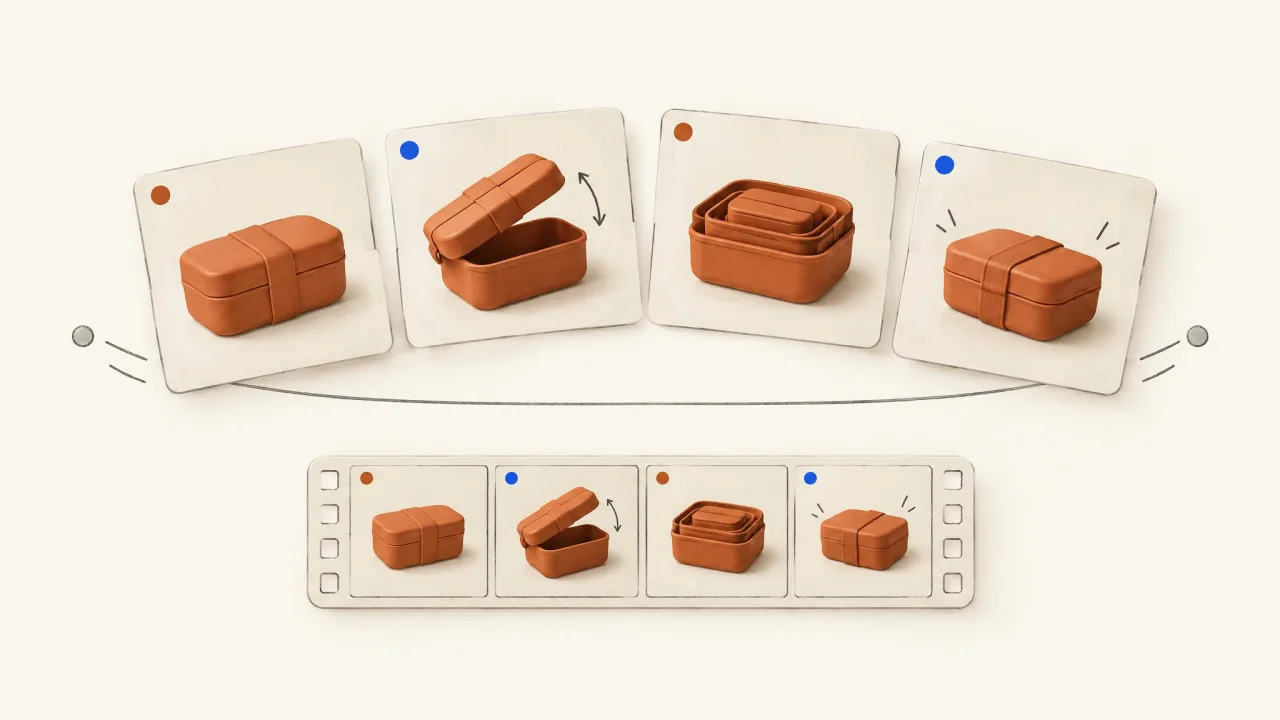
Carousel Ad Storyboards: Plan Each Card and the Video Cut
Build a four-card explanation that makes sense independently and in sequence, then map its exact copy and product views into a timed video storyboard.
Open the guide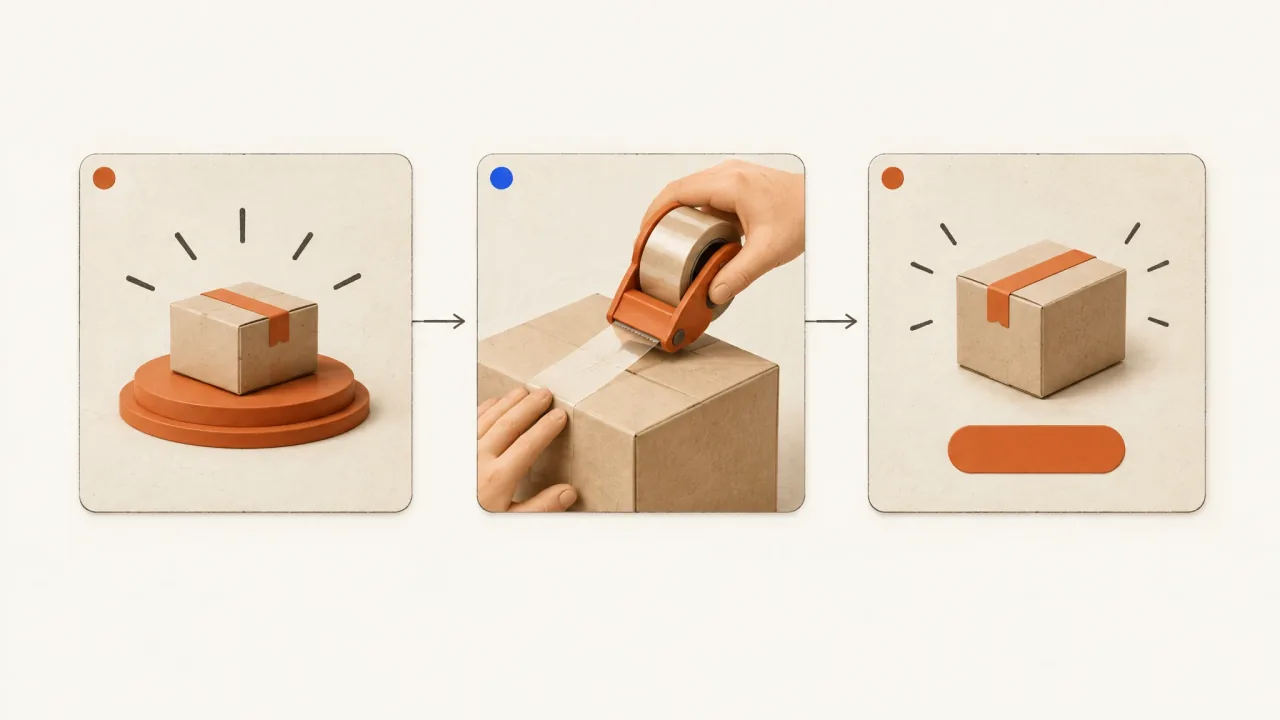
Cinematic Product Ad Structure: Spectacle, Demo, Invitation
Plan a cinematic product ad that connects an impossible scene to an ordinary product action, with a worked packing-tape storyboard and a brief to copy.
Open the guide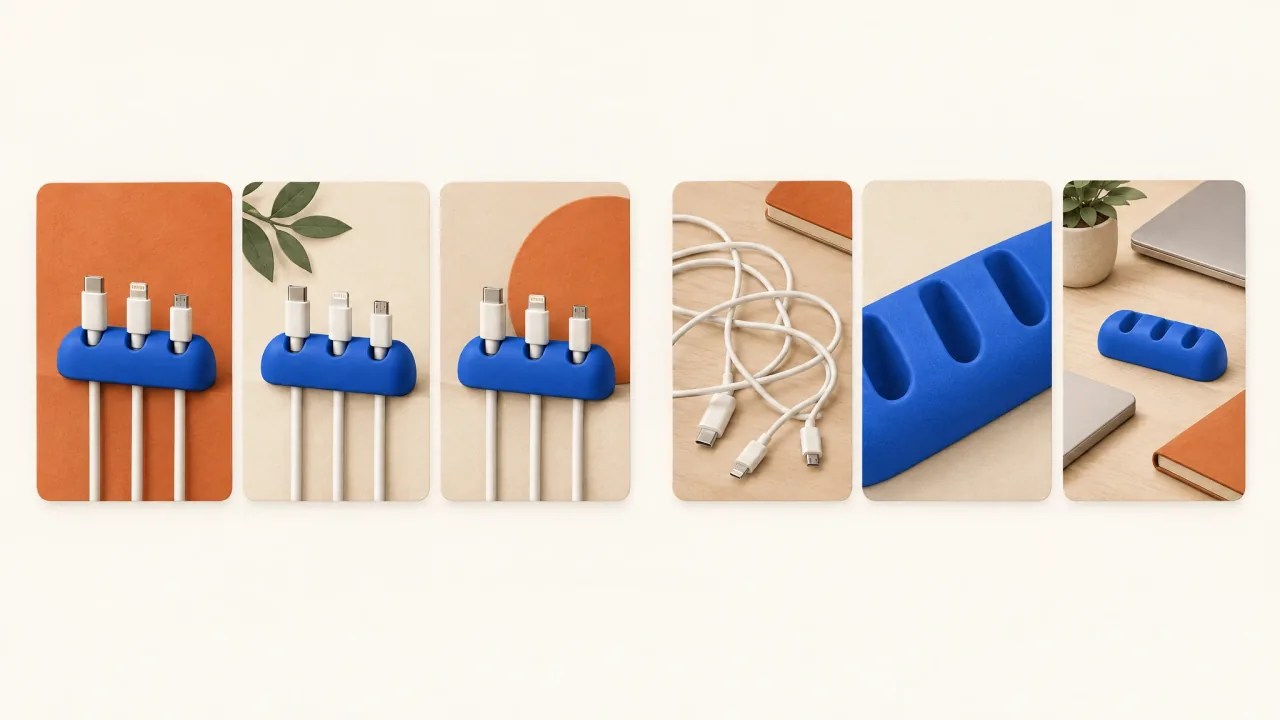
Concepts vs Cosmetic Variants: Audit Your Ad Set
Audit a creative set by buying reason, explanation, and visual treatment, with eight fictional directions and a reusable concept-versus-treatment card.
Open the guide
Creative Approval Handoff: Help Reviewers Decide
Give a reviewer the exact ad candidate, acceptance criteria tied to the brief, recorded checks, and a focused change request they can act on.
Open the guide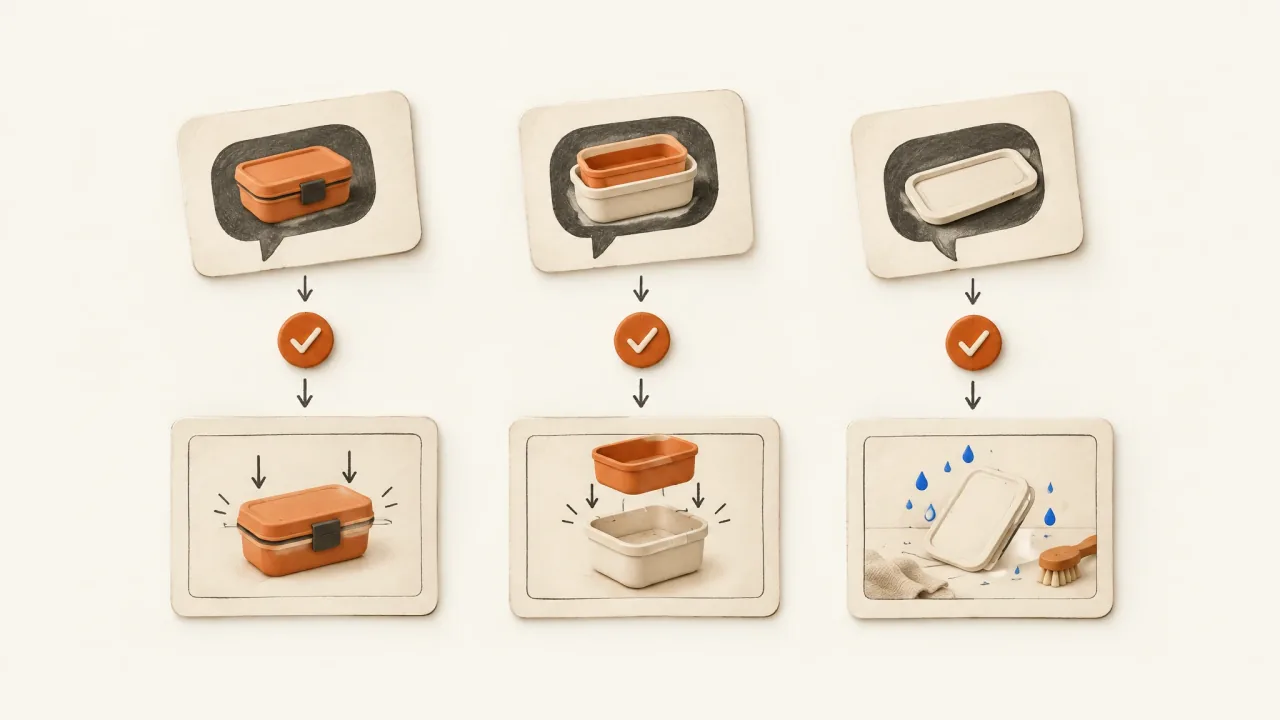
Creative Diversification from FAQs: An Answer-Video Pack
Map real product questions to approved answers and evidence, then brief standalone videos with a three-question example and a planning card to copy.
Open the guide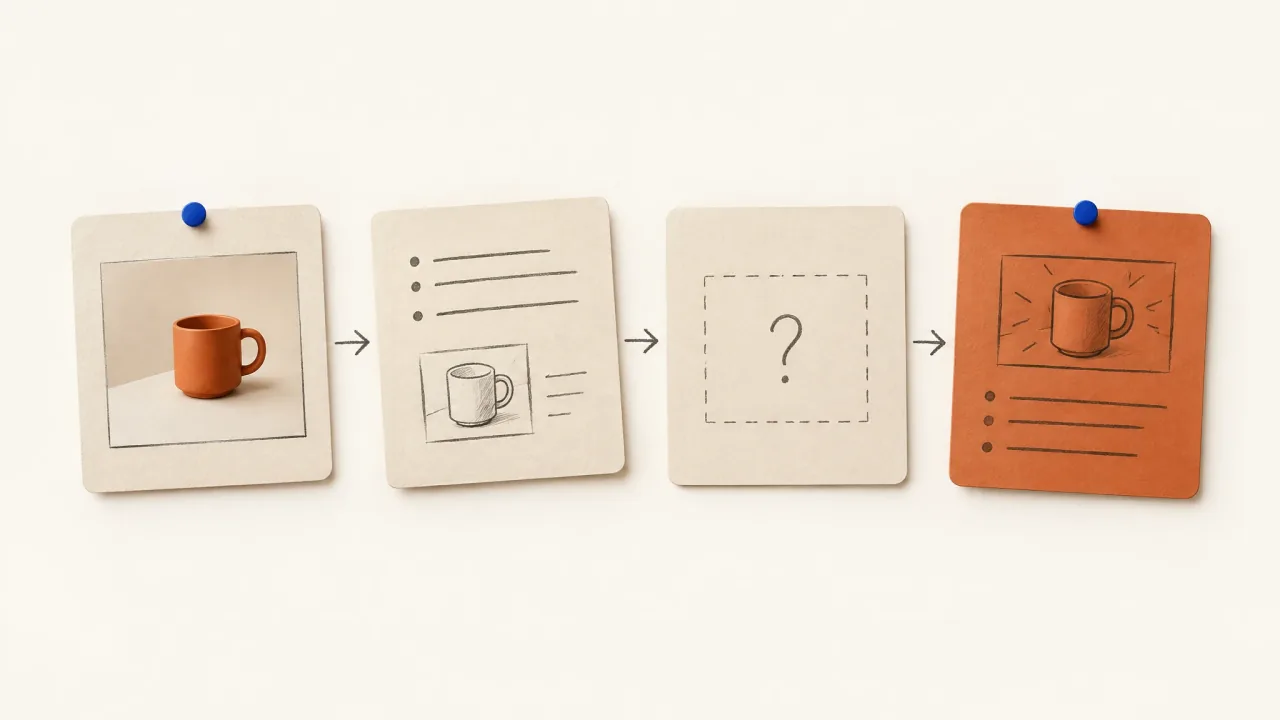
Creative Testing Framework: Turn a Result into a Brief
Turn a supplied test observation into a clarification request or one focused creative brief, with an uncertainty card and a worked ambiguous-result example.
Open the guide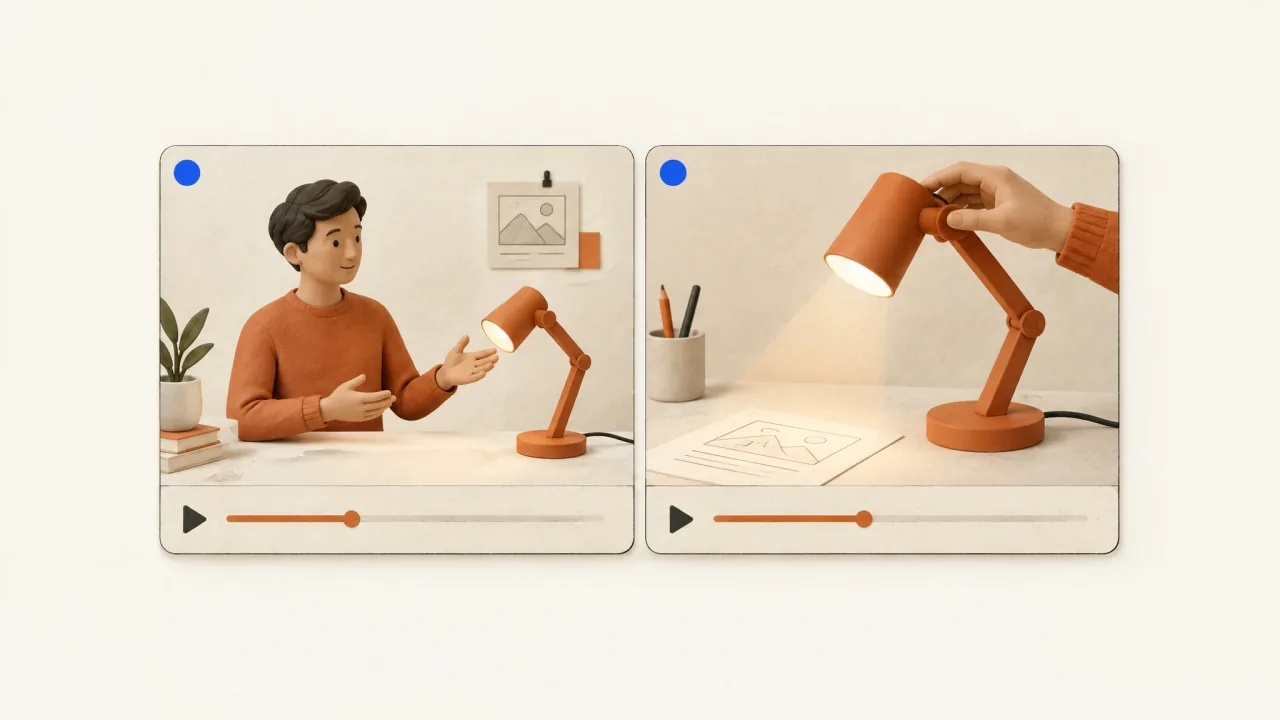
Creator-Style vs Studio-Style Product Ads: Choose the Job
Choose presenter-led, studio-led, or mixed product ads with a brief that separates what needs explaining, how it looks, and the evidence you actually have.
Open the guide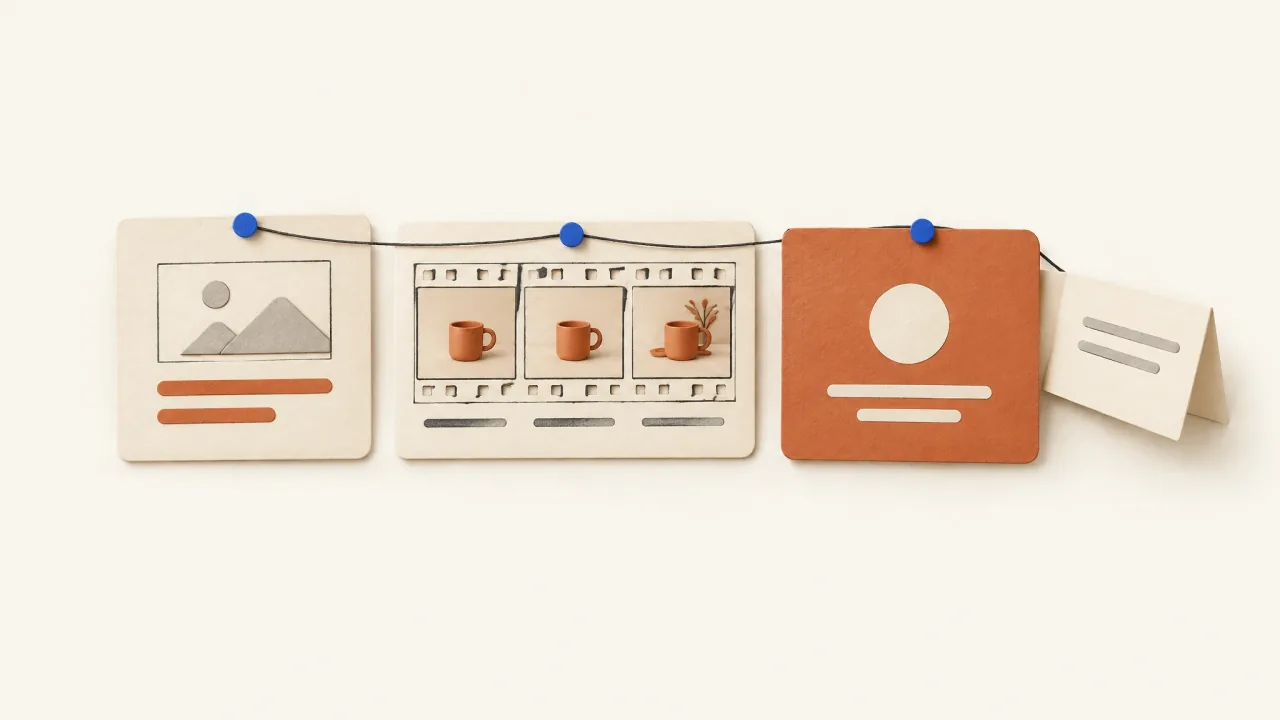
Facebook Ad Copy Length: Align Text and Video
Align one approved message across Facebook primary text, a short video script, and an end card, using short and expanded examples and a reusable sheet.
Open the guide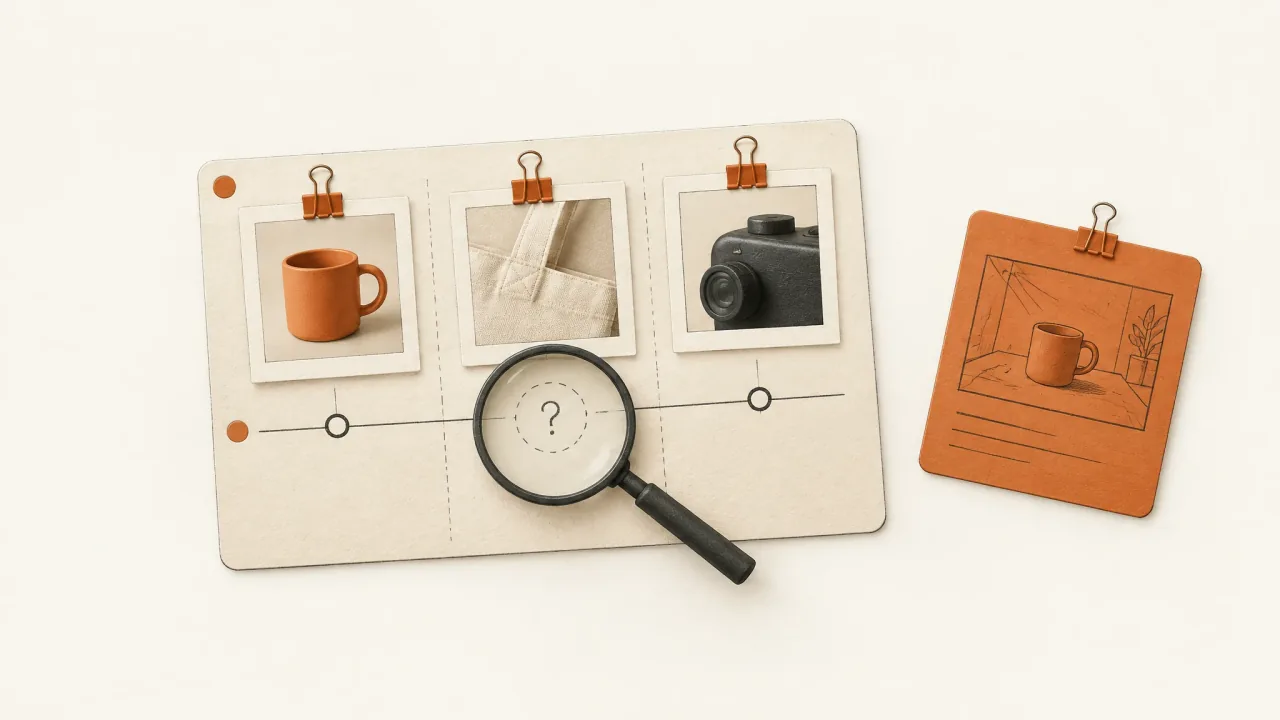
Facebook Competitor Analysis: Find a Product-Question Gap
Log the questions answered by a small public ad sample, separate visible content from unknown results, and brief one original answer video.
Open the guide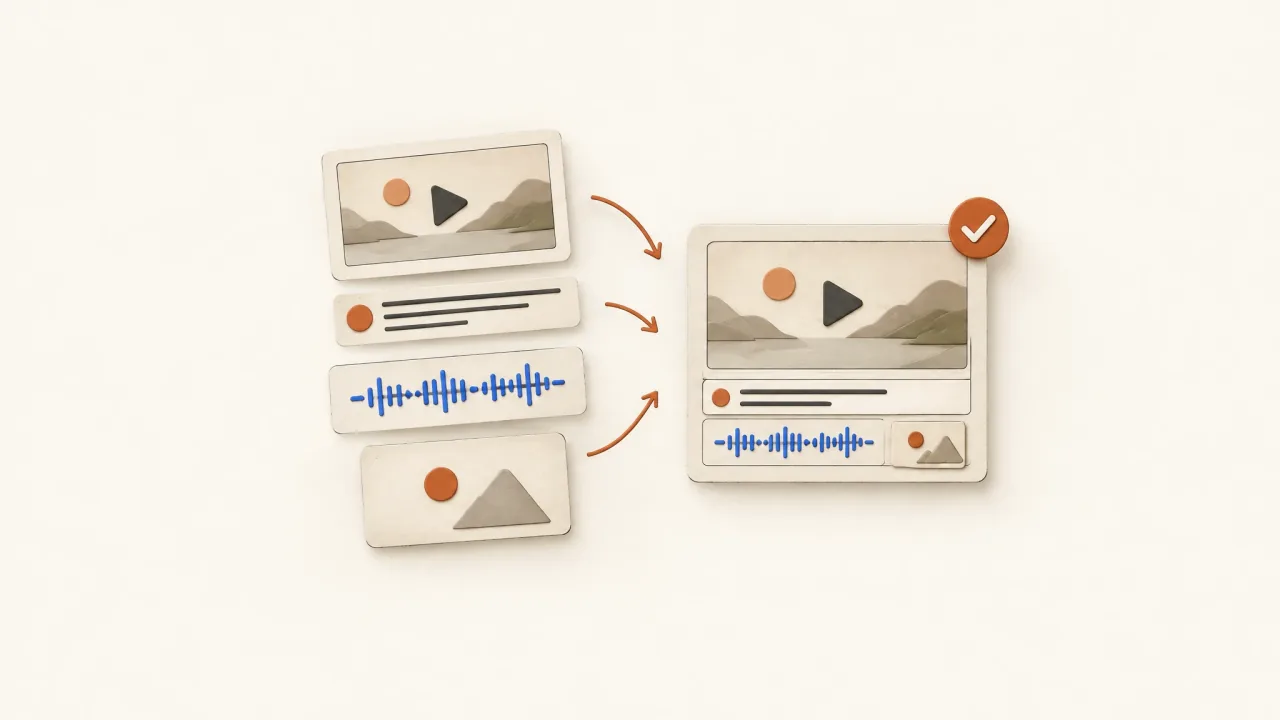
Finished Ad vs Generated Clip: Specify the Delivery Gap
Specify a finished product ad with a reusable delivery brief and a gap checklist for sequence, audio, captions, offer, exports, and acceptance.
Open the guide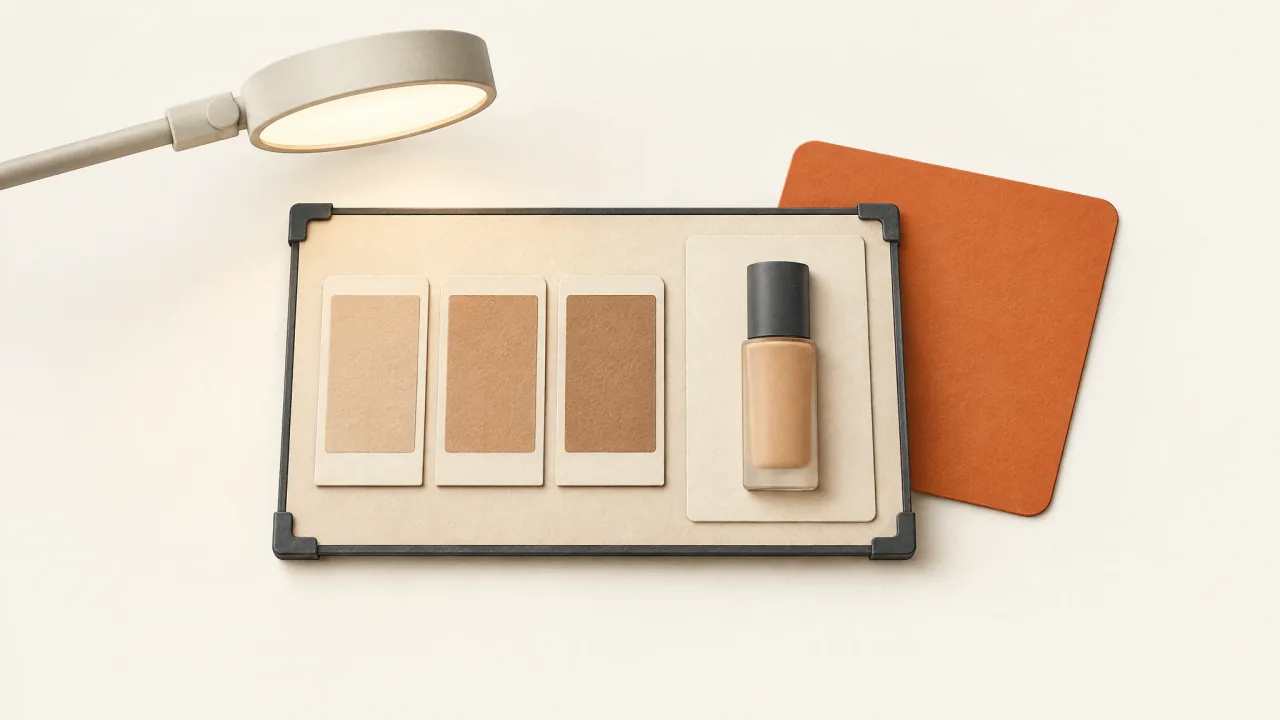
Foundation Ads: Separate Shade Evidence from AI Styling
Plan a foundation ad that preserves genuine swatches, shade labels, and coverage footage while using generated styling around the evidence.
Open the guide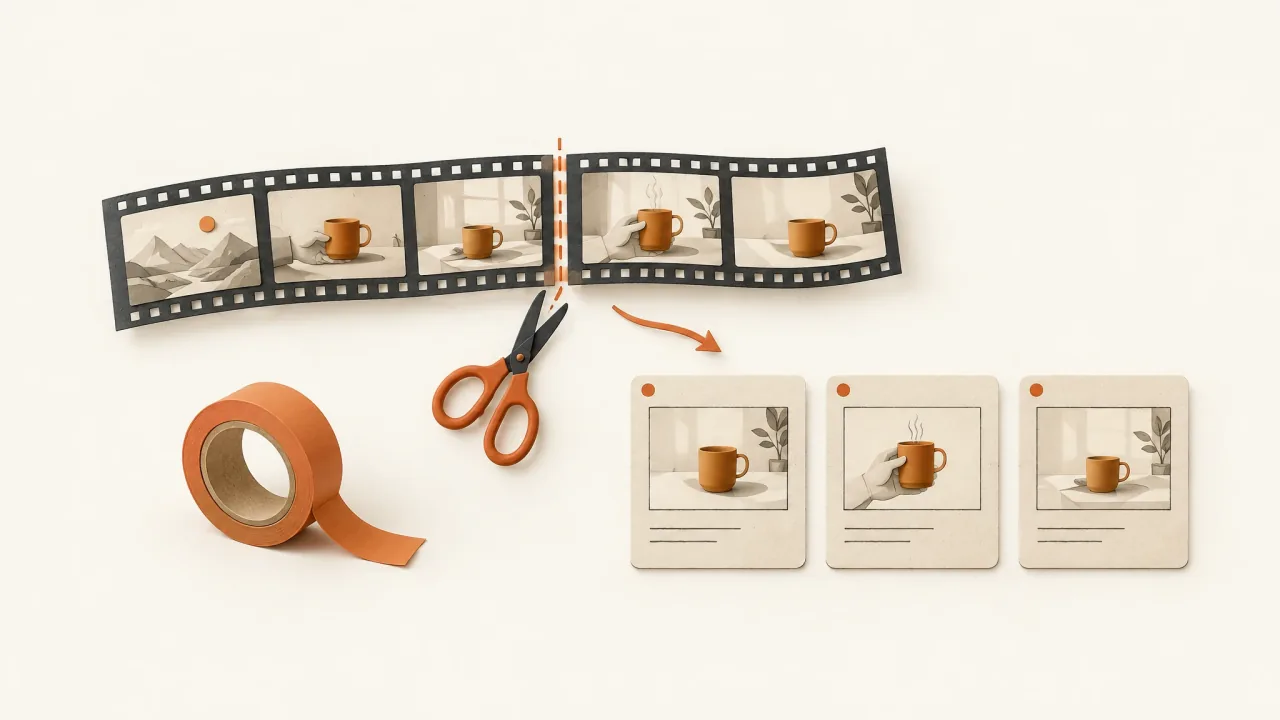
From Cinematic Film to Short Product Ad: An Adaptation Map
Build a keep, change, or remove map to adapt a film premise into a short product ad. Plan vertical framing and decide which source footage you can use.
Open the guide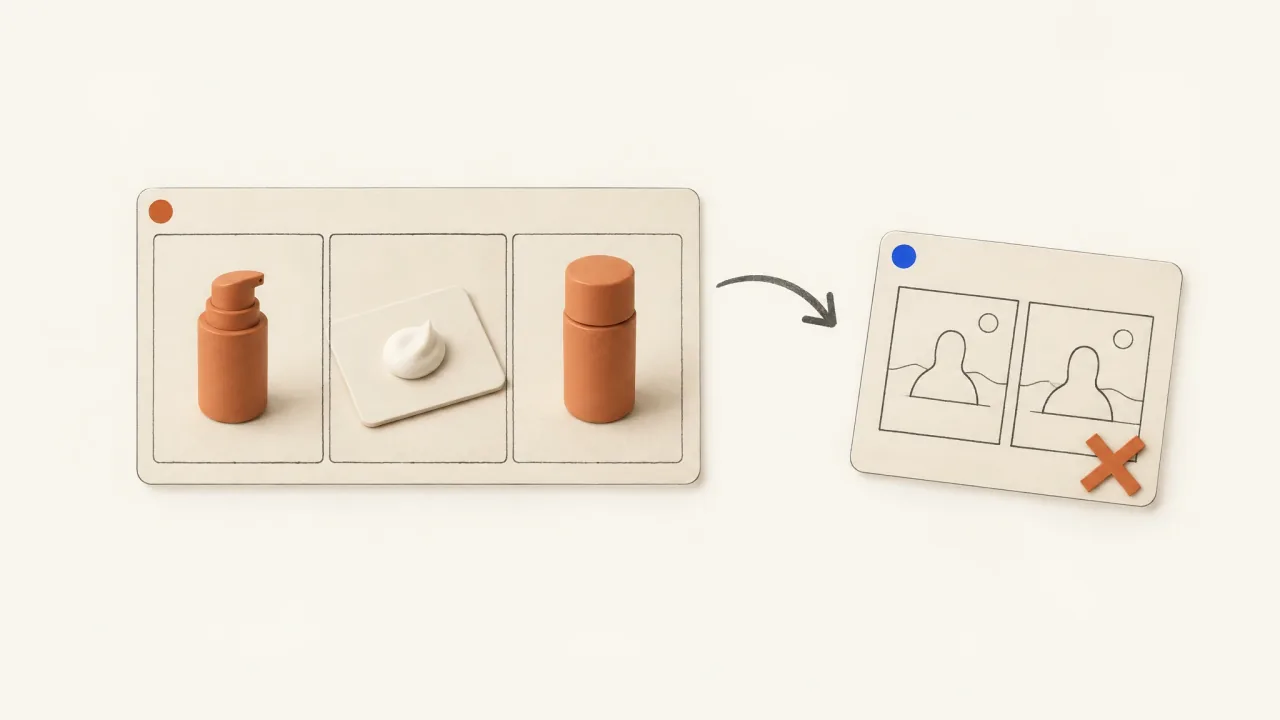
Meta Before-and-After Ads: Brief a Product Demo Instead
Replace a proposed transformation with a supported product-action storyboard, a claim-to-evidence card, and a copyable video brief.
Open the guide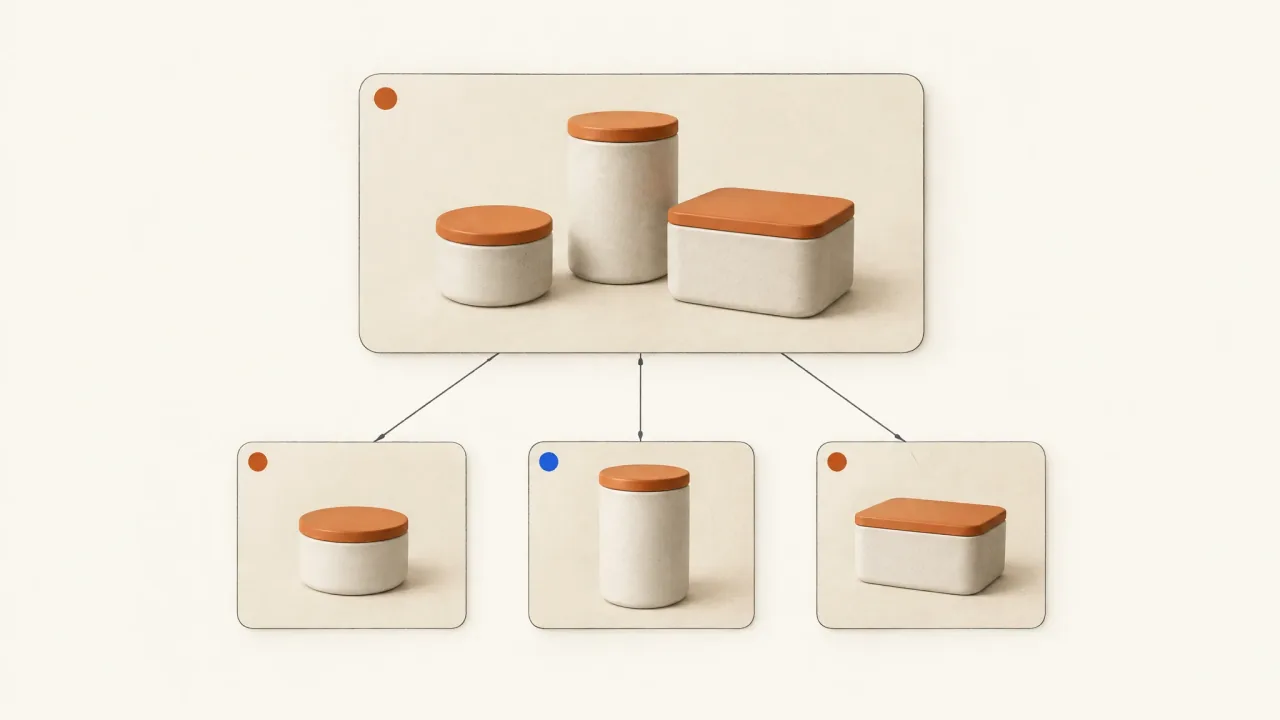
Meta Collection Ads: Plan the Hero Video and Product Cards
Plan a collection ad cover by matching its hero video to the product cards, with two ceramic-range storyboards and a practical production brief.
Open the guide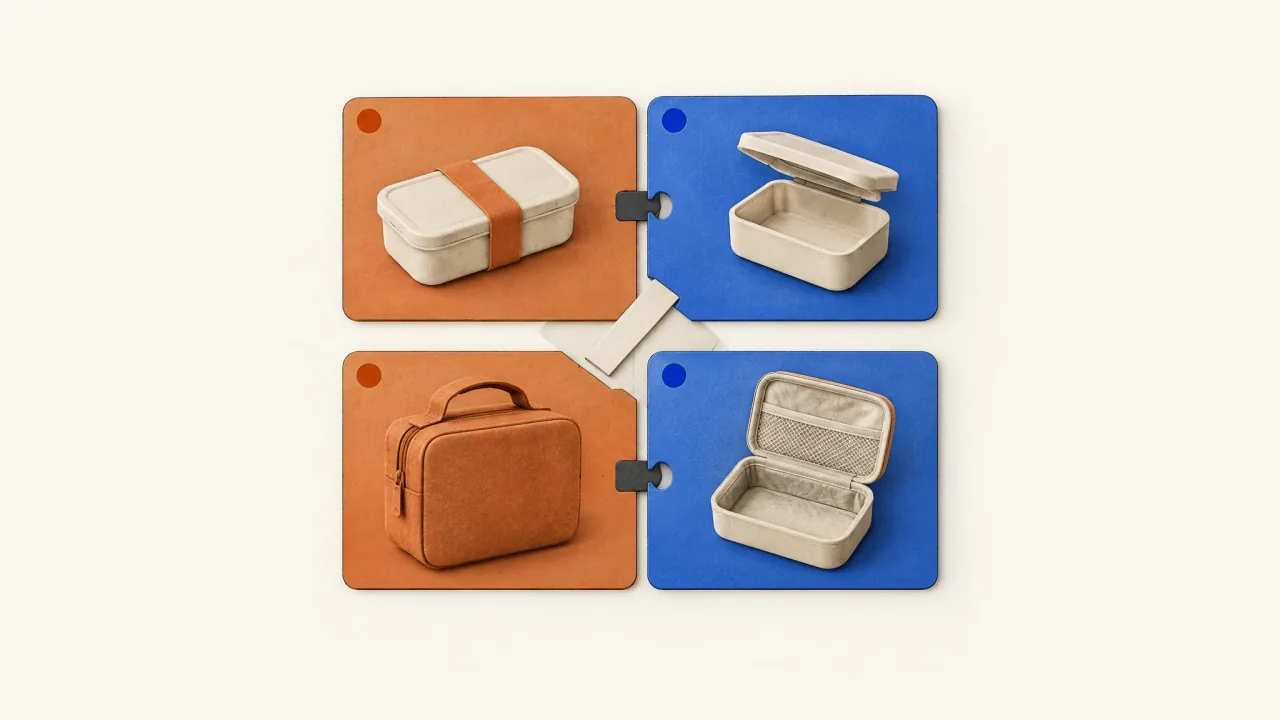
Meta DCO: Build Creative Assets That Work Together
Check how independently mixed headlines, copy, visuals, and offers fit together with an allowed-pairing map, then brief any missing creative assets.
Open the guide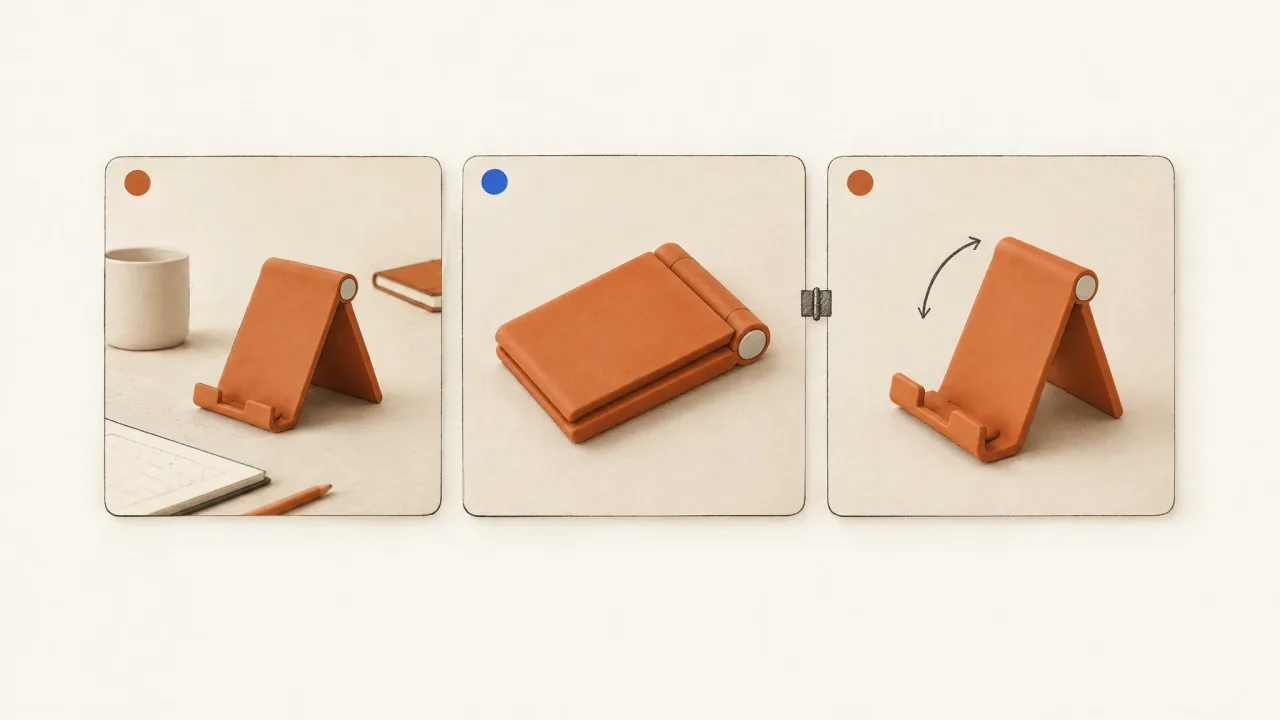
Meta Video Thumbnails: Match the Opening Promise
Compare posters with the video's first beat for product recognition and an honest match to its message, then brief a poster-and-video revision.
Open the guide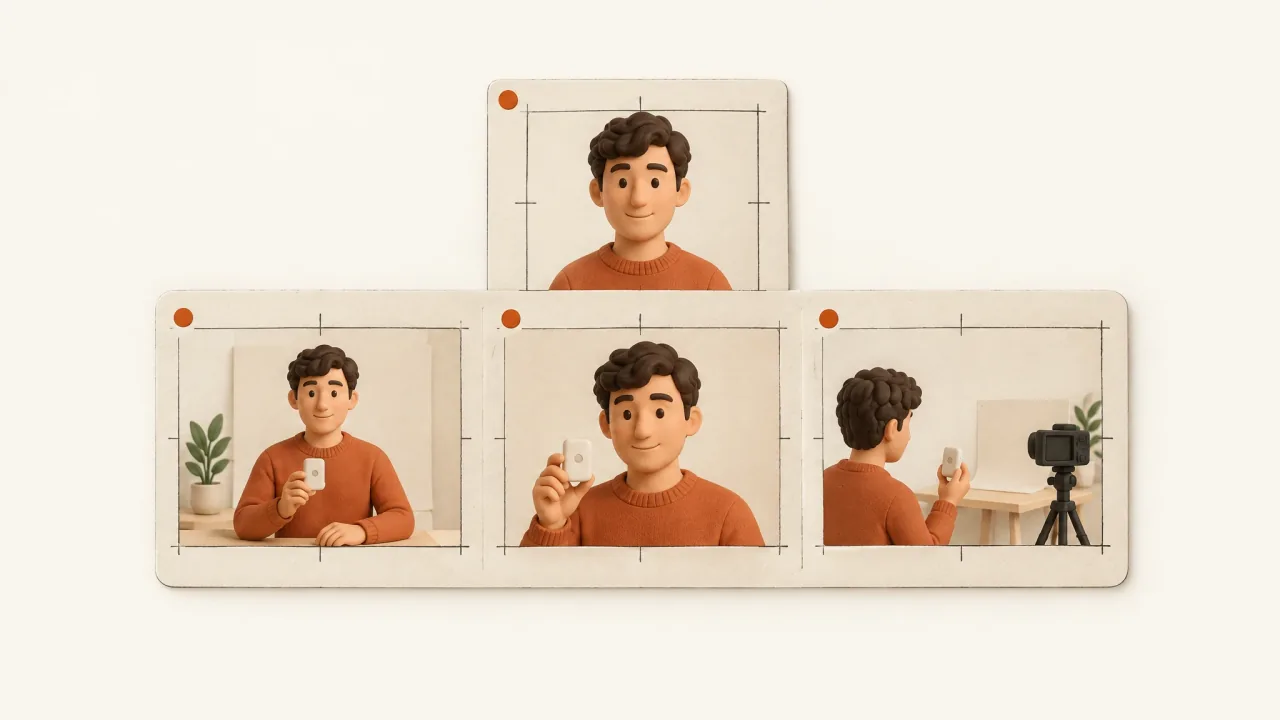
Multi-Scene AI Presenter Continuity: Plan and Inspect
Plan identity, voice, wardrobe, product state, and joins in a presenter continuity sheet. Check the assembled ad; the plan doesn't guarantee perfect fidelity.
Open the guide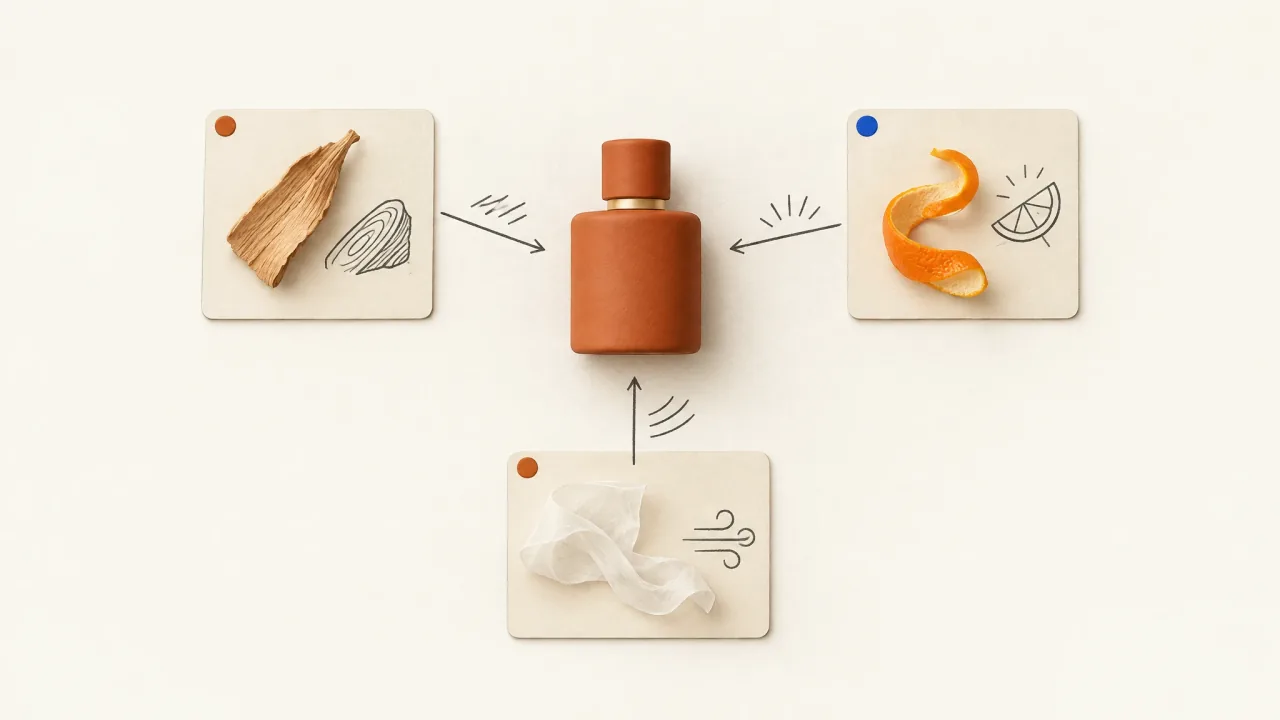
Perfume Ad Ideas: Turn Scent Notes into Visual Direction
Use approved perfume notes to guide a consistent palette, camera movement, and sound, keeping sensory metaphor separate from formulation claims.
Open the guide
Prepare Hook Variants for One Preserved Video Body
Plan interchangeable ad openings at a fixed entry into the video body, with an illustrative cable-keeper example, a modular-hook template, and join checks.
Open the guide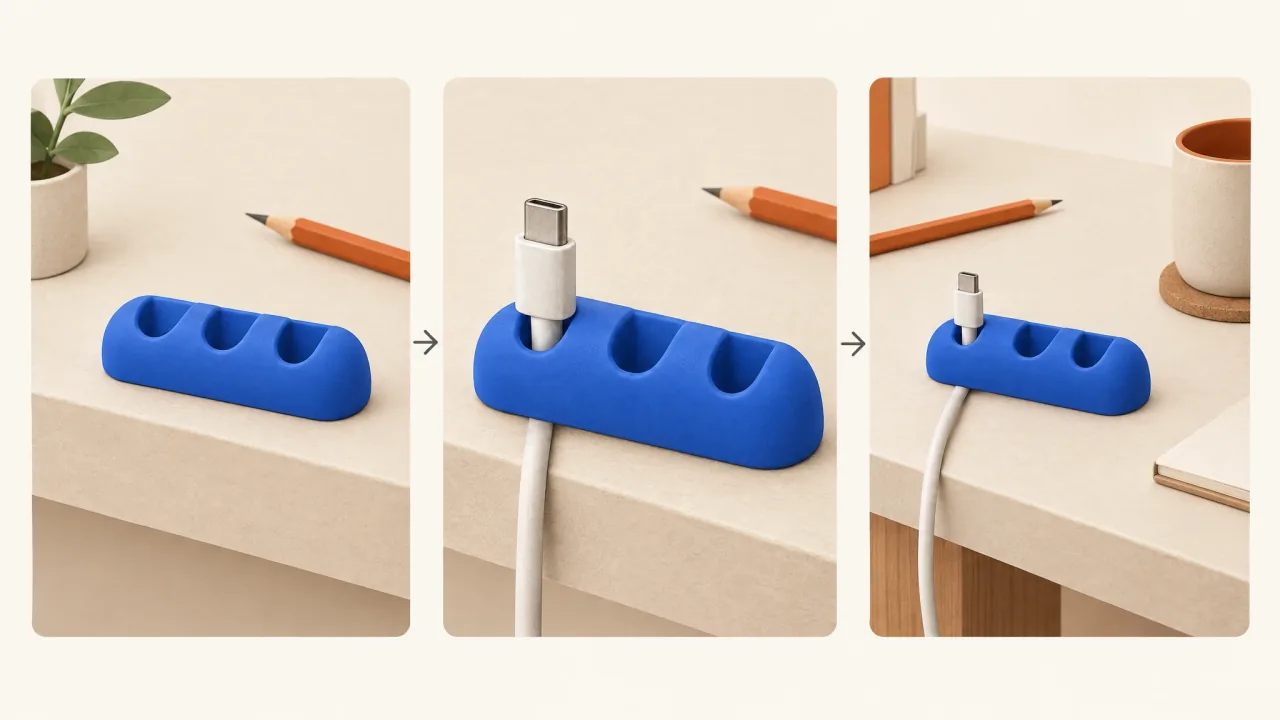
Product Demonstration Shot List: A Minimal Worksheet
Write a minimal product-demo shot list with one clear job per view, required sources, visible action, continuity rules, and a truthful invitation.
Open the guide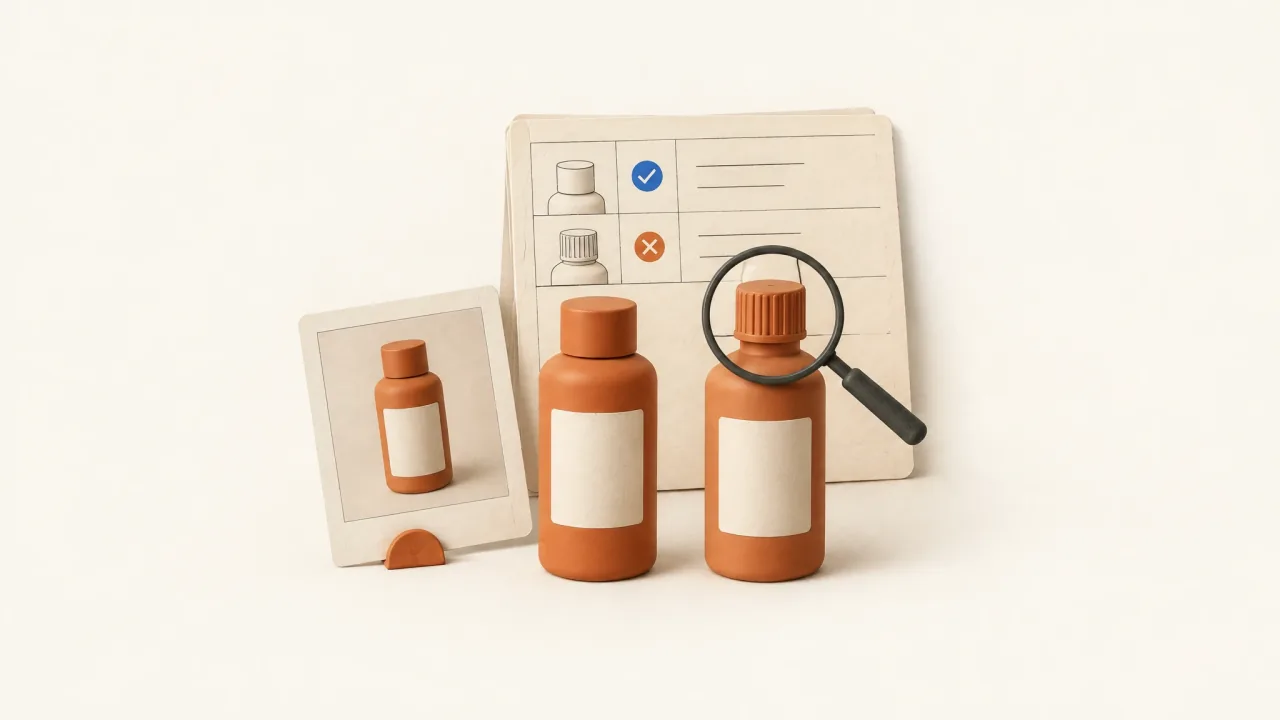
Product Fidelity in AI Video Ads: A Defect Ledger
Inspect an AI ad against your actual product references, classify identity defects, and write a correction request with evidence and acceptance criteria.
Open the guide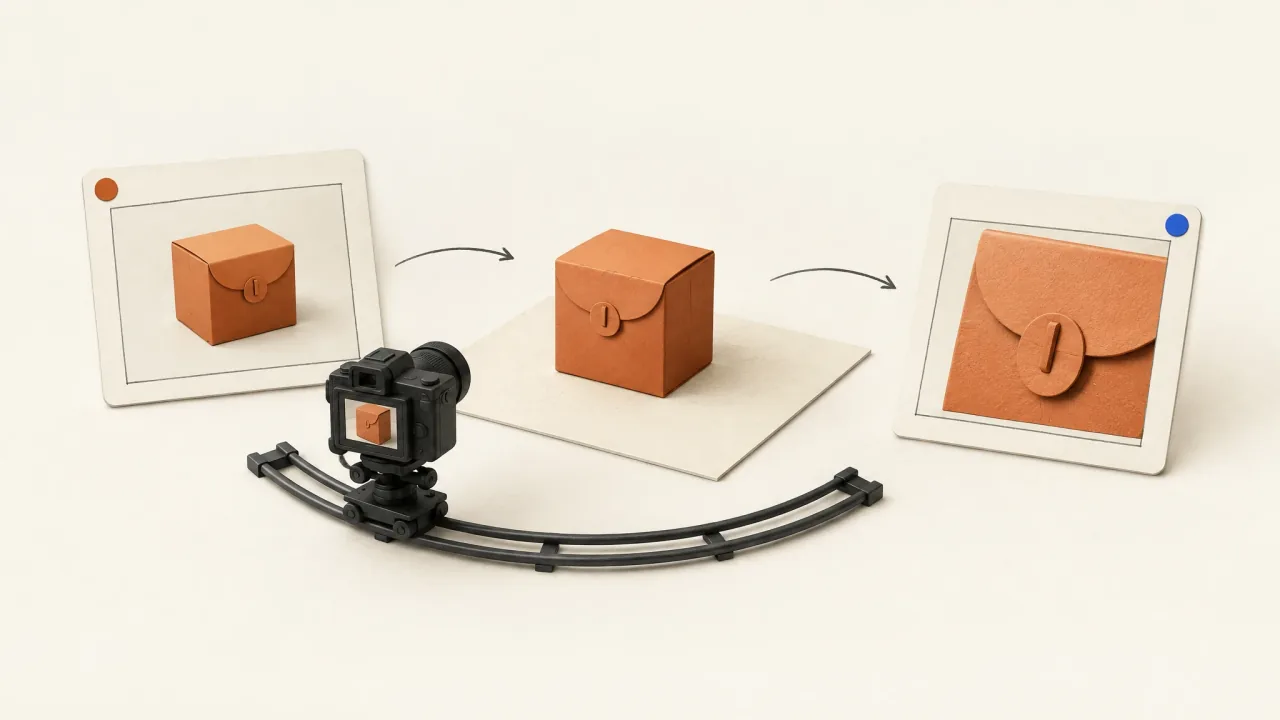
Product Photography Angles for Video: Direct the Reveal
Choose front, three-quarter, overhead, and detail views by what they reveal, then write a camera-path card with clear endpoints and reference limits.
Open the guide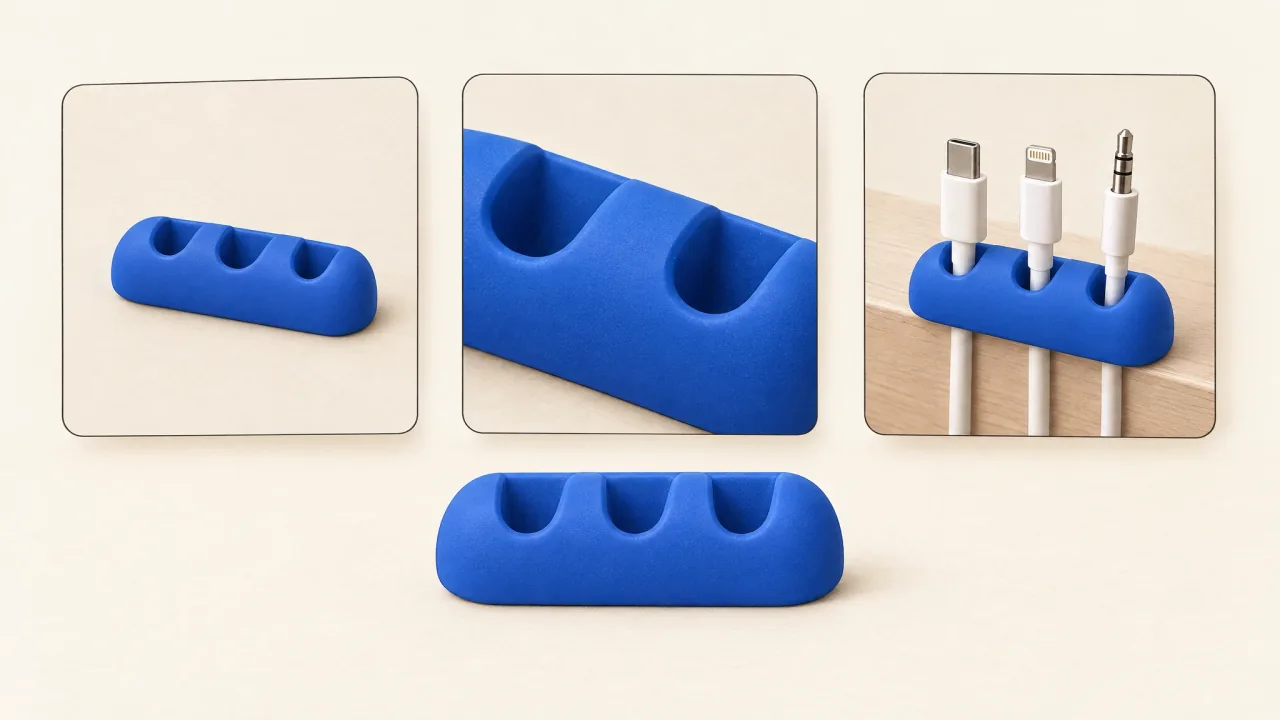
Product Reference Images for AI Video Ads: A Practical Pack
Build an identity-first reference pack with hero, detail, and use-context views, then review product geometry, labels, scale, and action in an AI ad.
Open the guide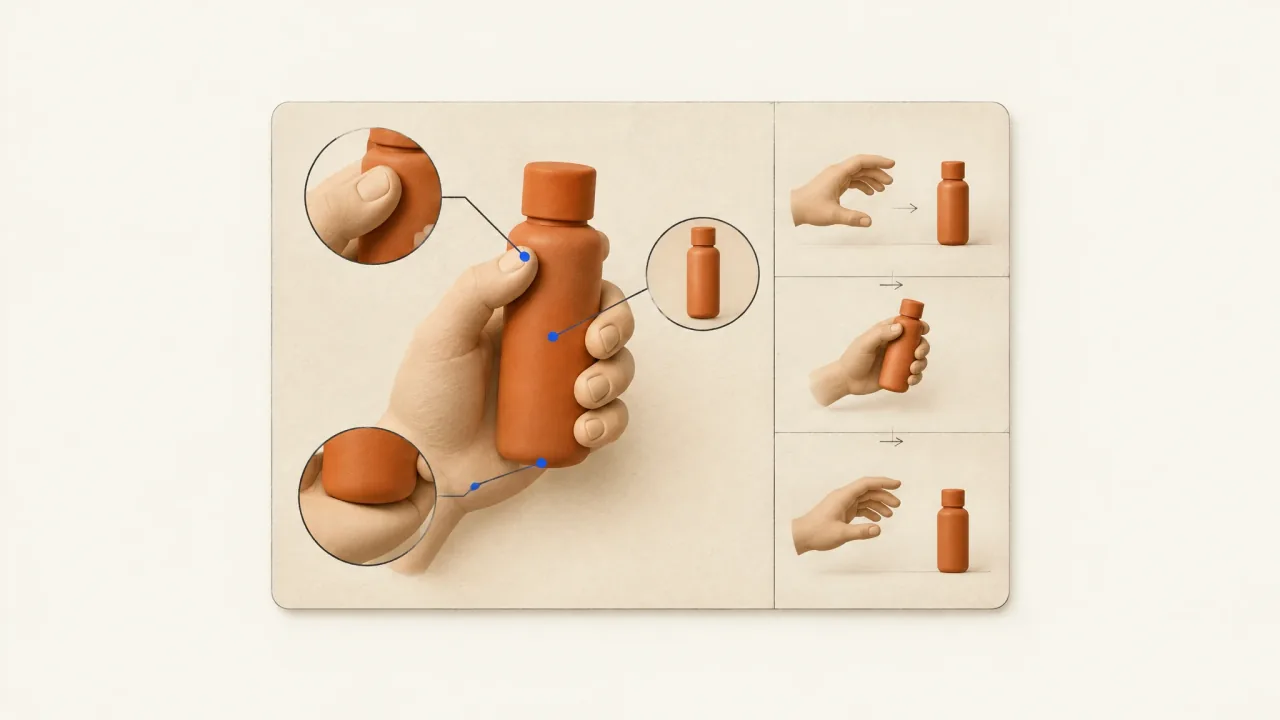
Product-in-Hand AI Video: A Handling Checklist
Inspect generated handling footage for believable contact, stable scale, grip, motion, product identity, and the actual action your ad needs to demonstrate.
Open the guide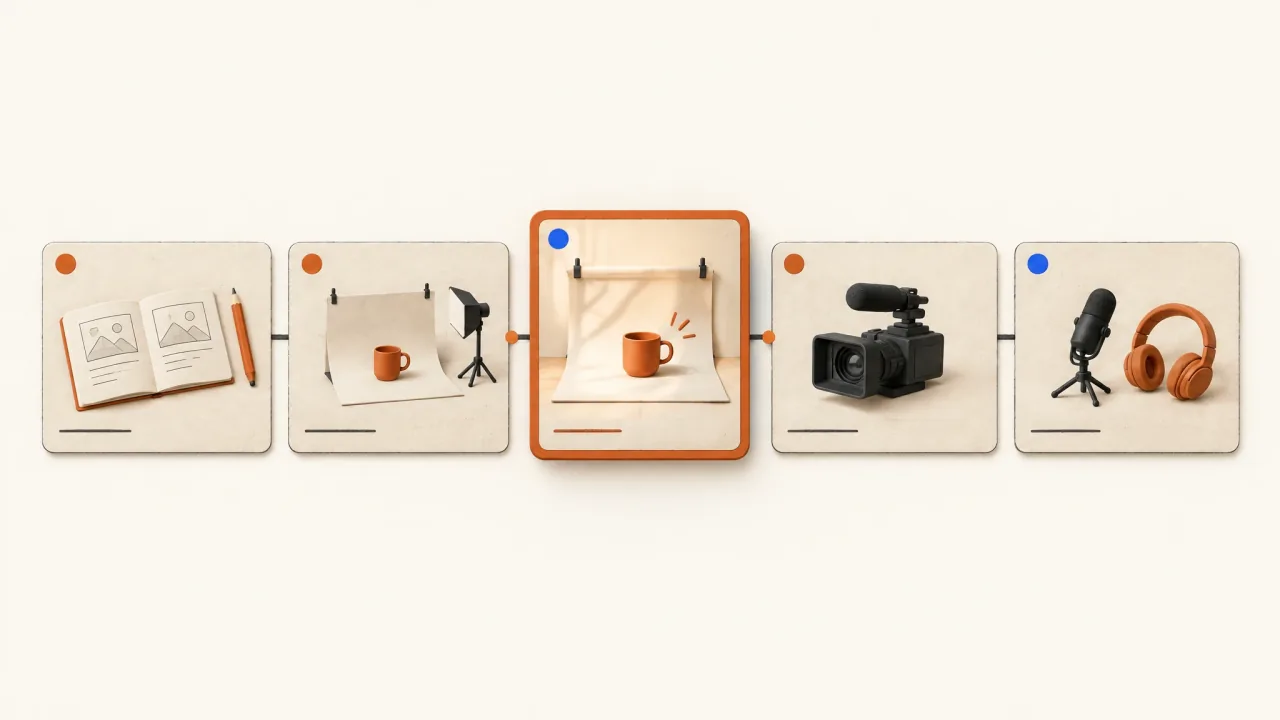
Revise One Ad Scene: A Focused Revision Brief
Specify one scene change, identify the exact source candidate, preserve useful material, and check timing, captions, continuity, and delivery afterward.
Open the guide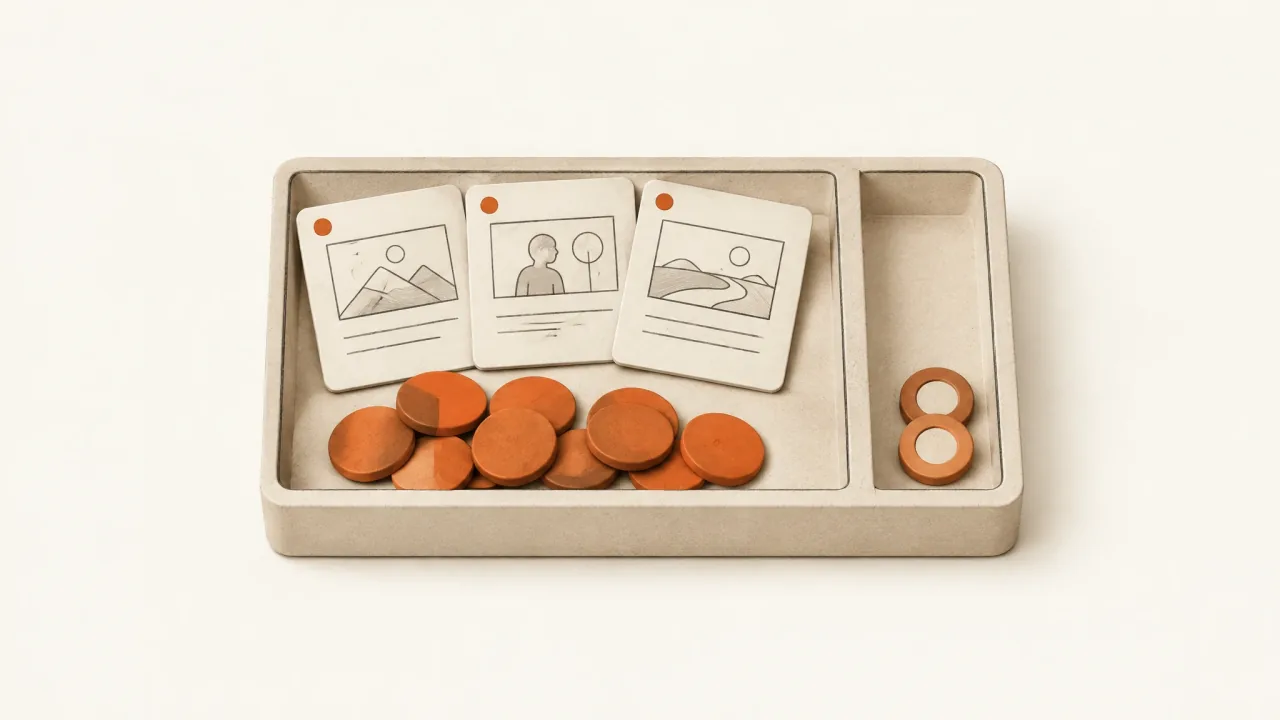
Scope a Creative Variation Set Before Spending
Use a production decision sheet to set limits on concepts, opening edits, room for corrections, reasoning usage, review work, and accepted delivery.
Open the guide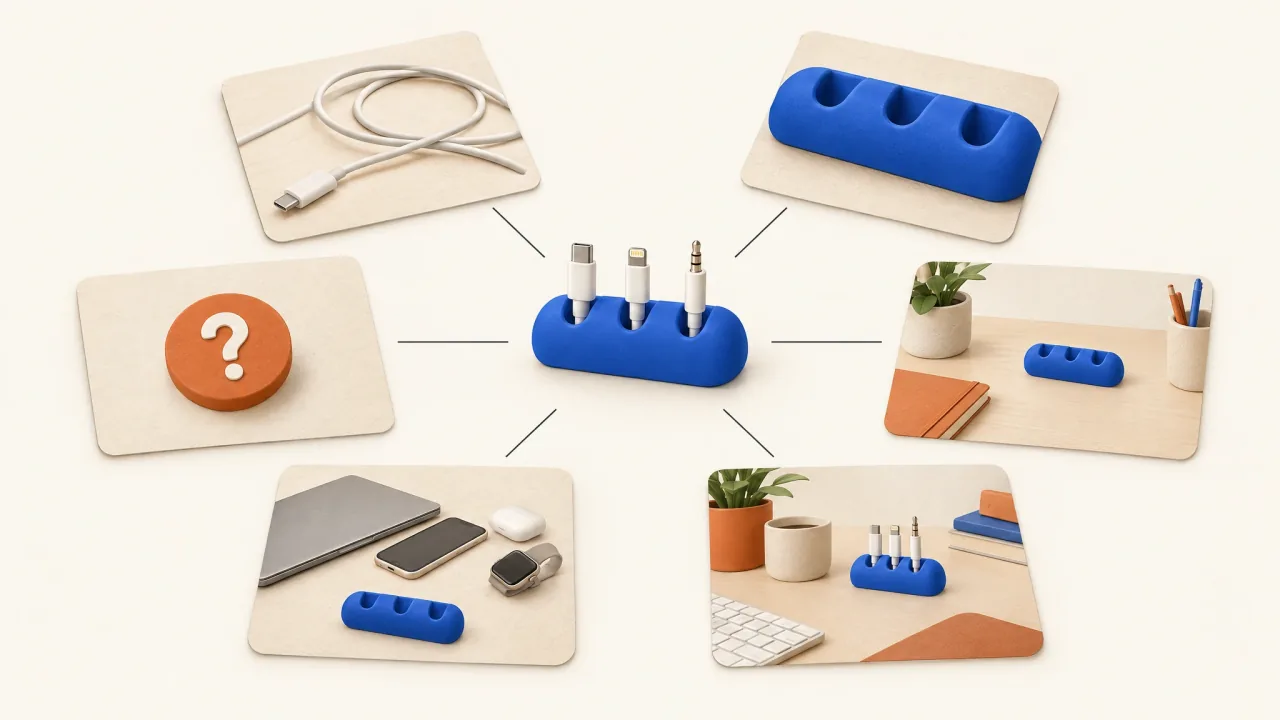
Six AI Ad Angle Examples from One Product Brief
Use six fictional cable-keeper concepts to separate buying reasons from visual styles and plan distinct AI video ads.
Open the guide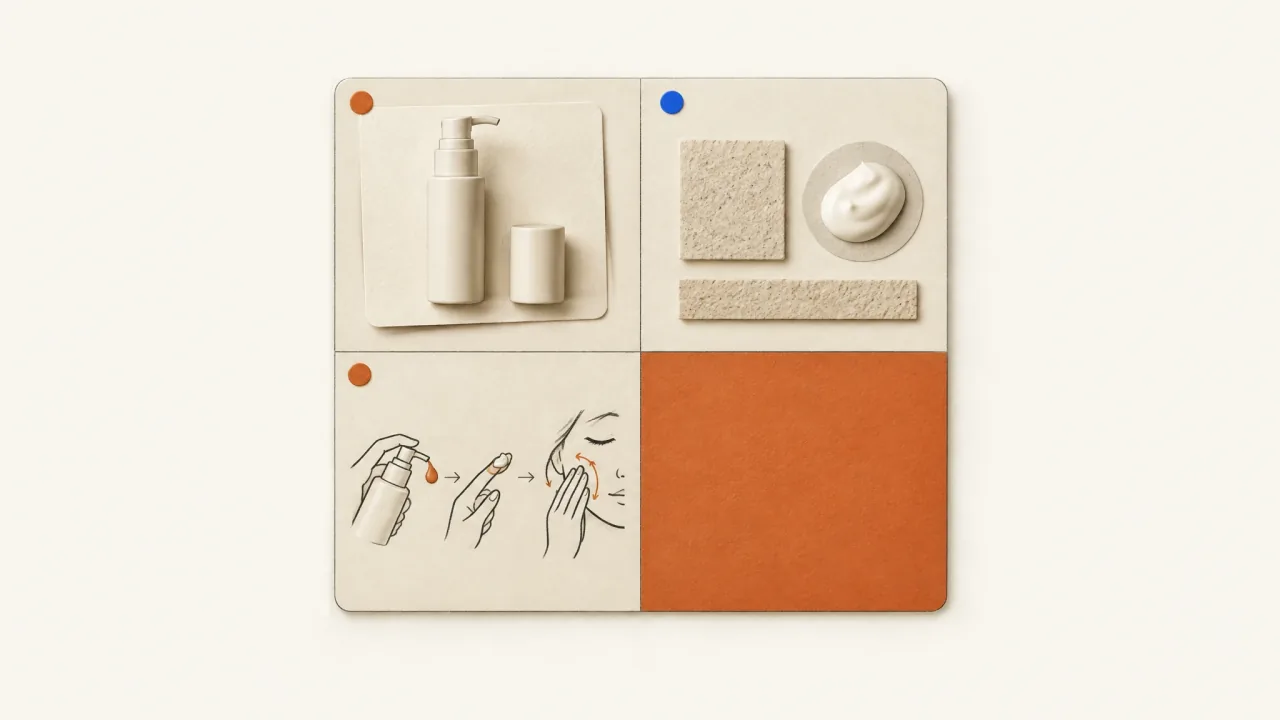
Skincare Video Briefs: Show Texture and Application Honestly
Use a copyable skincare shot map to separate genuine footage from illustration across dispenser, texture, application, and pack-ending views.
Open the guide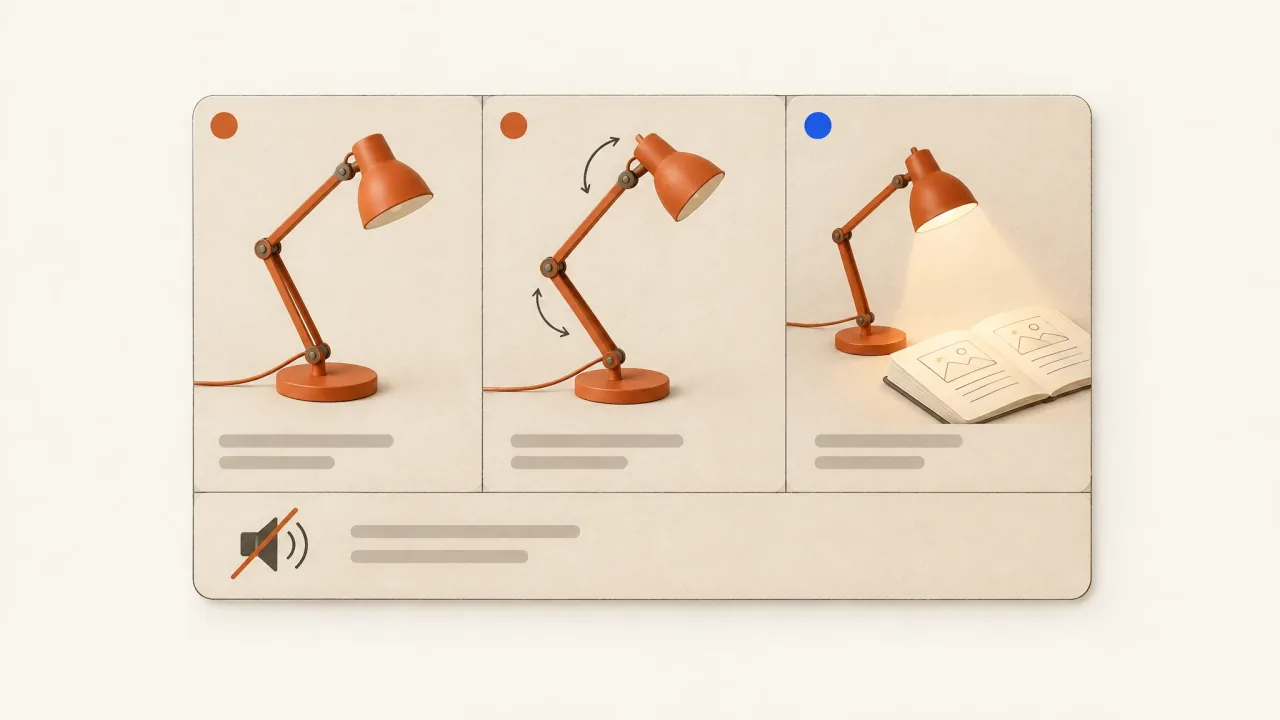
Sound-Off Product Storytelling: A Mute-First Inspection
Check product recognition, visible action, text hierarchy, and the invitation with audio off, then use reusable inspection steps to brief a focused revision.
Open the guide
Static Ad to Motion: Animate the Message Without Rewriting It
Turn approved static artwork into a motion brief with protected copy, movable layers, a deliberate endpoint, and a practical review checklist.
Open the guide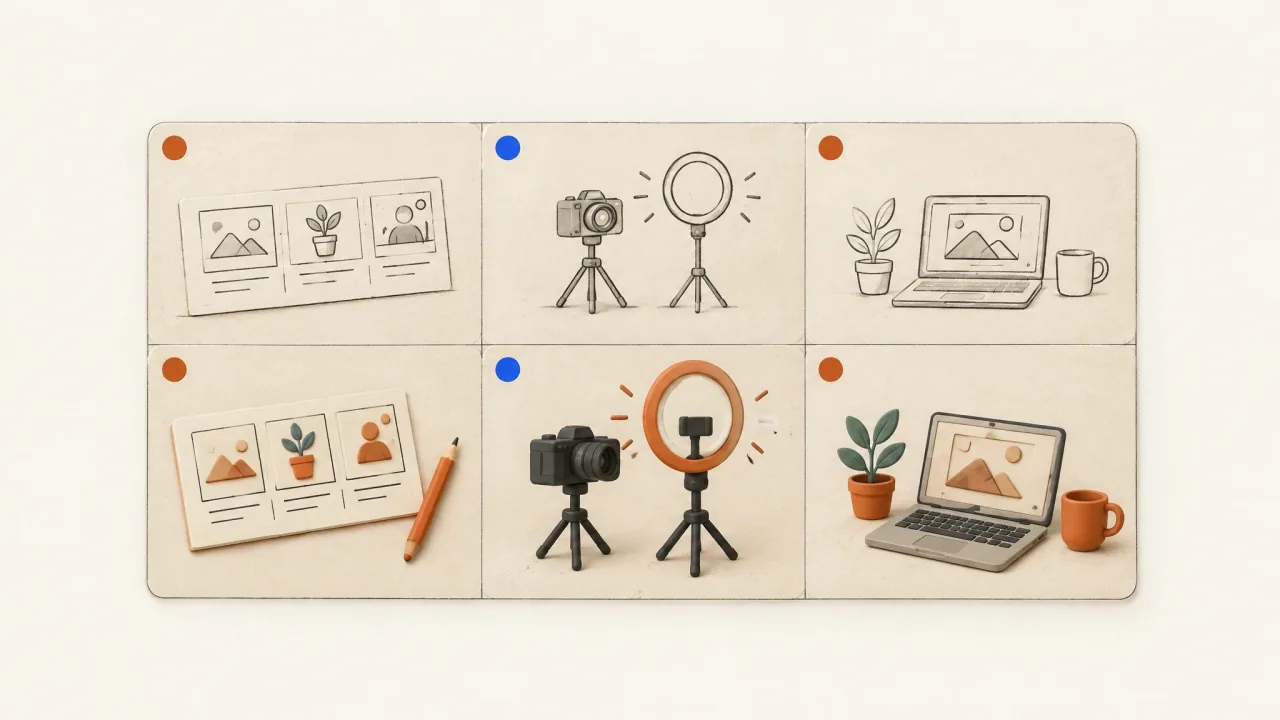
Turn Reference Ad Structure into an Original Brief
Map what each part of a reference ad communicates, then rebuild it around your own facts with a cable-keeper-to-desk-lamp briefing exercise.
Open the guide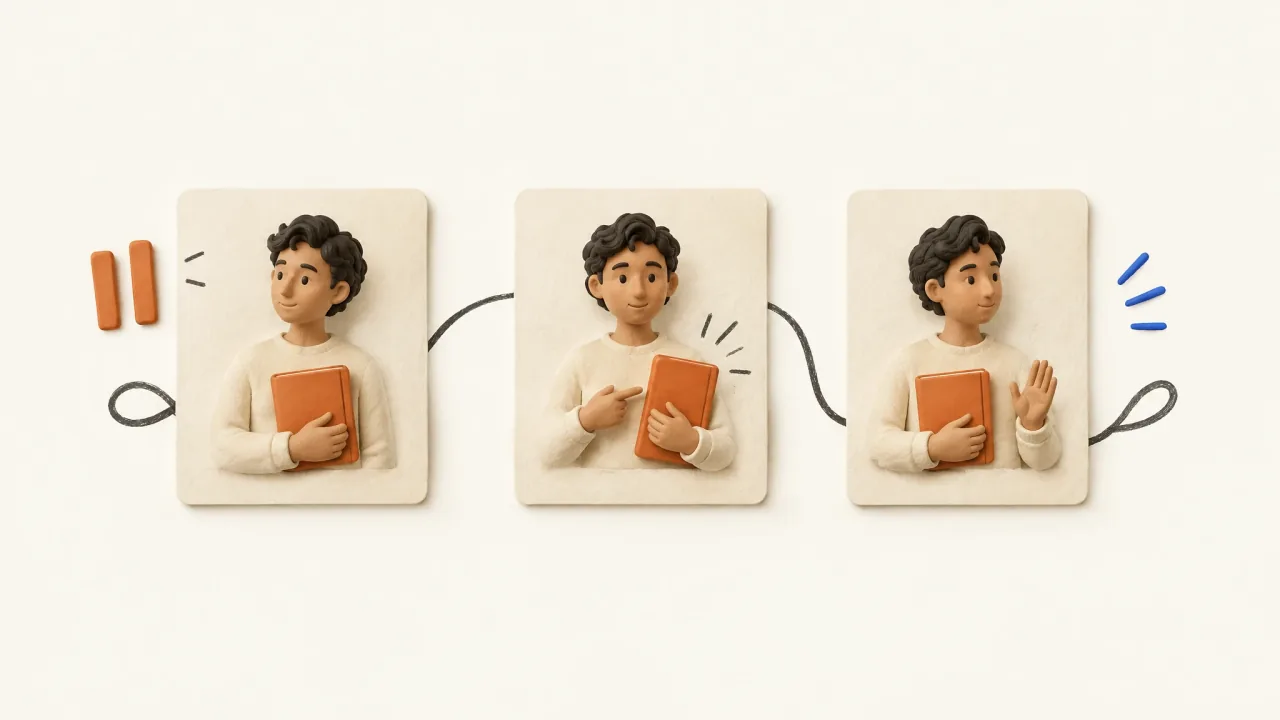
UGC Creator Brief: Direct Three Takes of One Approved Line
Compare quiet, matter-of-fact, and animated presenter takes with precise delivery directions, a take card, and selection criteria that put clarity first.
Open the guide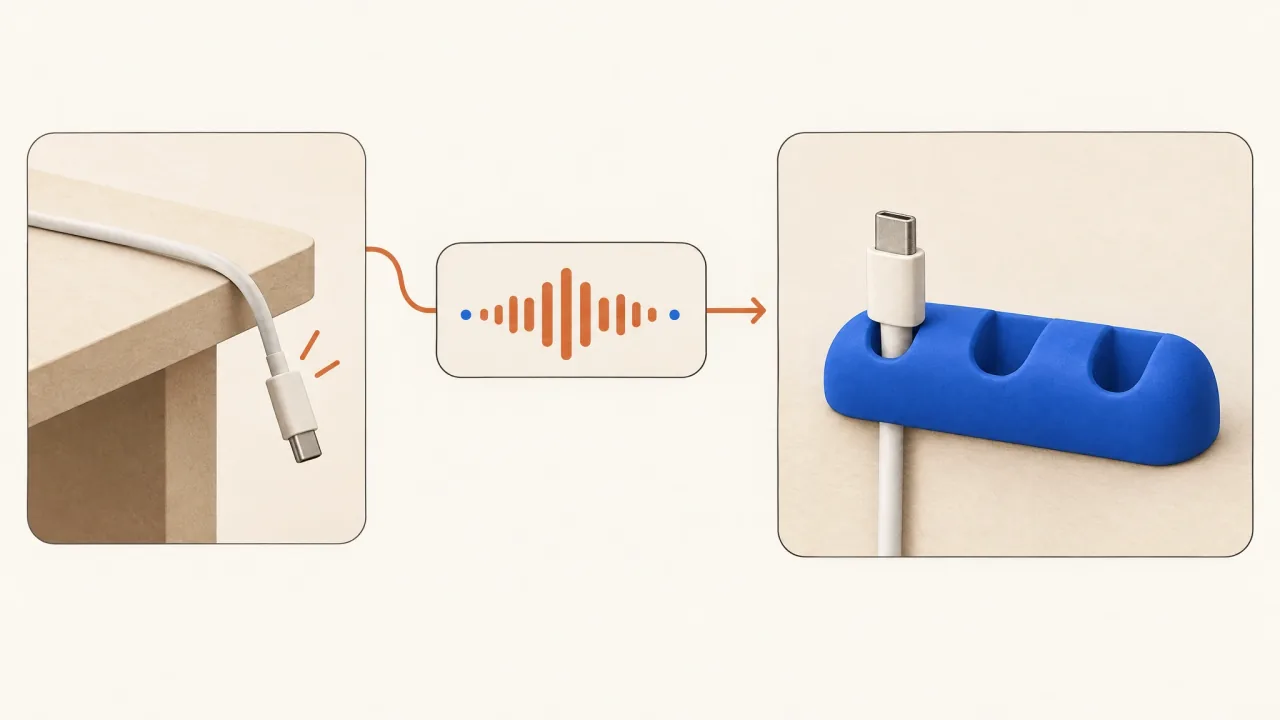
Visual Hooks vs Spoken Hooks: Give Each a Job
Assign separate jobs to an ad's opening image and opening line, then use a cable-keeper example and hook-role exercise to check their relationship.
Open the guide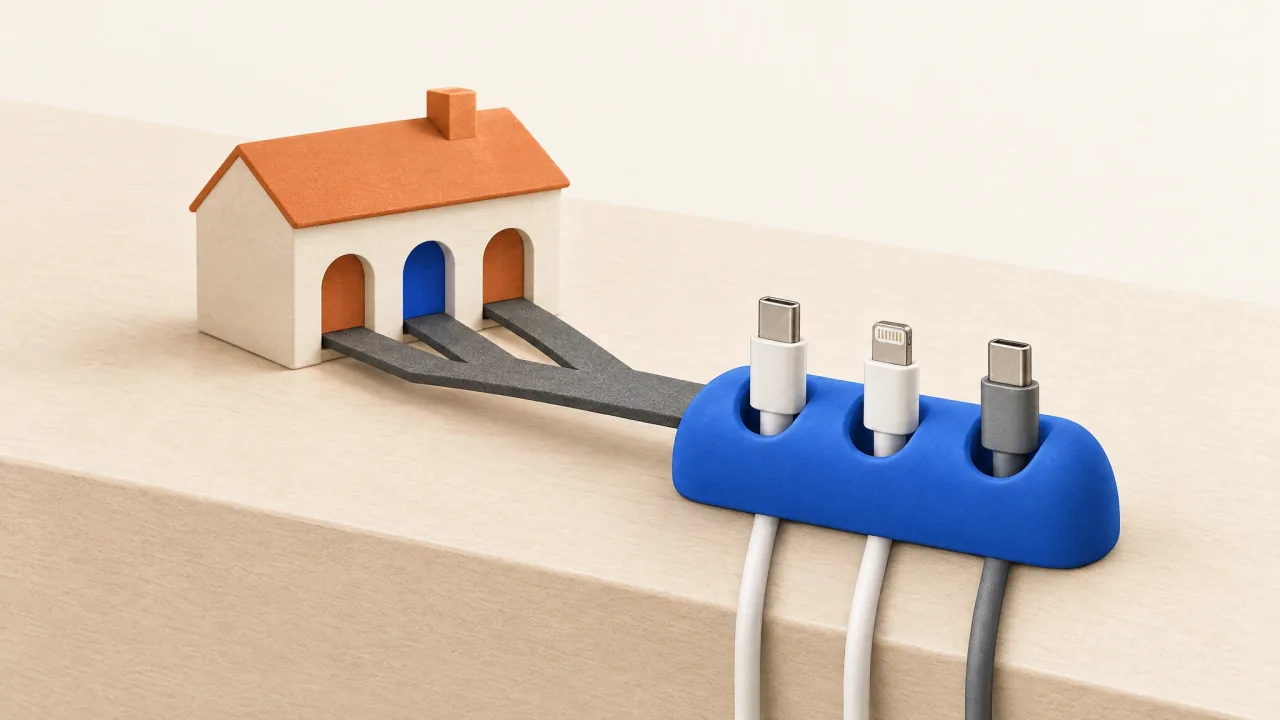
Visual Metaphor to Product Mechanism: Build the Bridge
Connect surreal product imagery to a literal explanation with a worked bridge example, precise script lines, and checks for unsupported implications.
Open the guide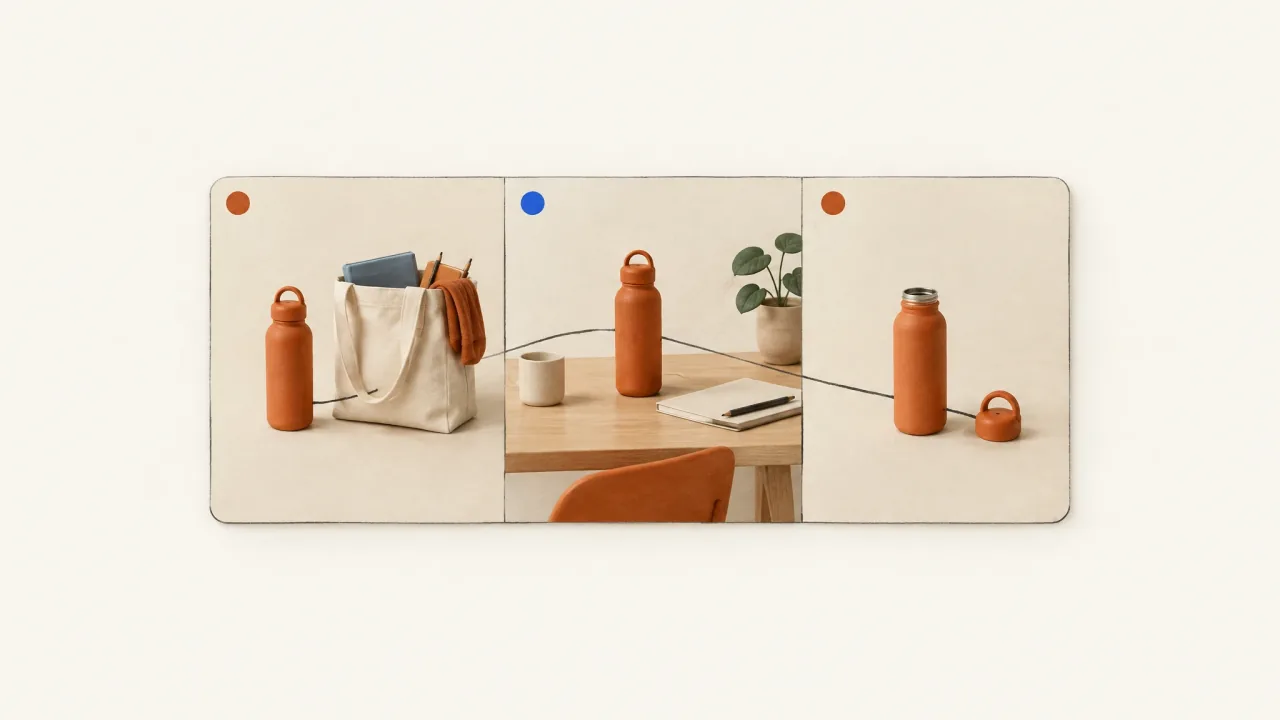
What Is a Lifestyle Video? Brief a Product Routine
Plan a routine-based product video with a clear beginning, product interaction, and ending, using a reusable-bottle example and a continuity timeline to copy.
Open the guide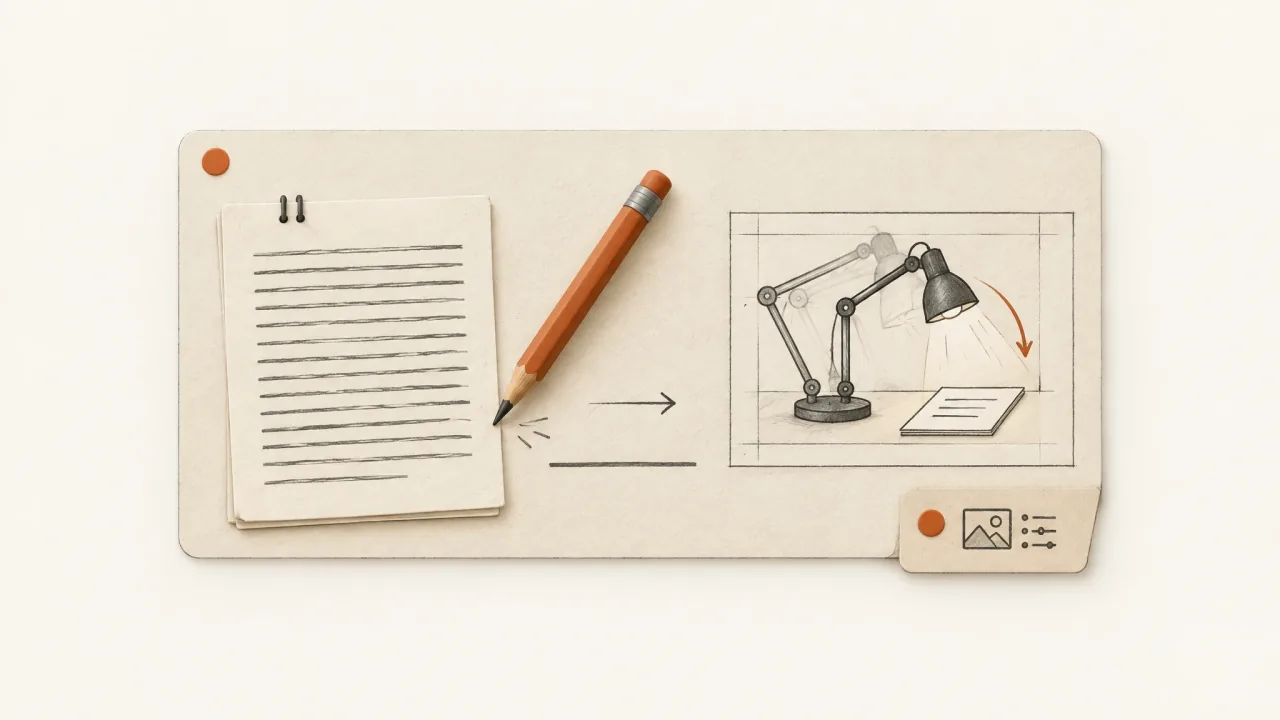
Write Specific Ad Script Lines Without Inventing Claims
Replace generic ad language with supported copy you can show on screen, using a fictional desk-lamp example and a line-by-line rewrite worksheet.
Open the guideNo guide matches that search.
Try a product, format, or production question.
About this collection
What makes an angle different? Which product references does a video brief need? When does a cinematic opening help the message, and when does it hide the product?
These guides help you work through production questions with examples and templates you can use in your next brief. The fictional examples are written planning exercises. They don't show produced ads or completed-production case studies.
Start here
Six creative-angle hypotheses for one product
Use an ordinary cable keeper to explore the problem, mechanism, objection, ritual, use case, and identity behind a concept. Decide why someone might care before choosing the visual style.
A creative brief for AI ad production
Put the details production needs into the brief: product facts, audience, offer, viewer action and destination, supporting evidence, constraints, and what each scene should explain.
Product-reference images that give the brief something to preserve
A pleasing product picture may leave important details unclear. Build a small reference pack that shows the product's shape, its distinctive details, and how it looks in ordinary use.
A cinematic product ad still needs a product
Plan how an unusual opening leads to a clear demonstration and a real next action. Beautiful footage still needs to explain the product and offer.
Read the cinematic-structure guide
Browse by the question in front of you
Hooks, scripts, and angles
What should give the viewer a reason to care?
- Six creative-angle hypotheses for one product
- A grounded creative brief for AI ads
- Visual hooks and spoken hooks: give each a job
- Make an ad-script line specific to the product
- Turn a reference ad's structure into an original brief
Creative testing and variation production
What do you want to change, what needs to stay, and which files will let you test the difference?
- Opening variants over one preserved video body
- Concepts versus cosmetic variants
- Plan a creative-production matrix with a clear scope
- Fit a variation set into your production budget
- Hand off a test-ready asset manifest
UGC, product demos, and formats
Which format will help someone understand the message?
- Creator-style versus studio-style product ads
- Inspect product storytelling with the sound off
- A finished ad is more than a generated clip
- Plan continuity across presenter scenes
- Write a minimal product-demonstration shot list
AI production quality
Which product details, words, and sounds need checking?
- Prepare product-reference images
- Inspect product fidelity before requesting a correction
- Brief a specific revision to one scene
- Give captions and product text distinct roles
- Inspect a generated product-in-hand shot
Creative operations and scale
What should your team record so the next production task is easier to review and repeat?
- Put together brand inputs with their sources
- Calculate cost per accepted ad from a complete ledger
- Plan a week's creative work around actual capacity
- Hand a reviewer the right candidate and decision
- Name and version the file your team should use
Creative experiments and direction
Which creative decisions can you borrow from an original project?
- Give a cinematic product ad a clear structure
- Adapt a film premise into a short commercial
- Brief an impossible shot with a commercial job
- Run an ordinary-product creative challenge
- Bridge a visual metaphor into a literal mechanism
Choosing a vendor? Read the comparison guides. For a production task you can work through step by step, start in the Academy.