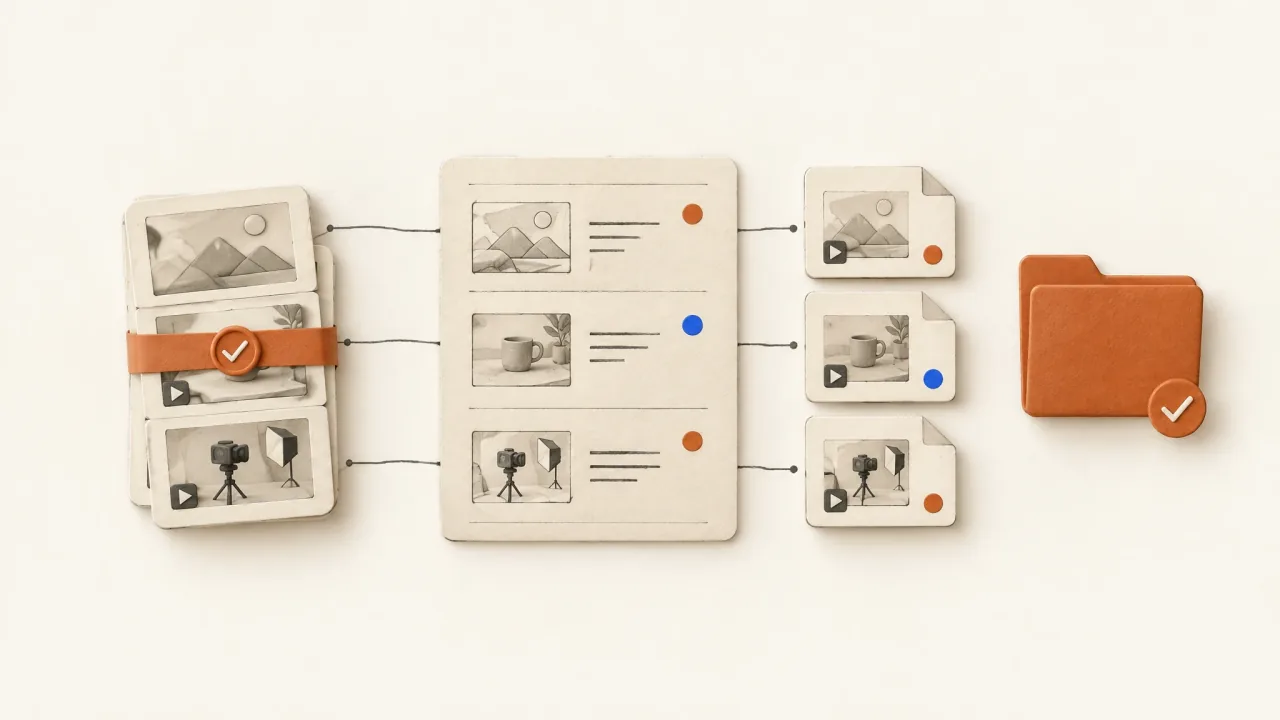
Send the campaign owner more than a folder of MP4s. They need to know which files are accepted, what each asks the viewer to consider, what changed between them, and whether the exports match the intended delivery.
Put those answers in an asset manifest linked to the actual files. The production matrix records what you requested; the manifest records what was delivered. Keep missing files out of the test-ready list, even if their proposed titles appear in the spreadsheet.
Start with a packet-level contract
Start with the packet's shared context: product, approved brief version, viewer situation, creative question, offer, exact destination, and intended delivery format. Then add the individual file records.
Identify the variation type. Distinct concepts may use different scripts and demonstrations. An opening-only set needs one named body version to preserve. A crop family adapts composition for delivery. With those labels, the campaign owner can tell whether three exports contain three persuasion ideas or variations on the same one.
Name who accepted the packet and when. Use the reviewer decision brief to tie acceptance to an exact candidate and use. “Downloaded” and “accepted” are separate states: an accessible file may still need review of its product detail or message.
Give each export two identities
Use one creative identity for the direction and another file identity for the physical export.
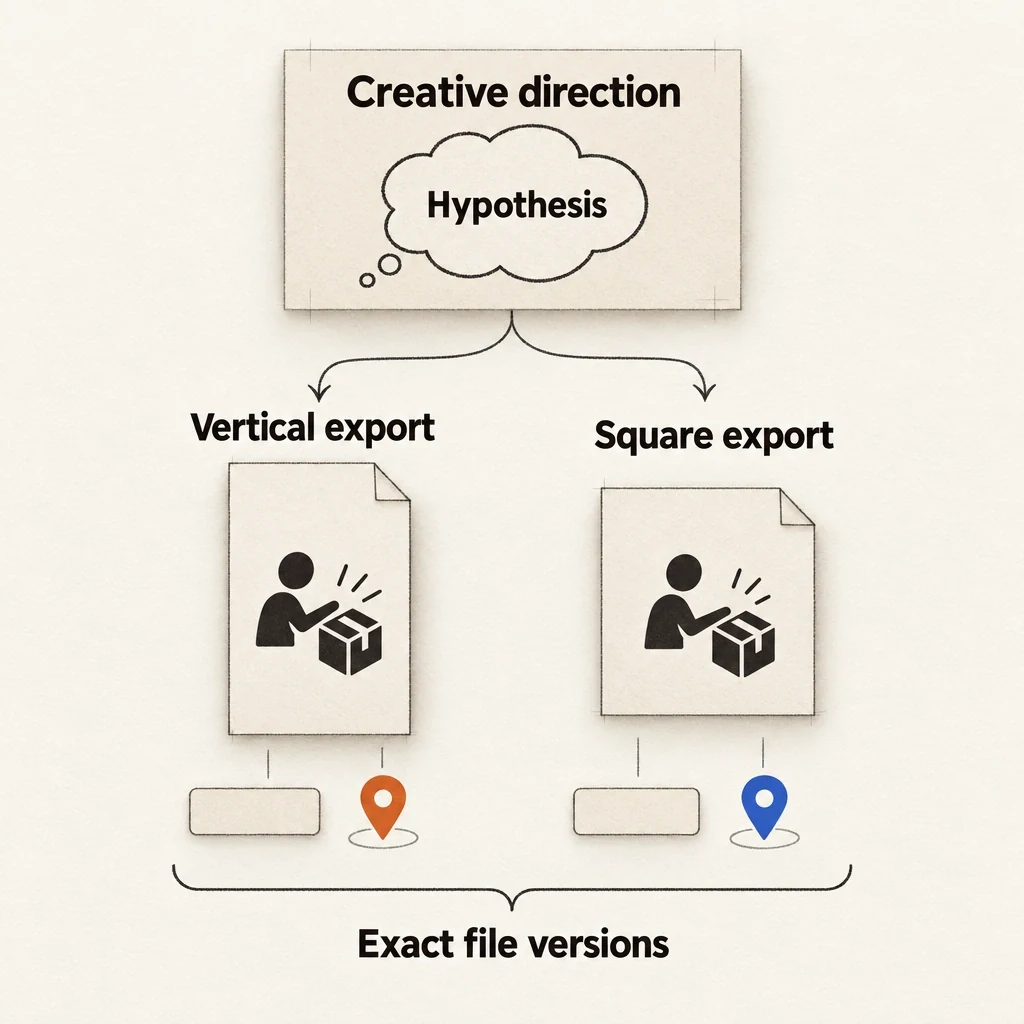
The creative identity links the idea being explored to its brief and production history. The file identity names one version, its location and filename, and a checksum when useful. Update the version whenever you replace a file at the same location so that connection remains traceable.
For example, “mechanism, direct-detail entrance” describes a direction. Its accepted vertical MP4 is an export of that direction. A later square adaptation belongs to the same export family unless its argument also changes. The file-naming and versioning guide helps keep those relationships clear.
One direction can produce sibling exports
A creative direction can produce several files. Keep the idea connected to each exact export without confusing the two records.
View full-size (opens in a new tab)Image explanation
- Creative identity links the proposed idea to the brief. File identity names each actual version and its retained location.
- A square adaptation can be a sibling of a vertical export from the same direction. It still needs its own acceptance and needn't count as another concept.
The copyable manifest record
Repeat this record for every actual delivered export. Keep requested-but-missing cells in the packet's exception list.
- Creative identity: [direction label and production-matrix cell].
- Hypothesis: [what this message or opening is intended to explore].
- Variation type: [concept, opening variant, treatment, or delivery adaptation].
- Changed elements: [actual differences, including unintended ones].
- Preserved elements: [specific source-body, audio, offer, and ending versions].
- Product evidence: [where the required job is visibly explained].
- Approved facts: [brief and source references used by this export].
- Export identity: [filename, version, delivery location, checksum if used].
- Actual properties: [measured runtime, dimensions, encoding, audio presence].
- Captions and script: [final spoken wording and text delivery locations].
- Checks performed: [specific technical and communication inspections].
- Decision: [accepted, revision required, rejected, or awaiting review].
- Reviewer and date: [person and actual decision date].
- Exceptions: [remaining limits that affect intended use].
Measure actual properties from the file. A target of 15 seconds records what you planned; the measured duration records what you delivered. Export dimensions describe the delivered frame. They don't establish the detail in the generated source footage.
An honest record before the file exists
Consider an illustrative fictional cable-keeper opening variant. Its draft manifest could say:
Direction: mechanism explanation, direct-detail entrance. Hypothesis: showing the loose cable already resting in a slot may make the object's purpose easier to recognize. Requested change: the opening image and opening line only.
Preservation request: the selected cable-in-slot demonstration, subsequent narration, captions, closing line, fictional-demo label, and real Fablo invitation. Target delivery: 15-second, 9:16 assembled MP4.
Actual export location: pending. Measured properties: pending. Source-body version: must be attached before production. Acceptance: awaiting a complete export and human review.
The pending fields keep this planning record out of the test-ready set. Fill them with evidence from the returned file. If production changes the body narration to make the handover work, record that change and reconsider the “opening-only” label.
Keep the creative assumption and observed delivery separate; the record needs no invented production history.
Inspect the export the campaign owner will receive
Open the final file from its delivery location and inspect the assembled sequence. Earlier preview checks don't cover the delivered version.
Check that you can recognize the product and understand the demonstration. Read the offer, captions, and action text, and listen to the speech and audio. At the join between the new opening and preserved body, check for interrupted sentences or abrupt sound changes.
Inspect the requested mobile composition for readable text and visible product detail in the intended frame. Check the destination itself too. A correctly spelled end-card URL can still lead to the wrong offer.
Record the checks you performed. “Audio listened to; product geometry inspected; export opens” tells the recipient more than “QA passed” without a defined scope. These checks establish suitability for the brief; campaign performance needs separate evidence.
Deliver exceptions alongside accepted files
Account for the whole requested packet, including work left out of the accepted set.
If an opening was rejected because it implied charging functionality, state that reason. If a requested presenter interaction was replaced with a close product view, record the substitution. If a format adaptation is still pending, keep it out of the ready list.
Link exceptions to the production history and keep rejected candidates outside the campaign-ready folder. This gives the campaign owner a clear selection while preserving the full record for revisions and accepted-output economics.
The missing pieces get a record, too
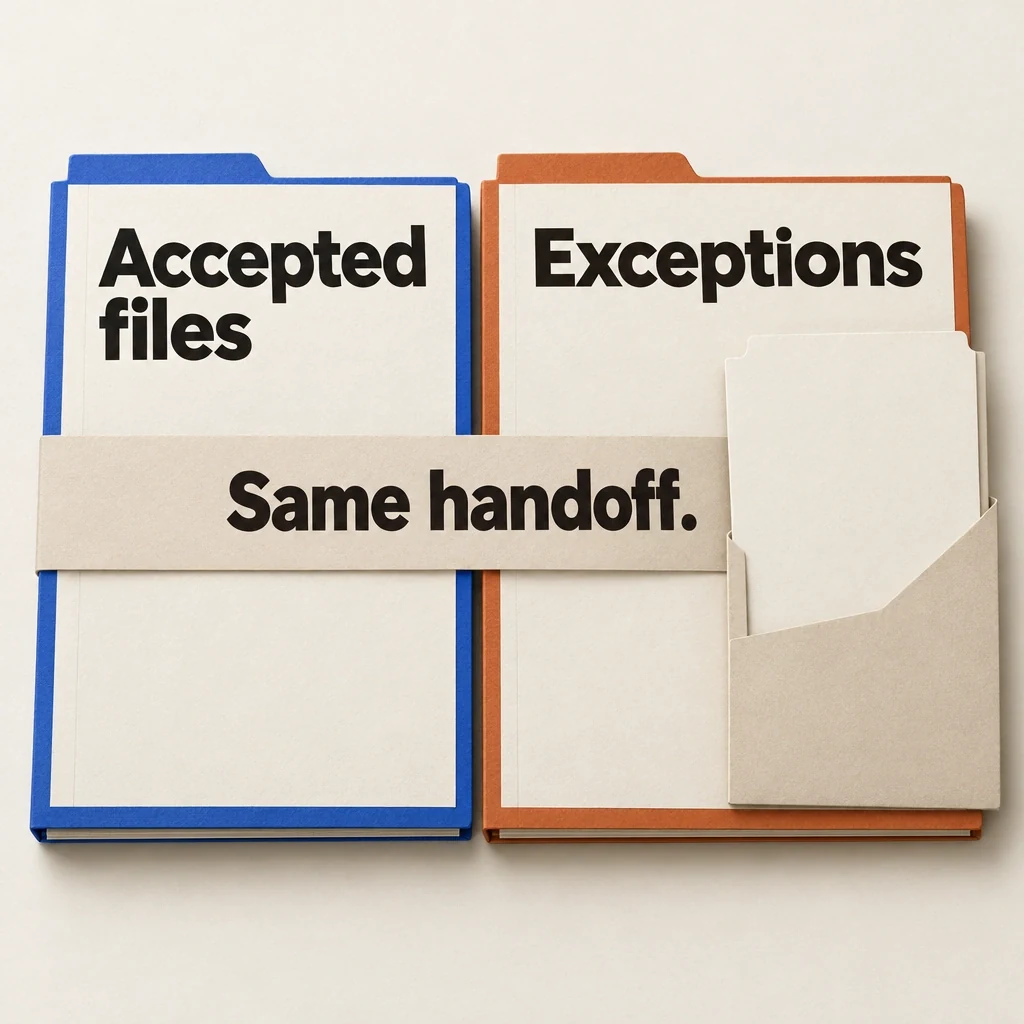
Send the accepted selection with a record of rejected, substituted and pending work. A smaller ready folder should still account for the full request.
View full-size (opens in a new tab)Image explanation
- Deliver the accepted files with a separate record of rejection reasons, substitutions and pending adaptations, linked to their production history.
- Keep rejected candidates outside the campaign-ready folder while retaining their reasons and history.
- These blank folios propose a handoff structure. They contain no actual files, completed inspections or recorded acceptance.
Finish with a reproducible handoff
Deliver the accepted files, manifest, final scripts, relevant posters, and exception list together. Check that the recipient can access them from the agreed delivery location. An expiring preview or private production attachment may leave them without the files they need.
Keep a dated snapshot of the handed-off packet. Record later fixes as new export versions with updated decisions, preserving the record of what you supplied.
The campaign owner can then take the packet into their media-buying process. ROASPIG's hook-testing guide covers the campaign-side work that uses this production evidence.
Use the creative-variations workflow to commission the packet, then open Fablo to produce the exports your handoff requires. Fablo's monthly plans provide recurring credits for continued production. Review the estimate and correction allowance before proceeding. Populate the manifest from the files actually accepted, keeping any shortfall in the exception list.