
Give the reviewer one identifiable candidate, its acceptance criteria, and a decision they can make. Sending several unlabeled video links with “thoughts?” invites opinions but leaves the next step unclear.
The decision brief should explain what the candidate is for, which checks have been recorded, and what can change. Keep it in your team's existing document, review, or storage system. These process responsibilities apply across platforms; the handoff doesn't assume collaboration features in the production app.
Name the decision before sending the candidate
State the use under review. Selecting a concept for development and accepting an assembled export for a media buyer are different decisions. A promising rough cut may deserve more work before it's suitable for delivery.
Name the person who can accept the candidate for that use. Other contributors can offer observations, but the coordinator needs to resolve conflicting requests into one instruction before production resumes. Requests to replace the opening, retain it, shorten narration, and add explanation can't all govern the same revision.
Make the approval scope clear to the reviewer. Their decision covers the language and aspect ratio they inspected. Translated or reframed versions still need review.
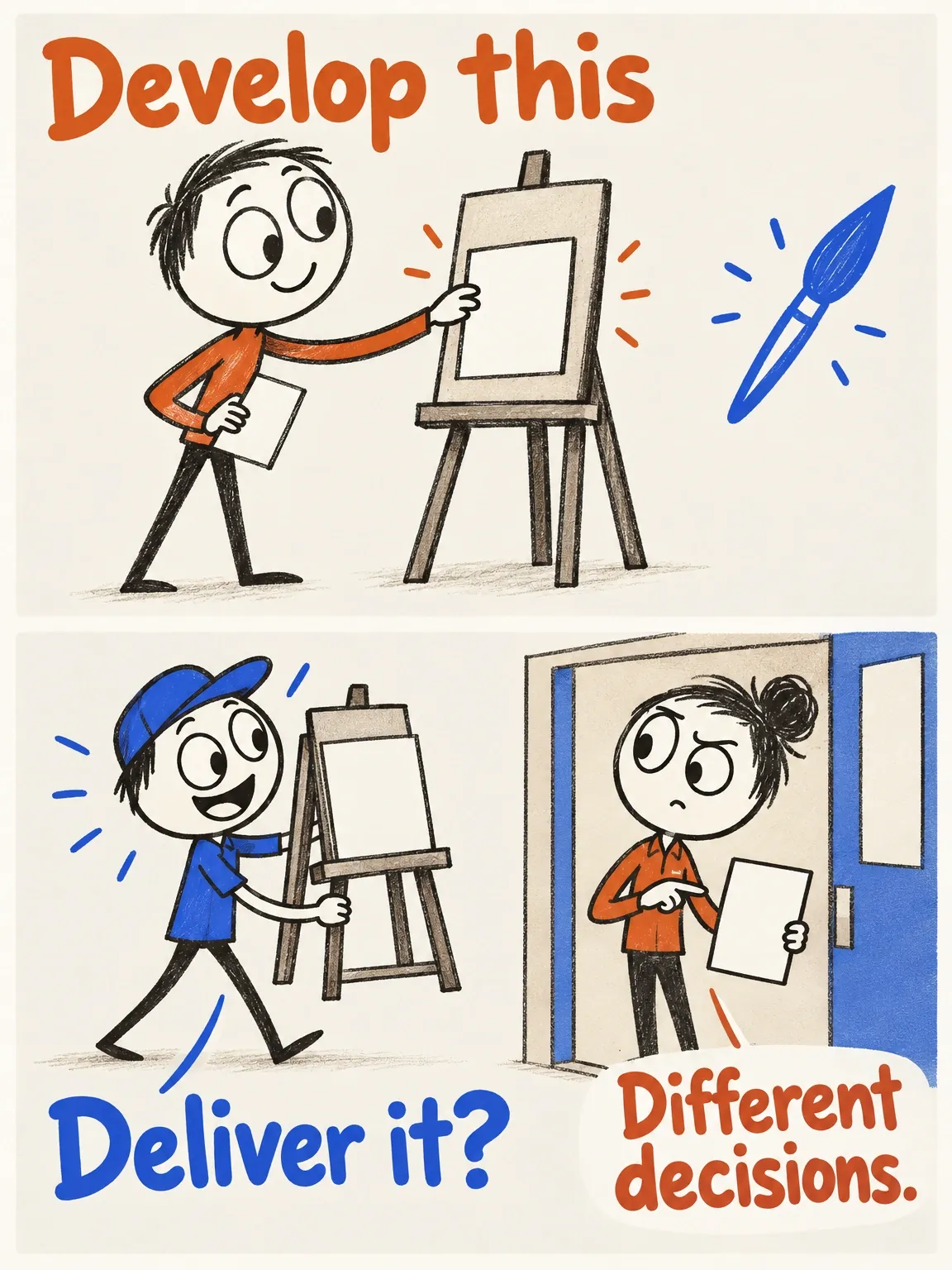
A development nod is not a delivery pass
A promising direction can deserve more work. Sending an assembled export to a media buyer requires a different decision.
View full-size (opens in a new tab)Image explanation
- Separate choosing a concept for development from accepting an exact assembled export for a stated delivery use. Name the authorized decision owner and coordinate contributors' observations before resuming work.
- Other languages and framings still need their own applicable inspection and decision. Acceptance of one version cannot cover uninspected derivatives.
- The easel and dispatch counter illustrate decision purposes. They show no recorded approvals or Fablo collaboration controls.
Attach the exact file and its governing brief
Give the candidate a stable identifier and version, then link to the full file somewhere the reviewer can access. A chat preview can help them find their bearings. Include the full file when preview playback or size could hide an issue.
Include the approved product facts, references, offer, viewer action, and destination. Link the production brief that governs the candidate so the reviewer can check the original inputs. If those inputs have changed, settle which version applies before asking for acceptance.
Summarize changes since the previous candidate and name what should stay. Keep rejected and superseded versions identifiable while clearly marking the current review target. The file-naming and versioning guide provides an export convention for this.
Separate checks, inspection, and acceptance
Record three separate production judgments:
- Automated critical technical checks: results for measurable requirements on the assembled export, with the actual scope and status recorded.
- Human inspection: observations about product identity, factual wording, demonstration clarity, pacing, captions, audio, and the invitation.
- Acceptance: a named decision about the exact candidate for its specified use.
A technical pass leaves product comprehension for human inspection. A reviewer liking the ad won't resolve a failed delivery requirement either. Hold final acceptance until required critical checks are resolved, and keep unchecked previews labelled as previews.
Approval records that the file meets agreed production criteria. Campaign metrics answer a separate question: whether the ad outperforms another creative or supports the idea being tested. Approval alone establishes neither.
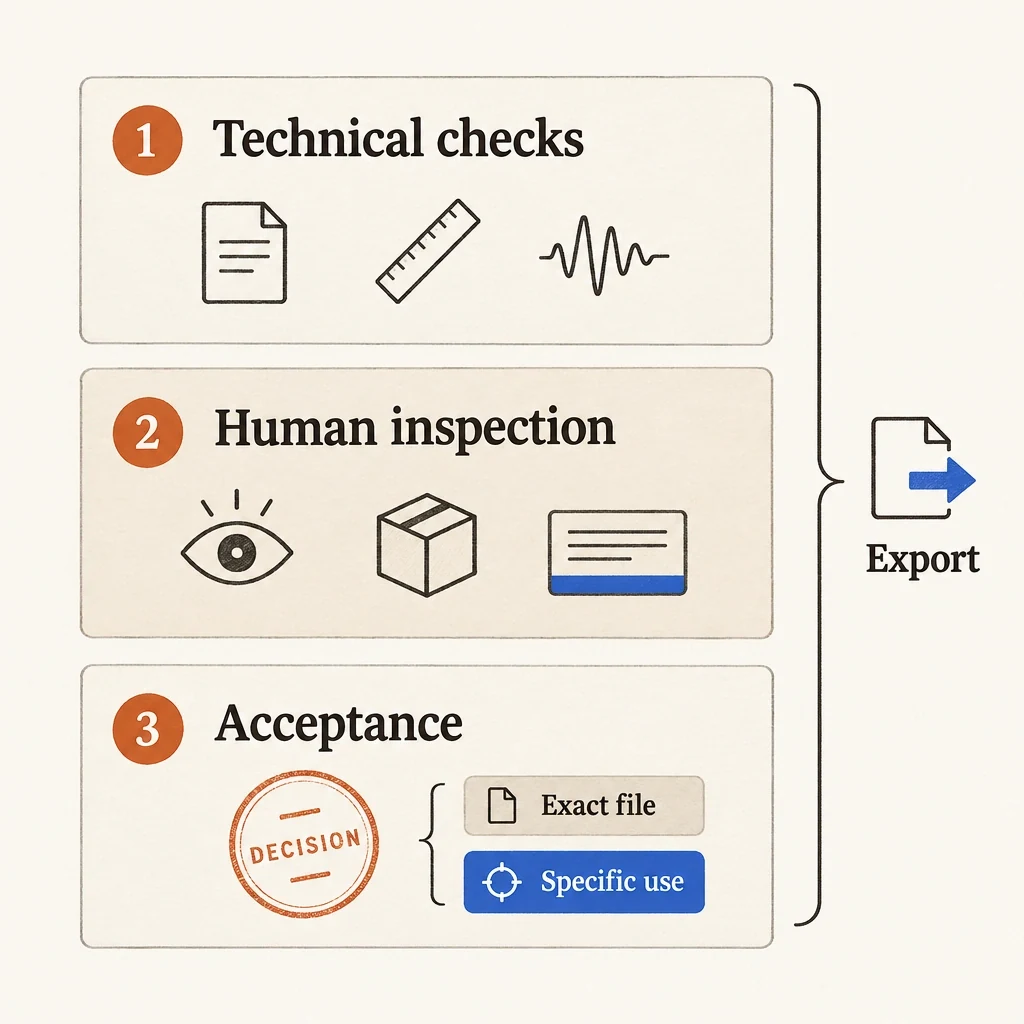
Three judgments, three kinds of evidence
Technical checks, human inspection and acceptance each answer a different question about the file being handed over.
View full-size (opens in a new tab)Image explanation
- Technical checks record measurable requirements. Human inspection records observations about communication and the product.
- An authorized person accepts an exact file for a stated use. Keep unresolved required checks on hold rather than assuming they passed.
Copy the candidate decision brief
Use this template with actual returned files. Mark missing or unavailable evidence as such.
Review purpose: [development selection or acceptance for specified use]
Decision owner: [named person]
Candidate ID and exact filename: [versioned export]
Accessible file location: [full candidate; access confirmed]
Governing brief: [ID/version; approved facts; references]
Offer, viewer action, destination: [approved wording and URL]
Changes from prior candidate: [actual changes; or first candidate]

Acceptance criteria: [observable requirements for this use]
Automated critical checks: [performed checks; results; unresolved items]
Human inspection: [observations; actual timecodes where useful]
Known limitations: [confirmed limitation or evidence unavailable]
Preserve: [accepted elements that remain in scope]
Decision: [accept; change; hold; not yet recorded]
Reason and scope: [criteria satisfied or work still required]
Next action and owner: [delivery, bounded correction, or missing input]
Use “not yet recorded” when the decision is missing. A candidate can exist before anyone has inspected or accepted it.
Turn feedback into a bounded change request
When the decision is “change,” name the defect and the criterion it misses. “Make it more premium” leaves production guessing when the work is done. “The opening does not identify the object as a desk lamp” gives it a communication problem to solve.
Specify the exact target, required change, what to preserve, and permitted scope. The creative-revision workflow takes that request through assembly and final review. Add actual timecodes once the file exists. Changes to the concept or approved offer need a new decision from the brief owner before they enter the correction work.
Use the single-scene revision guide for the detailed scene brief. Keep the decision, permitted scope, and return requirements in the approval handoff:
Source candidate: [exact version and accessible file]
Decision criterion missed: [observable issue]
Target: [scene; actual start/end timecodes]
Requested change: [one specific outcome]
Preserve: [facts; identity; approved elements outside the target]
Authorization: [permitted correction; agreed production limit]
Pause if: [work exceeds authorization or needs a new brief decision]
Return for review: [new version; change note; relevant check results]
Acceptance owner: [person who must inspect the revised export]
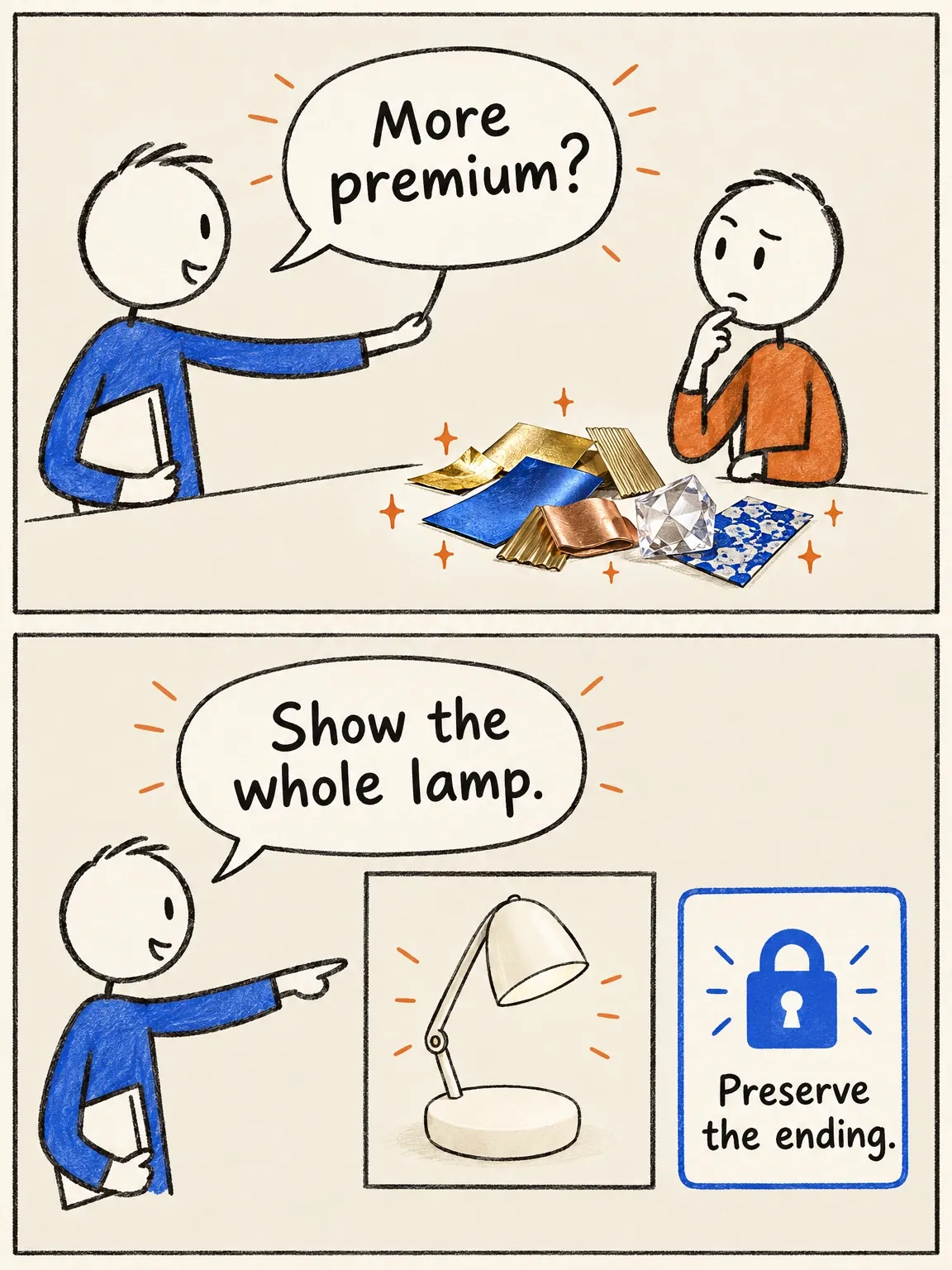
Feedback needs a completion condition
The fictional lamp revision needs an observable change and a clear instruction about what to preserve.
View full-size (opens in a new tab)Image explanation
- More premium leaves both the defect and completion condition unspecified.
- A specific request identifies the source, the whole-lamp recognition change, the protected ending, the authorized work and the return for review.
Illustrative handoff: an earlier lamp reveal
This deliberately staged teaching exercise uses a fictional adjustable-arm desk lamp. The planned original has an attractive but ambiguous opening; the planned revision identifies the lamp earlier. No returned files have been inspected for these illustrative directions.
The review would check communication clarity: does the opening establish the product category, and does the sequence explain the adjustable arm using only defined product facts?
The request could read: “Replace the opening atmosphere scene with a recognizable view of the same lamp and the line ‘An adjustable desk lamp for your working corner.’ Preserve its supplied design and warm desk setting. Return one revised candidate for inspection within the agreed authorization; pause if a broader rebuild is needed.”
This describes the intended change. Actual timecodes, check results, and acceptance remain unrecorded until the files return.
Record the outcome, then hand off the accepted artifact
Record the decision owner, actual decision date, exact filename and version, approved use, supporting checks, and any limits. Approve the exact version instead of “the latest one.” Later exports need their own applicable checks and decision.
For a hold, name the missing input or unresolved requirement and its owner. Return corrections as new versions for review. Record acceptance and authorization for further paid work as separate decisions. Silence or praise for an earlier candidate can't supply either.
Add the accepted file and its decision to the test-asset manifest. Attach campaign results to that version later, keeping the production approval separate from performance evidence.
Record the review decision, attach the exact candidate and preservation requirements, then open Fablo to produce the requested revision. Fablo's monthly plans provide recurring credits for this work. Review the correction estimate and authorize its scope and spend separately from approval of the existing candidate. Inspect the returned version before accepting it.