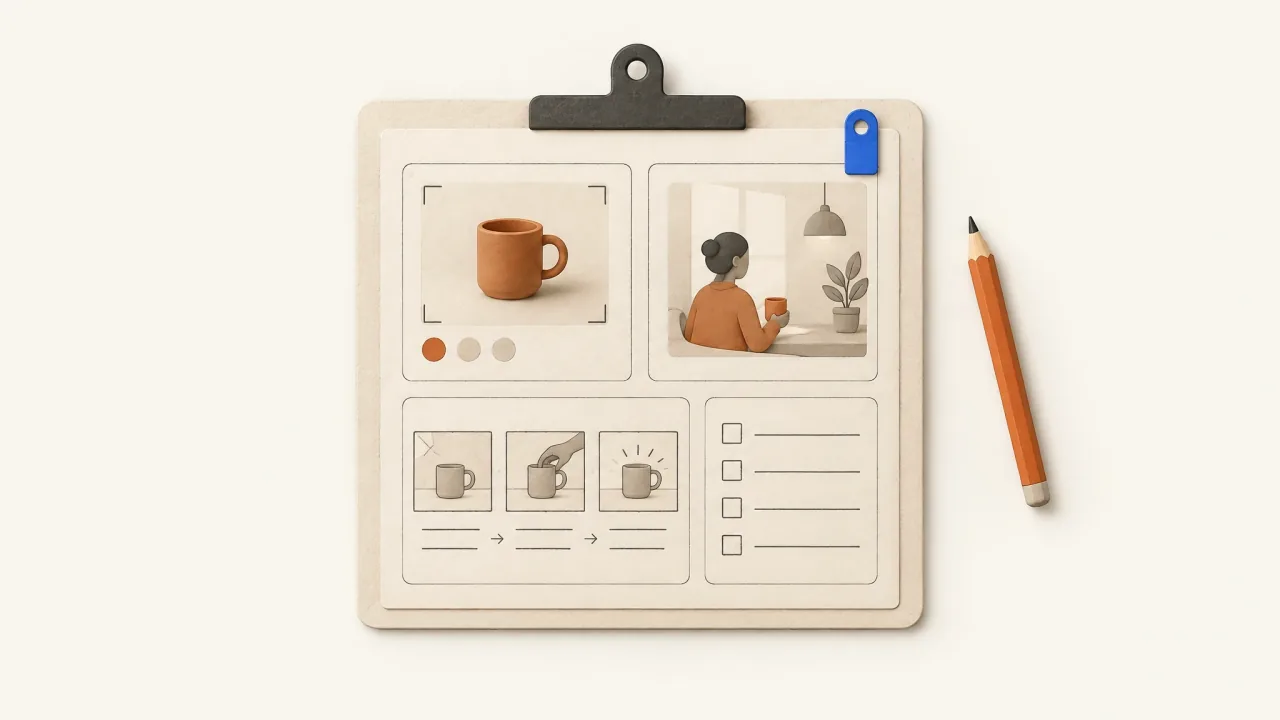
A useful AI ad brief defines what is true, why the viewer should care, what must be shown, and what makes the finished ad acceptable. “Make a premium video for our product” leaves all of those decisions open.
Make the product and commercial task clear, then leave room for an original execution. You don't need to direct every camera move. Separate fixed facts from creative preferences so revisions can change those choices while keeping the facts intact.
A production brief has a different job from a creator brief
When you commission a human creator, the arrangement covers their real experience, delivery, location, filming responsibilities, and agreed usage. ROASPIG's human UGC creator-briefing guide covers that task.
For AI production, supply the product identity, factual limits, staged scenario, and desired sequence. A synthetic presenter has no real customer experience to contribute. Describe a fictional demonstration as a demonstration, without inventing a first-person testimonial.
Decide on the persuasive message too. Production details tell the team how to make it; they can't decide what you want to say.
1. Establish the approved facts and their limits
Start with the product name, category, and facts the ad may use. Attach the relevant product page, specifications, or approved copy. Label interpretations separately from supplied facts.
For a fictional three-slot cable keeper, “gives loose charging-cable ends a place at the desk edge” is the defined job. “Works with every cable,” “never slips,” and “saves ten minutes a day” are different claims. None follows from the object's appearance.
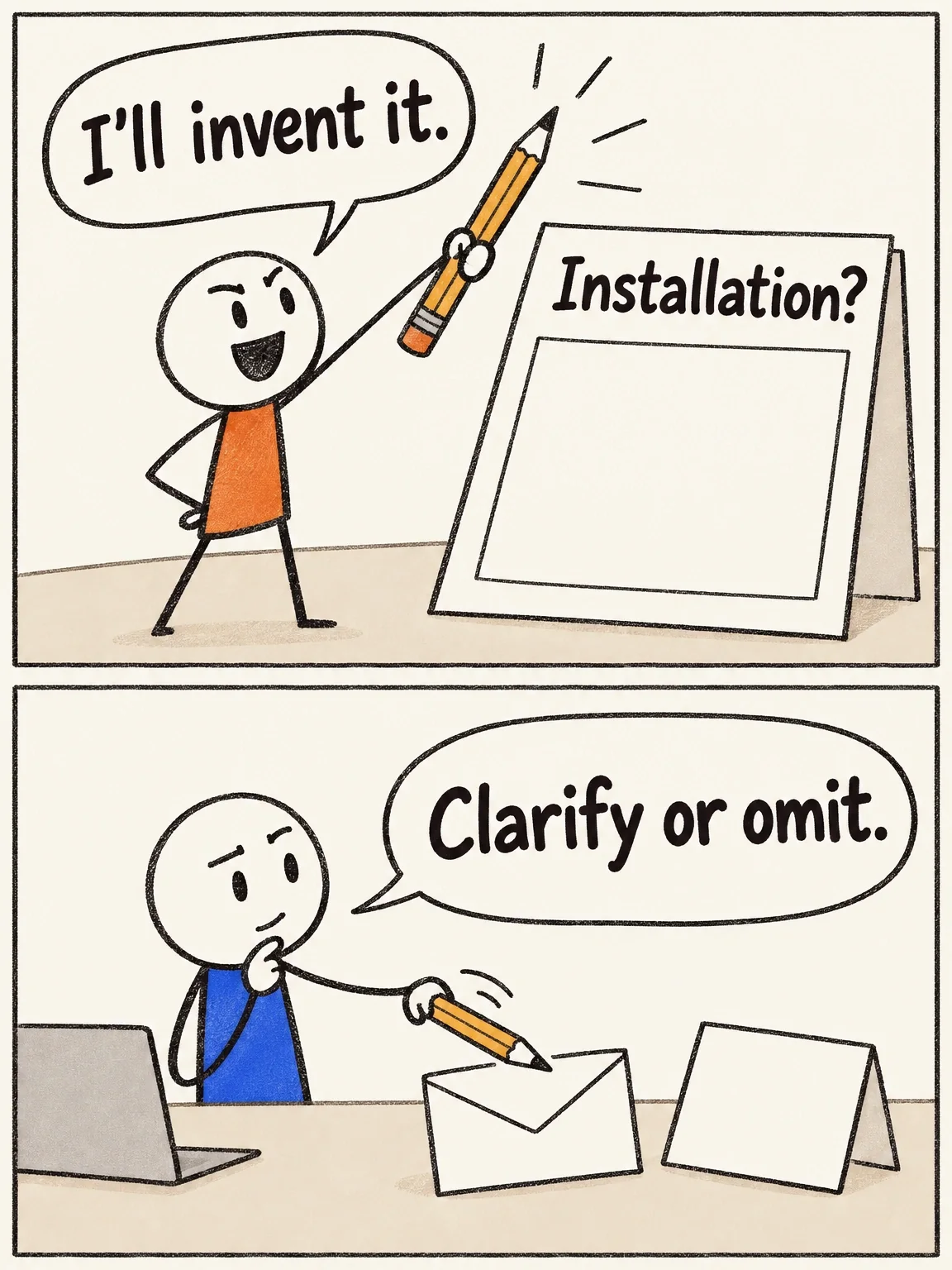
Record important unknowns. If the installation method is unspecified, ask for clarification or leave installation out of the scene. An attractive image can still invent a specification the brief never supplied.
A missing fact is not a drawing prompt
The installation field stays empty until there is a source. Ask for the specification or leave installation out of the scene.
View full-size (opens in a new tab)Image explanation
- Keep an unspecified installation method among the brief's unresolved facts, even if a plausible method is easy to imagine. Ask for the specification or omit installation.
- Appearance also supplies no compatibility, retention or customer-result facts. Flexible lighting and setting leave unsupported product functions unauthorized.
- The hypothetical preparation scene introduces no attachment system and reports no actual failed Fablo generation or completed customer brief.
2. Name one viewer situation and buying reason
“People with desks” names a broad audience. “Someone switching between a phone and work device at the same desk” gives the story a situation you can show.
Choose one buying reason within that situation. You might explain the mechanism, address resistance to another desk object, or dramatize retrieval frustration. Write it down before choosing a presenter or look. The six-angle examples show different arguments built from the same product facts.
If you're assuming the motivation without customer research, say so in the production notes. The team can then keep track of what it still needs to learn.
3. Specify the indispensable product action
Describe the action a viewer must understand. “Show the product” leaves too much open. For the keeper, you could specify: “Show a loose cable end resting in one of the three slots, then show the keeper's position at the desk edge.”
This defines what the scene must explain while leaving the lighting rig and edit open. For a complicated action, identify the essential detail and request a simple, readable view before adding spectacle.
A mood is not a visible action
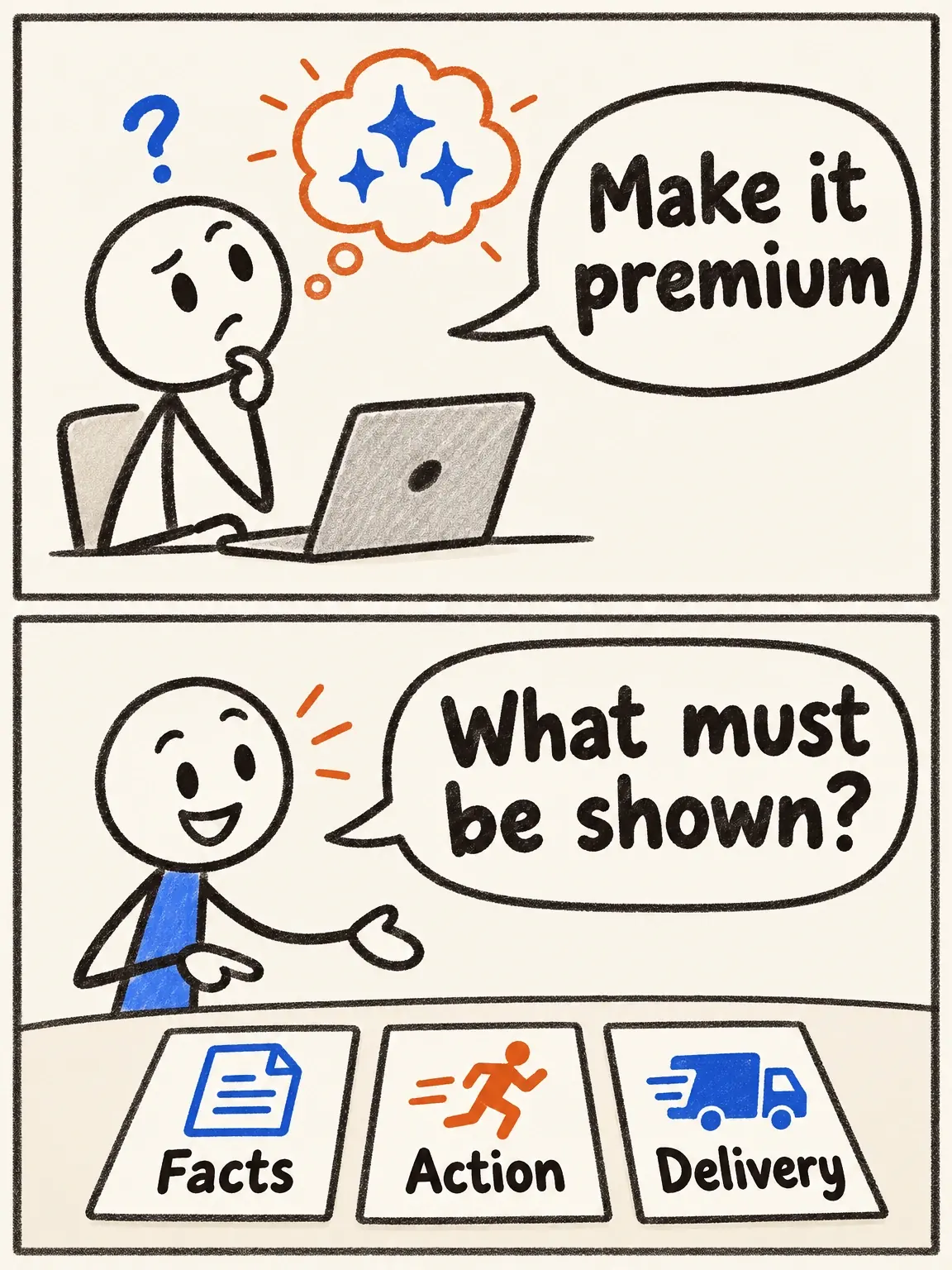
A mood word leaves a lot to guess. A usable brief names the approved facts, the action to show and the complete delivery.
View full-size (opens in a new tab)Image explanation
- A mood request leaves the product facts, required view and meaning of complete delivery unspecified.
- Name the approved facts, required visible action and full deliverable. The article applies these fields to its fictional cable keeper.
4. Separate identity from art direction
Product identity covers geometry, colours, logo, packaging text, and other supplied details that must stay fixed. Art direction covers the setting, lighting, mood, and visual metaphor.
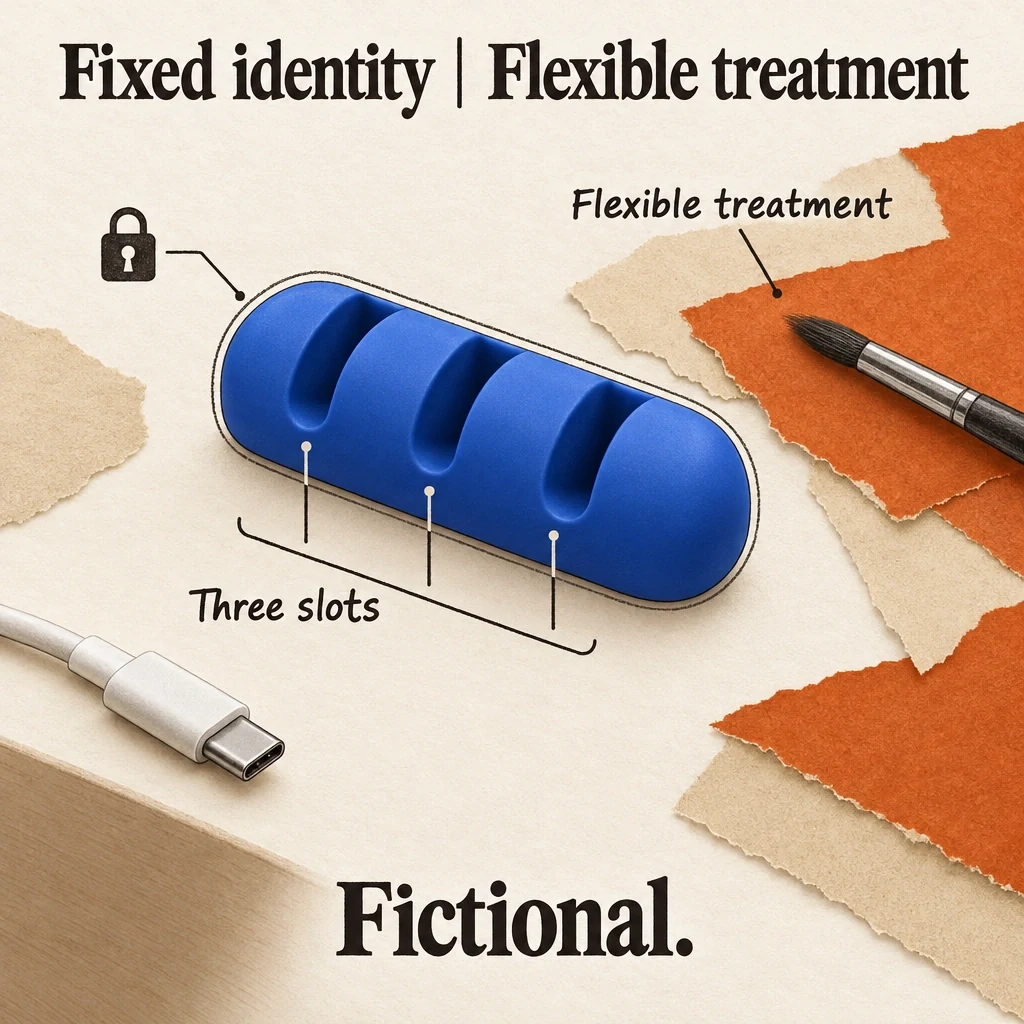
“Three slots, matte cobalt blue, same reference design” fixes the identity. “A miniature inspection theatre” sets the treatment. You can change the theatre during revision while keeping the slots intact. Build a product reference pack when text alone leaves the object open to interpretation.
Let the background change, not the slot count
The fictional keeper keeps its colour, geometry and three slots while the background, lighting or setting can change.
View full-size (opens in a new tab)Image explanation
- Cobalt colour, exactly three slots and supplied product geometry are fixed identity details.
- Background, lighting and setting can be flexible treatment choices. That flexibility permits no new part, mechanism or capability.
5. Define the finished deliverable and invitation
State the requested duration, aspect ratio, spoken language, captions, and ending. Use the finished-ad delivery specification to specify an assembled ad or individual scenes, along with any poster or transcript your team needs. Check subscription coverage separately from these production requests.
Provide the viewer action and exact destination. A purchase ad needs the approved offer and terms; a demo invitation needs a real demo destination. Name the action even if no price appears. “Add a CTA” leaves too much unresolved.
Copy this production brief
Product and category: [name; what it is]
Approved facts and evidence: [facts; supplied pages or documents]
Unconfirmed details: [questions to resolve or omit]
Viewer and situation: [who; a specific moment]
Persuasion angle: [one buying reason]
Creative assumption: [what we are exploring, not claiming as proven]
Required product action: [what the viewer must visibly understand]
Product references: [attached hero, detail, and use-context images]
Identity constraints: [geometry, colours, logo, exact approved wording]
Creative direction: [setting, tone, metaphor; flexible choices]
Claims and scenes to exclude: [unsupported promises or invented functions]
Presenter, if needed: [role; fictional demonstration or authorized source]
Offer: [exact approved terms, or the actual non-purchase invitation]
Viewer action: [what to do next]
Exact destination: [URL]
Deliverable: [duration, aspect ratio, assembled ad or scenes]
Audio and captions: [language, narration needs, readable text priorities]
Supporting delivery: [poster, final script, other requested materials]
Acceptance priorities: [product identity; job clarity; message; delivery]
Revision priority: [what to preserve; what may change]
Worked example: a mechanism-led cable-keeper ad
This illustrative pre-production brief uses a fictional prop. No finished ad is being presented:
Make a 15-second vertical demonstration of a matte cobalt-blue cable keeper with exactly three slots. Use the attached views as its fixed identity. Its defined job is giving loose charging-cable ends a place at a desk edge.
Address someone who needs to understand what the object does. Use a playful miniature inspection setting, but show a cable resting in a slot and resolve to an ordinary desk view. Do not invent adhesion, cable compatibility, charging functions, or customer results.
Request concise English narration, readable captions, and a clear product ending. The prop is not for sale. The real invitation is to adapt the brief to your own product in Fablo, at https://fabloads.com/login. Label the scene as a fictional product demonstration. Include a poster and final script for review.
The brief fixes the required action, three-slot identity, and distinction between the imaginary prop and real invitation. Production can interpret “Playful” freely while preserving those decisions.
Review and revise against the brief
Review the assembled ad for recognizable product identity, understandable action, accurate copy, readable captions, coherent audio, and the requested export. Check both technical suitability and persuasive clarity. A file can play correctly and still leave the viewer unsure what's being offered.
Give specific feedback: “Preserve the product close-up and calm narration. Replace the opening atmosphere shot with a wider desk view so the cable's position is clear.” Production can act on that more easily than “make it more convincing.” Name what stays as carefully as what changes, then make a final human selection against the acceptance priorities.
Continue with the first-product-ad lesson and product-ad workflow for the production sequence. Fill the template with your approved facts and open Fablo to produce the ad from your brief. Fablo's recurring monthly credits support continued creative production. Review the media estimate and retry headroom before proceeding; chat and reasoning draw from the same balance.