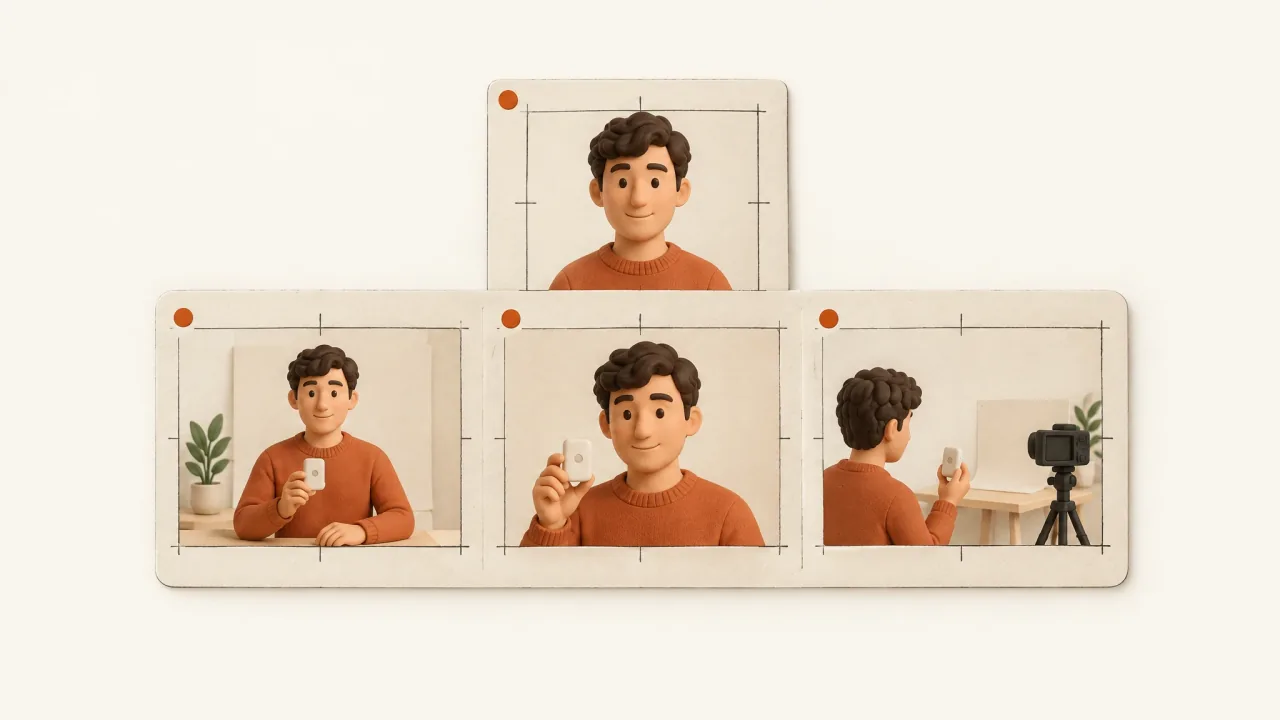
An AI presenter can introduce a problem and explain the product while guiding viewers through a demonstration. That explanatory role doesn't make the presenter a real customer giving a testimonial.
Use Fablo to brief a creator-style ad with a clear message, approved product facts, and the footage needed to explain them. Decide who the presenter is meant to be before writing lines that imply personal experience.
This guide helps you write the request. It doesn't show a completed presenter or product-handling demonstration. Check your account's terms separately to confirm which requested features are included.
Pick the right speaking role
A fictional presenter should explain the supplied product facts and the use situation shown. Don't invent a customer's results. Even casual, conversational lines should be clear about whether the speaker is explaining an example or sharing a real testimonial.
If you have genuine customer footage or an approved testimonial, supply the source, relevant permissions, and approved wording. Keep that evidence separate from generated illustrations.
The product shot is a production decision
A clear product cutaway can explain a feature. If you need a product-in-hand shot, you'll also need to inspect the shape, grip, contact, and motion. The product should stay recognizable throughout the interaction.
If production uses a cutaway instead, record the substitution. It doesn't demonstrate product handling. Say which interaction you need and whether an alternative shot would be acceptable.
Brief the message and the delivery
Create a creator-style product demonstration for [product/audience].
Presenter role: [fictional explainer or supplied real speaker].
Approved facts, evidence, and limits: [details].
Use situation and the one message to explain: [message].
Product references and required interaction: [attachments/interaction].
Preferred delivery and setting: [tone/environment].
Actual offer, action, and destination: [approved terms/action/URL].
Format/runtime and required captions: [requirements].
Identify any requested interaction that could not be preserved.
Listen and watch the same candidate
Listen to the spoken words and check that they're understandable. Watch the lip sync where relevant, read the captions, and inspect the product views in the same candidate. The demonstration needs to be accurate, even when the face and voice look convincing.
When one part needs correcting, request a specific revision. Name the problem and ask to keep the speaker identity and message that already work.
Choose a workflow around the task
If actor selection and delivery controls are your main requirements, read the Arcads guide. For product-in-hand production, use the MakeUGC guide to work out which evidence and controls to check.