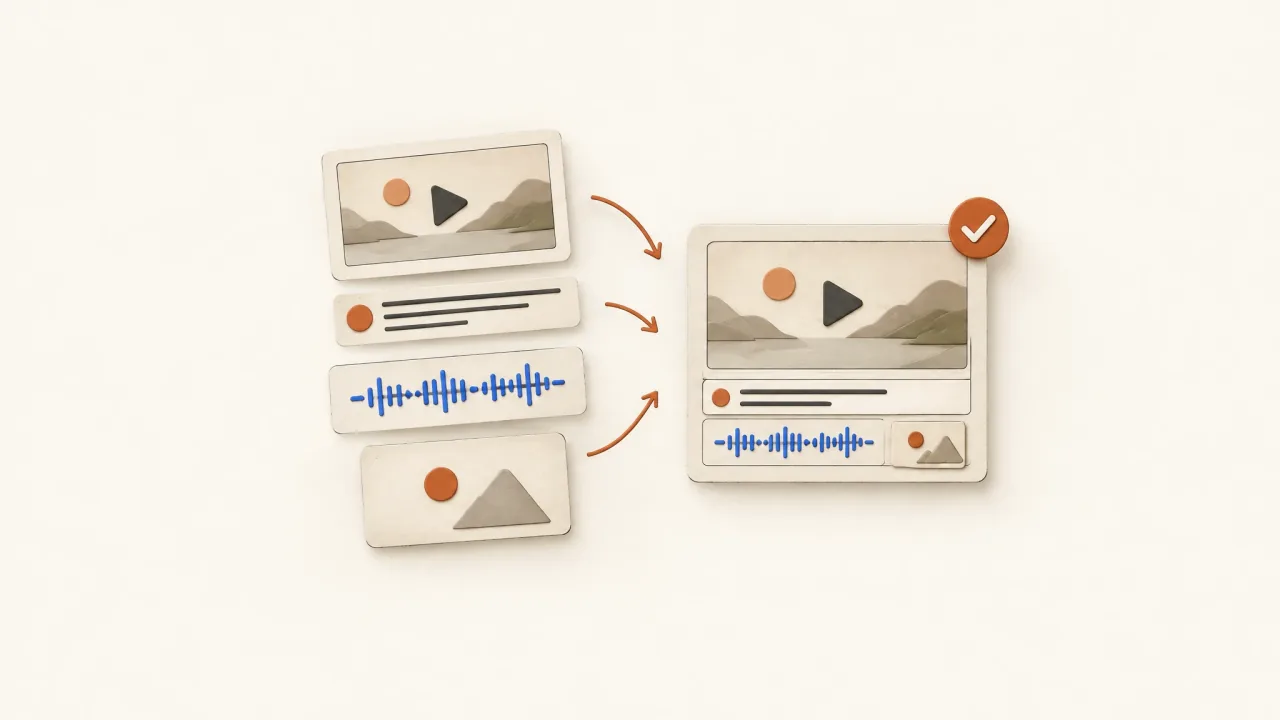
A generated clip becomes a finished ad when the delivered file communicates the intended product message, includes the approved invitation, and meets the agreed playback and presentation requirements. Generating footage is part of that work. Someone still needs to select and assemble it, add text and audio, and export a file suited to the job.
A single-shot ad can be complete, and a polished montage can still be unfinished. Check the deliverable against its specification. Neither a scene count nor an MP4 extension tells you whether it's ready to use.
Inspect what the candidate actually contains
Label the file as a source scene, an assembled review candidate, or the accepted export. That helps a media buyer tell a promising shot from the file selected for use. Record the role and selected version in a creative-test asset manifest.
For an illustrative fictional packing-tape ad, a clear shot of tape beside a parcel could be useful source material while omitting the sealing action, category explanation, and invitation. Even a scene that shows the action may need readable text and an ending.
If the action is missing, use the demonstration shot-list worksheet to specify the coverage you need before paying for more atmosphere shots.
The tape's defined job is sealing a cardboard parcel. Generated illustration can depict it, but adhesive strength, durability, or a real parcel test need actual evidence. Native footage can document the product action recorded; broader claims still need their own appropriate support.
These examples describe gaps you might identify before production. They don't evaluate an existing source clip or finished commercial.
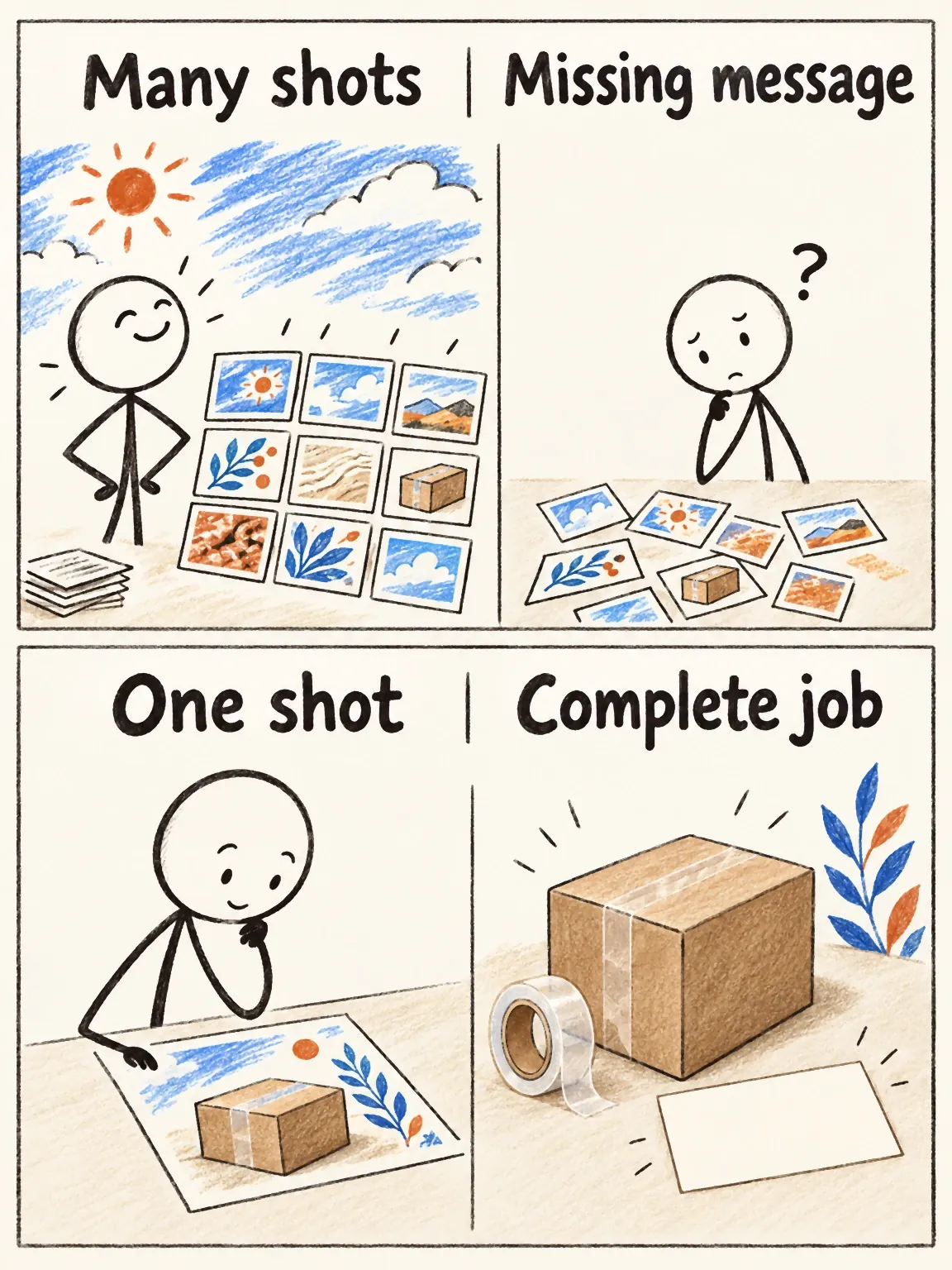
Completion is not a shot count
In this fictional tape example, a montage can leave the job unfinished while a single shot can do everything the brief asks.
View full-size (opens in a new tab)Image explanation
- Several decorative scenes can still omit the product message or invitation. One shot can meet the whole commissioned job.
- Judge completion from the actual export, delivery checks and applicable acceptance. Shot count and file extension cannot decide it.
Specify the delivery before requesting scenes
Write a short, complete specification of what the team expects to receive, replacing the bracketed fields with approved inputs. Confirm that any requested supporting files are available under your subscription before relying on them.
Product and approved facts: [exact item; claim sources and limits]
Message: [the one thing the viewer should understand]
Approved offer: [exact commercial terms or genuine non-purchase invitation]
Invitation: [approved action and exact destination]
Primary deliverable: [one assembled ad, not separate scenes]
Requested runtime: [duration appropriate to the story and placement]
Requested frame: [aspect ratio; export width and height]
Destination requirements: [current platform or publishing specification]
Essential sequence: [recognition; visible product job; invitation]
Footage origins: [supplied native recordings; generated illustration]
Audio: [spoken language; narration; music or sound needs]
Text: [speech captions; category; offer/action hierarchy]
Caption delivery: [visible captions; separate file if required/available]
Supporting delivery: [poster; final script; actual export manifest]
Acceptance priorities: [identity; understanding; playback; legibility]
Review responsibility: [who selects the final candidate]
Unresolved items: [resolve missing offer terms before production; other decisions]
For the fictional tape showcase, you could request one 15-second vertical ad that makes parcel sealing understandable and ends with “Make your own version in Fablo.” Keep the service invitation clear because the prop isn't for sale. This describes an illustrative delivery request rather than an existing export.
Use this delivery-gap checklist on the assembled candidate
Message and sequence
- The exact product or category is recognizable.
- The visible action explains its supported job.
- Scene order connects the setup, demonstration, and ending.
- No cut, metaphor, or line implies an unsupported capability.
An isolated scene can satisfy one box while leaving the sequence incomplete. In longer videos assembled from shorter scenes, check whether each join makes sense as well as whether it looks smooth. If an explanation is missing, more source footage alone won't resolve it.
Audio and on-screen text
- Speech is understandable and agrees with the visible action.
- Music and effects support the message without masking words.
- Captions match the actual speech and remain readable.
- Category and action text do not cover indispensable product detail.
Listen through the joins as well as within each scene. An abrupt voice change or an effect that ends unnaturally can make the assembly feel disconnected. For presenter-led work, use the multi-scene continuity sheet.
Then run the mute-first inspection to check whether the product and invitation remain understandable without narration.
Invitation and export
- The approved action and destination match the actual offer.
- The ending is understandable during normal playback.
- The file has the requested duration, ratio, and export dimensions.
- The actual final file plays with the expected audio and captions.
- The handoff identifies the selected version and requested supporting files.
Tick each item only after inspecting it in the returned candidate. Filling the planning sheet in advance would leave you without a record of what actually passed.
Export dimensions are not source quality
Record the requested delivery dimensions alongside the actual source properties. A larger export can put a small or soft source into a bigger frame, but it can't establish newly captured detail or faithful packaging text.
If the product action sits near the edge of a widescreen source, a vertical crop may lose it. Inspect the new composition and make sure the tape roll, parcel seam, captions, and ending all survive in the requested frame.
Use the destination's current technical guidance. YouTube's official encoding guidance discusses MP4, H.264, and preserving the recorded frame rate. Those points concern delivery. They don't tell you whether the ad is persuasive, and they aren't a universal specification for every placement.
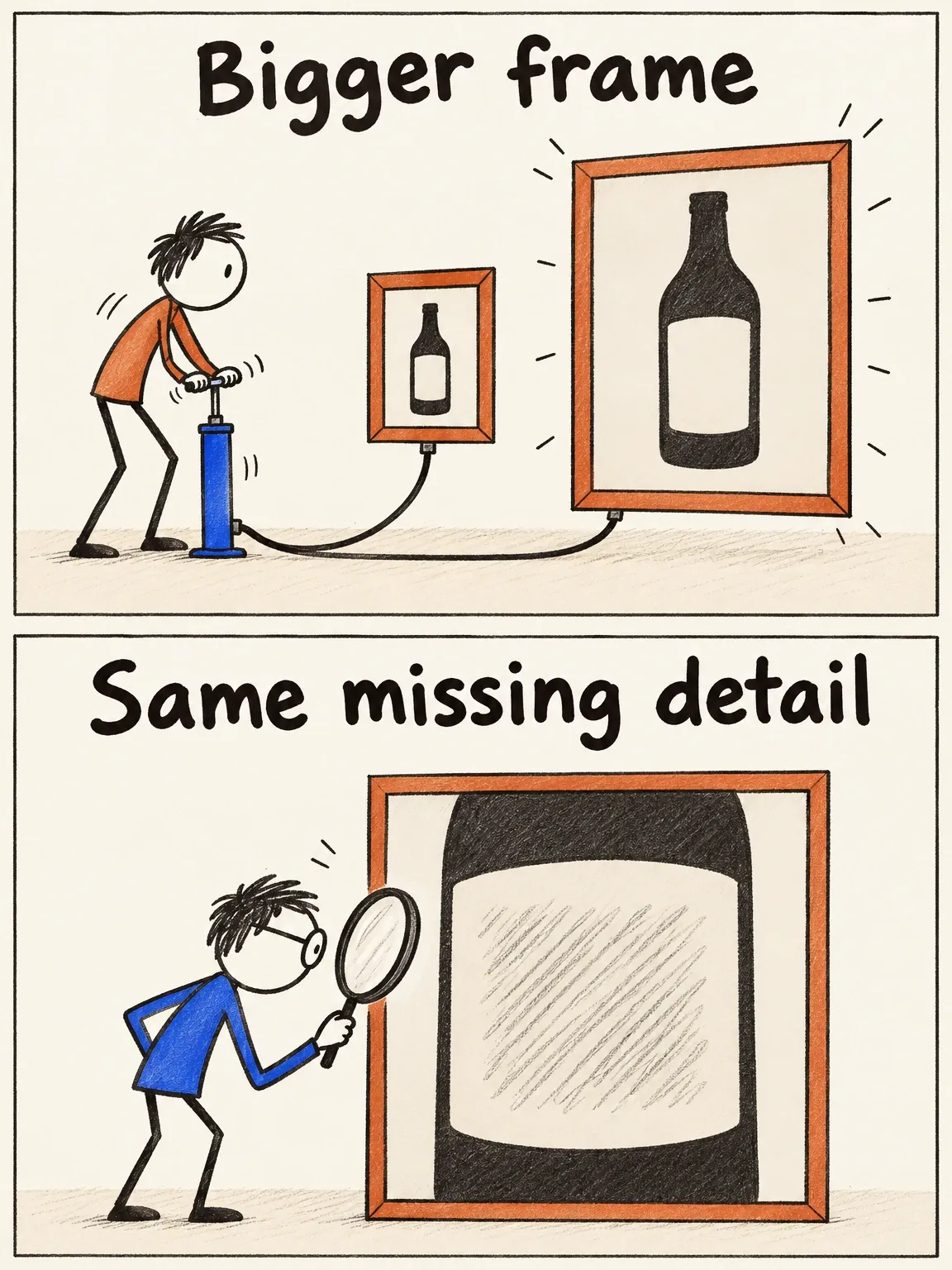
A bigger frame does not invent missing detail
A larger export changes the frame dimensions. It leaves missing source detail and uncertain packaging wording unresolved.
View full-size (opens in a new tab)Image explanation
- Putting a soft source into a larger frame changes file dimensions. It adds no captured detail and cannot verify package text.
- Inspect source properties separately from delivery dimensions. Obtain useful material when necessary information is missing.
Write the gap as a task with a preservation boundary
A request to “Finish this video” should specify what's missing and what should stay, so the producer doesn't have to guess.
A hypothetical review request could read: “Preserve the parcel-sealing view and approved category wording. Assemble an opening that identifies the tape, add the real Fablo invitation, and prepare a captioned vertical candidate. Recheck the whole export for text overlap and coherent sound.” This illustrates how to ask for a correction; it doesn't report one that occurred.
Editing can address a weak entrance, misaligned captions, or an ending that needs a longer hold. A missing action or an unfaithful product view needs new source material. Hiding a failed interaction in the edit won't turn it into a demonstrated action.
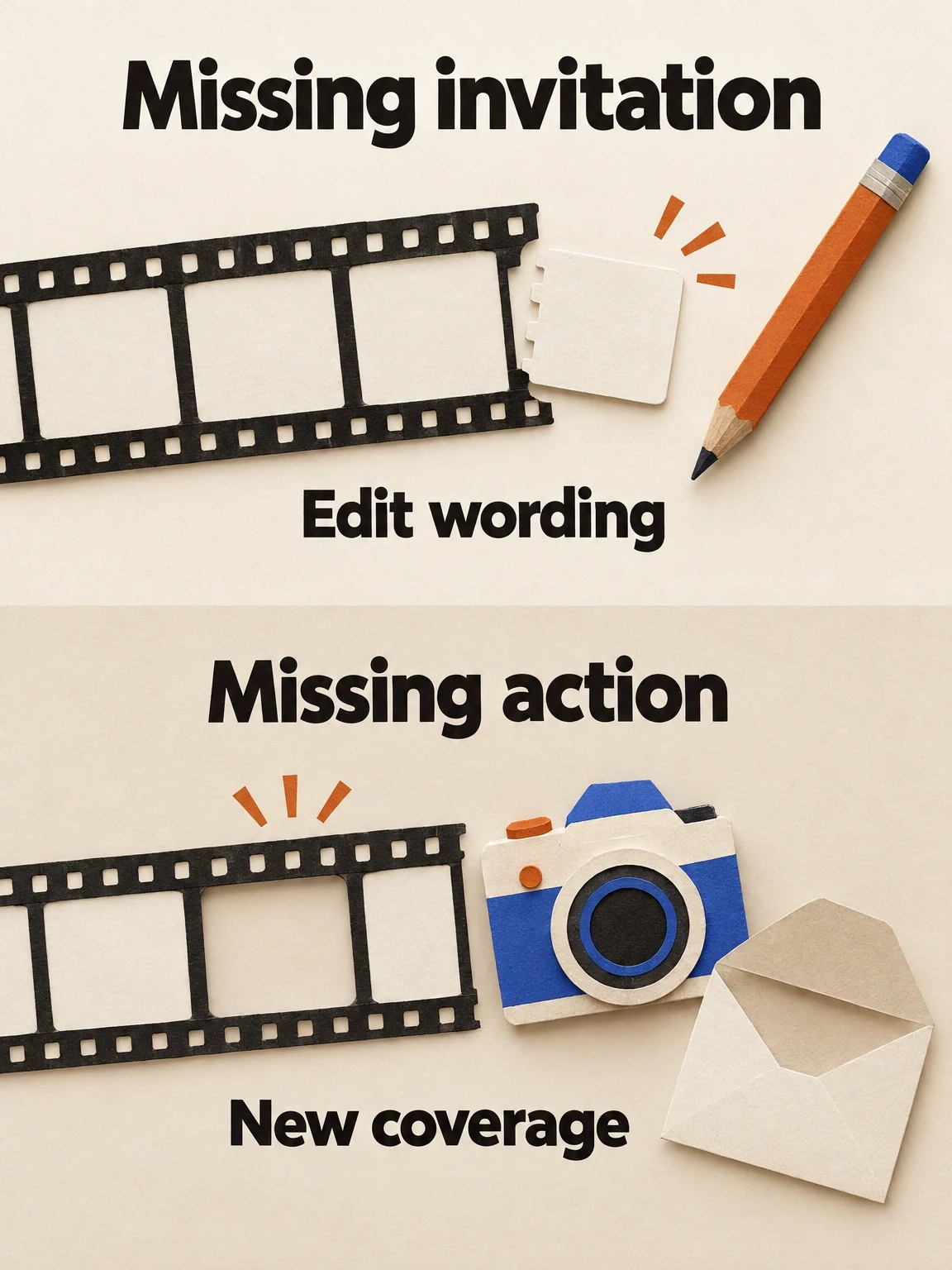
An editing gap and a source gap need different tasks
Approved invitation wording can make a finishing edit possible. An action missing from the source may need new coverage.
View full-size (opens in a new tab)Image explanation
- A missing invitation can become an editing task once the approved wording and destination are supplied. Name the missing communication job and what should survive the correction.
- An absent required action or unfaithful product view may need new material. Hiding a failed interaction in the edit leaves that interaction undemonstrated.
- These blank specimens show hypothetical task types rather than inspected candidates. Recheck the assembled export after correction, including joins, captions, sound and the ending.
Accept the file you actually intend to use
Review the full assembly after each correction. A replacement scene can change caption alignment, sound, continuity, and the ending even if the earlier version looked coherent. Record the checks performed and keep a person responsible for the final selection.
Hand off the selected exports with their recorded checks and acceptance decision. Those checks establish whether the files suit the brief. Campaign results need separate evidence.
Fill out the specification, take it to the product-ad workflow, and open Fablo to produce the complete ad. Fablo's monthly plans provide recurring credits for production beyond individual generations. Ask for an estimate that covers the planned media, assembly, evaluation, and room for retries. Chat and reasoning also use the balance.