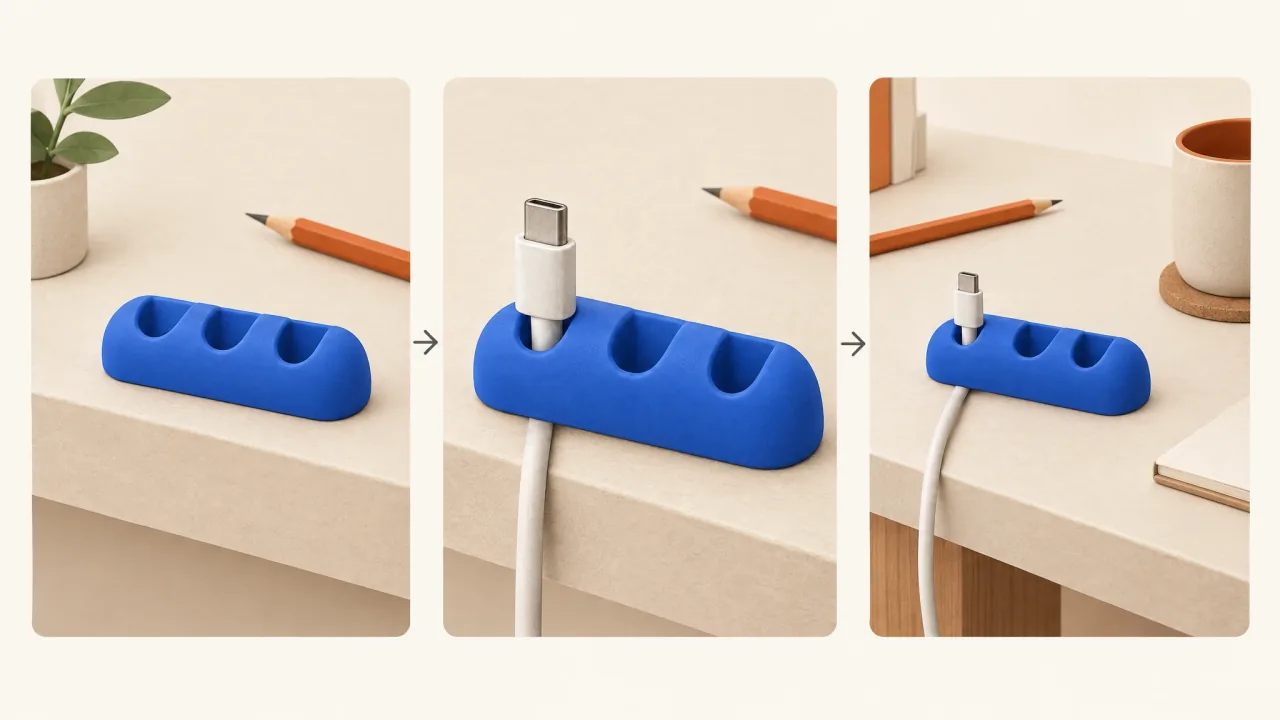
Describe the product's supported job in a sentence about what a viewer should see. Then choose the fewest views that explain it. Each shot should answer a question: what is this, how is it used, where does it fit, or what should I do next?
For a fictional three-slot cable keeper, the sentence is: “Loose charging-cable ends rest in its slots at the desk edge.” That is specific enough to direct a demonstration. “Makes your workspace better” is not; it leaves the action, composition, and factual claim unresolved.
Build the shot list around the explanation. Add a macro view when the viewer needs that extra detail, rather than to complete a catalogue of camera moves.
Write the evidence boundary before the camera direction
Set out what the product facts support. For an existing product, attach approved specifications, an identity reference pack, and the evidence needed for the claim. A visible slot does not establish universal cable compatibility. A closed parcel does not establish a strength rating.
The FTC's advertising substantiation policy covers the reasonable basis needed for objective claims, both stated and implied, before they're advertised. Keep the source supporting a claim separate from the scene that illustrates it.
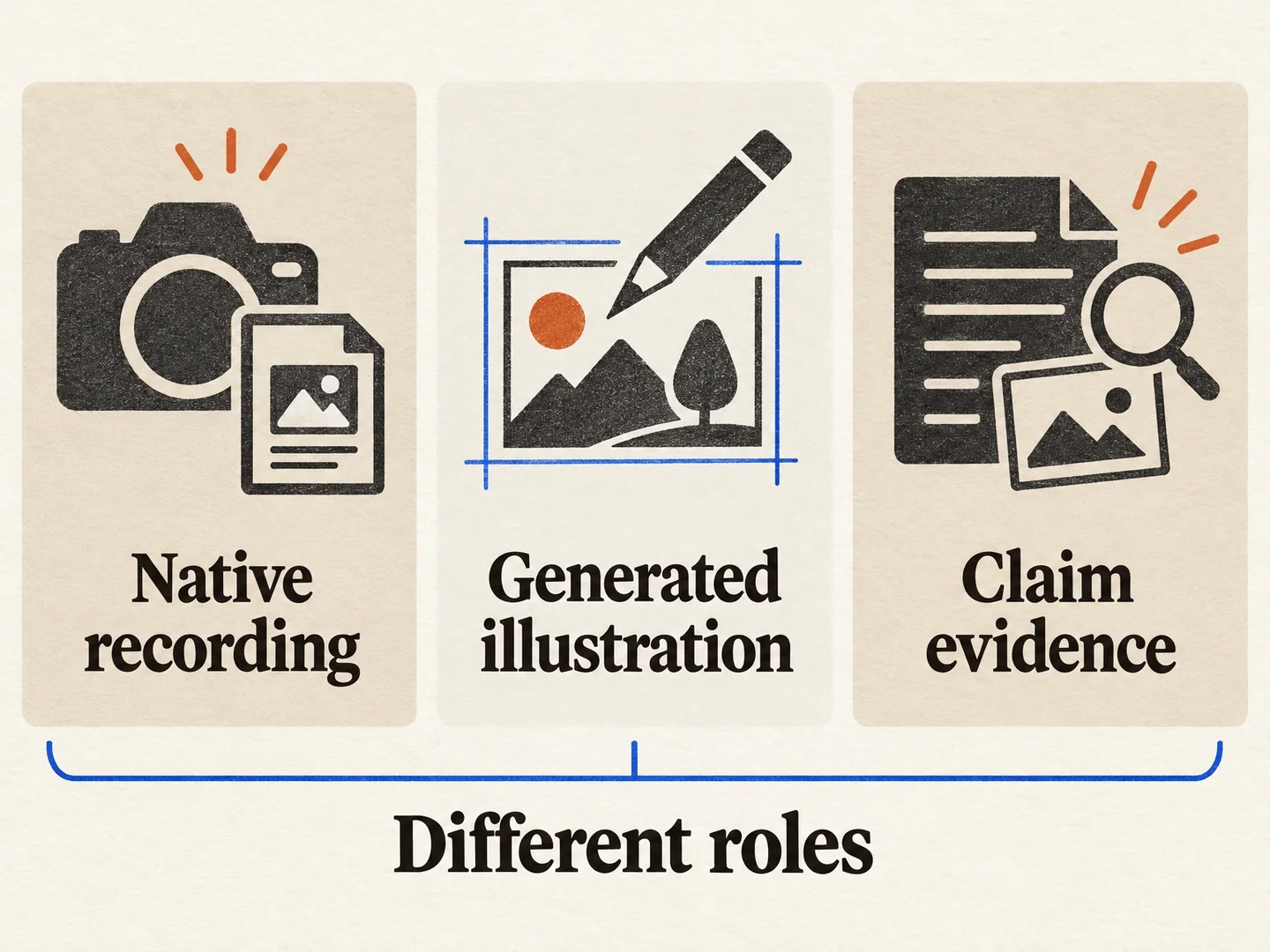
Use three distinct source labels in the shot list:
- Native recording is footage of the actual product performing the recorded action under known conditions.
- Generated illustration is a constructed scene explaining approved facts or a visibly fictional scenario.
- Claim evidence is the actual documentation, test, or authorized account that supports the claim.
Generated scenes illustrate; they don't record a real demonstration. Native footage supports only what its conditions and framing establish. Check every script line against its evidence, whichever type of footage you use.
Three sources, three different jobs
A recording, a generated depiction and the support for a claim each contribute something different to the demonstration brief.
View full-size (opens in a new tab)Image explanation
- A native recording documents the action captured under its actual conditions. A generated illustration explains approved facts or a fictional scenario.
- A claim needs its own appropriate support. Neither recorded nor generated footage automatically validates every spoken assertion.
Plan four explanatory jobs, then merge where possible
These proposed views use the fictional matte cobalt-blue keeper with exactly three slots. They are pre-production instructions, not observations from a finished ad.
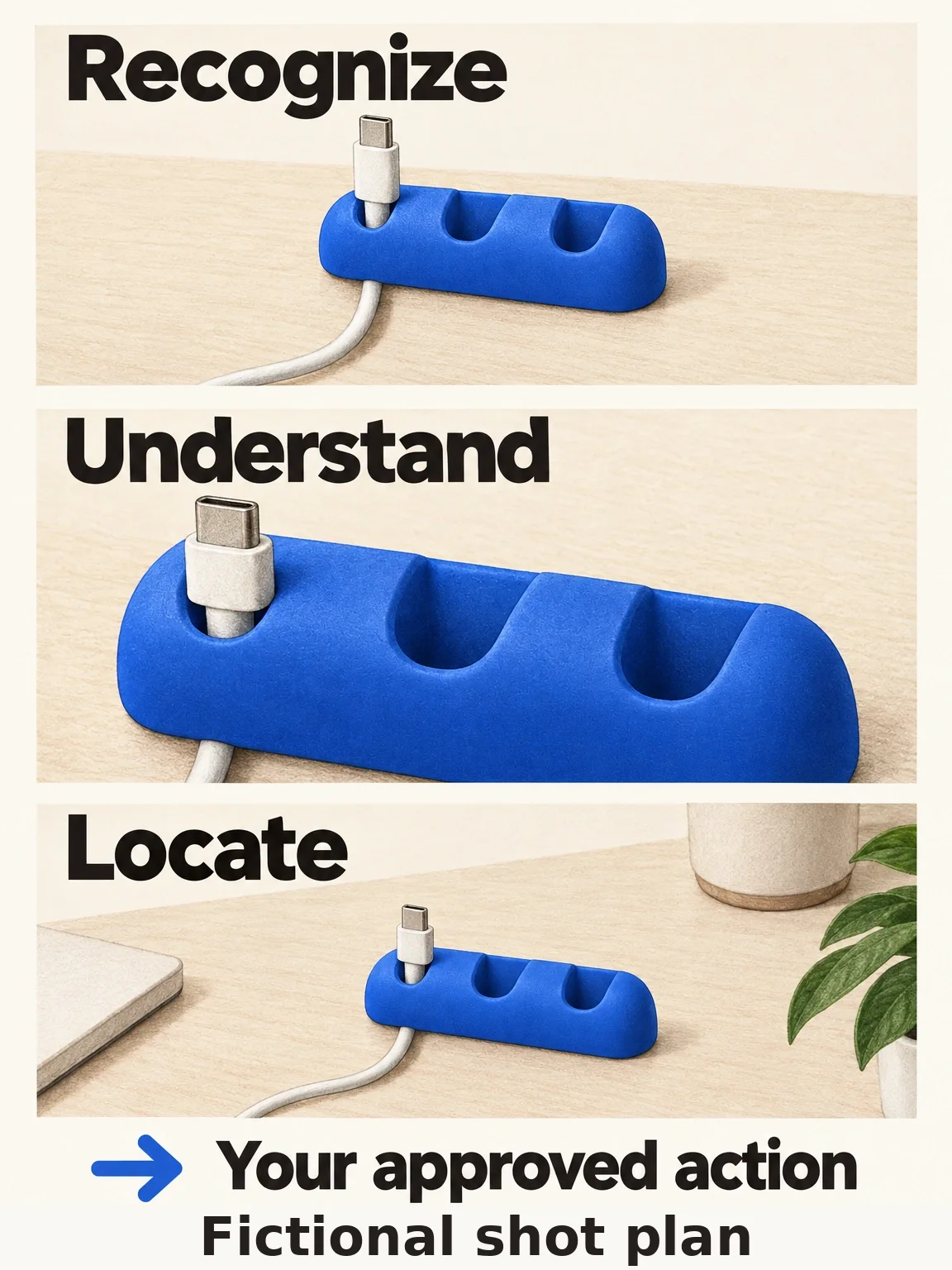
Recognition: show the whole object
Use a three-quarter view that keeps all three slots visible. Include enough of the desk edge to establish placement, but avoid a cluttered background that competes with the small product.
This view answers “what am I looking at?” A silhouette or extreme crop may be attractive, but cannot substitute if it conceals the distinguishing geometry. Add concise category text only where it resolves genuine ambiguity.
Action: show the resting relationship
Choose a closer angle that shows a cable resting in a slot, including the loose end. Keep the important contact area unobscured. The job is explaining that relationship, not demonstrating an unconfirmed charging function.
If insertion is essential, request a readable insertion action with entry and exit states and plan a product-in-hand inspection. If only the resting position matters, do not add complicated handling merely to make the shot feel active. A product-only end-state view must not be described as proof of convincing generated hand interaction.
Context: show where that action belongs
Widen to establish the keeper at the desk edge in an ordinary working setup. Keep product orientation and cable arrangement consistent with the detail view so the viewer can connect them.
A nearby phone can supply context without implying compatibility with every device. If exact scale matters, use supplied measurements or an appropriate recorded comparison rather than inferring dimensions from a generated desk scene.
Invitation: resolve the product and next action
End on a readable composition that preserves the object and supports the approved invitation. The fictional keeper is not for sale; this showcase's real action is to adapt the production brief to your own product in Fablo.
These jobs need not become four separate scenes. A clear desk-edge composition may establish recognition and context together. Merge views when understanding survives, not simply to reduce the shot count.
Views that answer different questions
The fictional keeper's shot plan covers recognition, the resting relationship and desk context. A clear view can sometimes do more than one job.
View full-size (opens in a new tab)Image explanation
- Whole-object, resting-relationship and wider-context views answer recognition, action and location questions.
- Combine jobs where the explanation stays clear and reserve the real invitation. A resting state supplies no handling or performance evidence.
Copy the minimal shot-list worksheet
These labels name what each view needs to explain. They aren't asset IDs. Record the common facts once, then add a row of text for each view you need.
Product and exact variant: [name; supplied references]
Supported job: [one observable sentence]
Claim sources and limits: [actual evidence; what is not established]
Unknown details: [resolve or omit]
Fixed identity: [geometry; colour; approved branding and text]
Approved offer: [exact commercial terms or genuine non-purchase invitation]
Unresolved offer terms: [resolve before new production; not a no-price offer]
Invitation and destination: [real action; exact URL]
Requested assembly: [ratio; runtime; audio and text needs]

Recognition view
Viewer question: [what is it?]
Required visible detail: [whole object; distinguishing feature]
Composition: [angle; framing; necessary context]
Source: [native recording / generated illustration; supplied inputs]

Action view
Viewer question: [what does it do?]
Entry and exit states: [supported starting position; visible end state]
Required visible detail: [contact, movement, or relationship]
Source and evidence limit: [what this view can actually establish]

Context view, if not already covered
Viewer question: [where and when is it used?]
Required relationship: [product; environment; relevant objects]
Continuity: [position; orientation; product and prop states]

Invitation view
Viewer question: [what next?]
Approved text: [action and any offer wording required by the verified brief]
Product visibility: [what remains unobscured behind the text]

Remove or merge: [any view that repeats an answered question]
Final review: [recognition; action; context; invitation in actual export]
For the keeper, the most useful constraint is visibility of the slot-cable relationship. “Slow orbit with cinematic lighting” is secondary. An orbit that loses that relationship has not completed the action view's job.
Choose motion around the detail that matters
A locked or gently moving camera can keep a small mechanism readable. A sweeping move may work for a whole-object reveal but hide contact just when the viewer needs to inspect it. Say what information must stay visible, and add camera movement where it helps.
Leave unsupported processes out. The fictional keeper's installation method is unspecified, so do not invent an adhesive peel-and-stick sequence. For a real product, obtain that fact and the appropriate demonstration source before adding installation to the list.
Review a static close-up and a contact action separately, even when they're in the same sequence. They have different production demands and need different acceptance questions.
Review the assembly by the questions it answers
Watch the assembled export without looking at the worksheet. Can you identify the object, understand its visible job, connect it to the setting, and read the invitation? Use the sound-off storytelling inspection to find explanations that rely entirely on audio. Compare what you understood with the approved facts.
Check how the short scenes work together. Longer demonstrations are assembled from shorter scenes too, so they also need continuity review. Inspect cable position, product shape, caption overlap, and any omitted action at the joins. A shot list doesn't guarantee perfect product fidelity.
Use the finished-ad specification for the remaining delivery work. Complete the worksheet with your real inputs, bring it to the product-ad workflow, and open Fablo to produce the demonstration. Fablo's monthly plans provide recurring credits for repeat product-video work. Estimate the views, assembly, checks, and room for corrections before starting paid production.