
Mute the video before you read its script. Can you identify the product, follow what it does, and understand the next action? If you need narration to answer any of those questions, decide whether the images or on-screen text should carry that information too.
This review doesn't tell you how many people watch silently. You don't need a universal sound-off percentage to notice that an adjustable lamp looks like an unexplained glowing object when only the narration names its category.
Keep the ad's argument understandable without audio. When sound is available, music and voice can add personality, emphasis, and detail.
Prepare a review that does not supply the missing explanation
Use the actual export and watch it at the intended display size. The finished-ad delivery checklist helps distinguish the assembled ad from its source scenes. A storyboard or isolated stills can't show the complete playback. Keep the script and product page out of view on the first pass so prior knowledge doesn't fill the video's gaps.
Ask someone who hasn't worked on the edit to describe what they understood. Their answer tells you what that reviewer took from this video; it isn't audience research or a performance result. Record the filename so the feedback stays tied to the version they watched.
If you don't have an export yet, use the sequence below to review the storyboard. Mark it as a pre-production exercise. A clear plan still needs review once the finished video exists.
The mute-first inspection sequence
1. Watch once and name the product
Play without pausing, then write down the category you understood from the images and visible words. Don't count a familiar logo as product recognition. Knowing the brand doesn't necessarily tell you which item is being advertised.
If you could mistake the product for something else, name the missing view. You may need to see a lamp's base, arm, and head together, or a cable keeper's slots clearly positioned at the desk edge.
2. Describe the visible action as a verb
Complete “The product is being used to…” using only what you saw. “Sits on a desk” describes placement; “provides a resting place for loose cable ends” describes a job.
Watch the movement, not just the attractive frames before and after it. Those endpoints may leave the mechanism unexplained. If a cut hides the action, use the demonstration shot-list worksheet to decide whether you need another view, a simpler action, or supplied footage of the actual product.
3. Follow the connections between scenes
Watch again and focus on the cuts. Does the detail belong to the object you saw earlier? Does the setting explain where the action happens? Does a metaphor lead into the ordinary product job?
A generated miniature world can illustrate an idea without supplying evidence of product performance. A recording of the real product can show an actual action. Keep the edit within the conditions and results that recording shows.
4. Read the text without losing the demonstration
Check whether category text, speech captions, and action text compete for the same small area. If you have to ignore the product movement to read, use the caption-hierarchy audit to give the text separate jobs or spread it across beats.
Give each text element a job. “Adjustable desk lamp” identifies the category, while speech captions represent what's said. “Make your own version in Fablo” gives the invitation in a fictional showcase. Keep the text short enough to leave room for the images.
5. Identify the actual invitation
Watch the ending normally before you pause on it. What does it ask the viewer to do, and where does that action lead? The invitation needs to be understandable during playback, too.
For a fictional demonstration prop, make the invitation about the real service being advertised. Don't imply that the lamp itself is for sale. For a customer product, use the approved offer and destination, keeping invented terms out of the ending.
6. Restore sound and reconcile the two stories
Restore the audio. Does the narration explain the action on screen, or introduce a different capability? Do captions match the speech? Does a meaningful sound tell you something the silent version leaves out?
W3C's caption guidance explains that captions include dialogue and meaningful non-speech audio. Promotional headlines have a different job. You can use a short headline to clarify the category, but still need a faithful caption track in the captioned delivery.
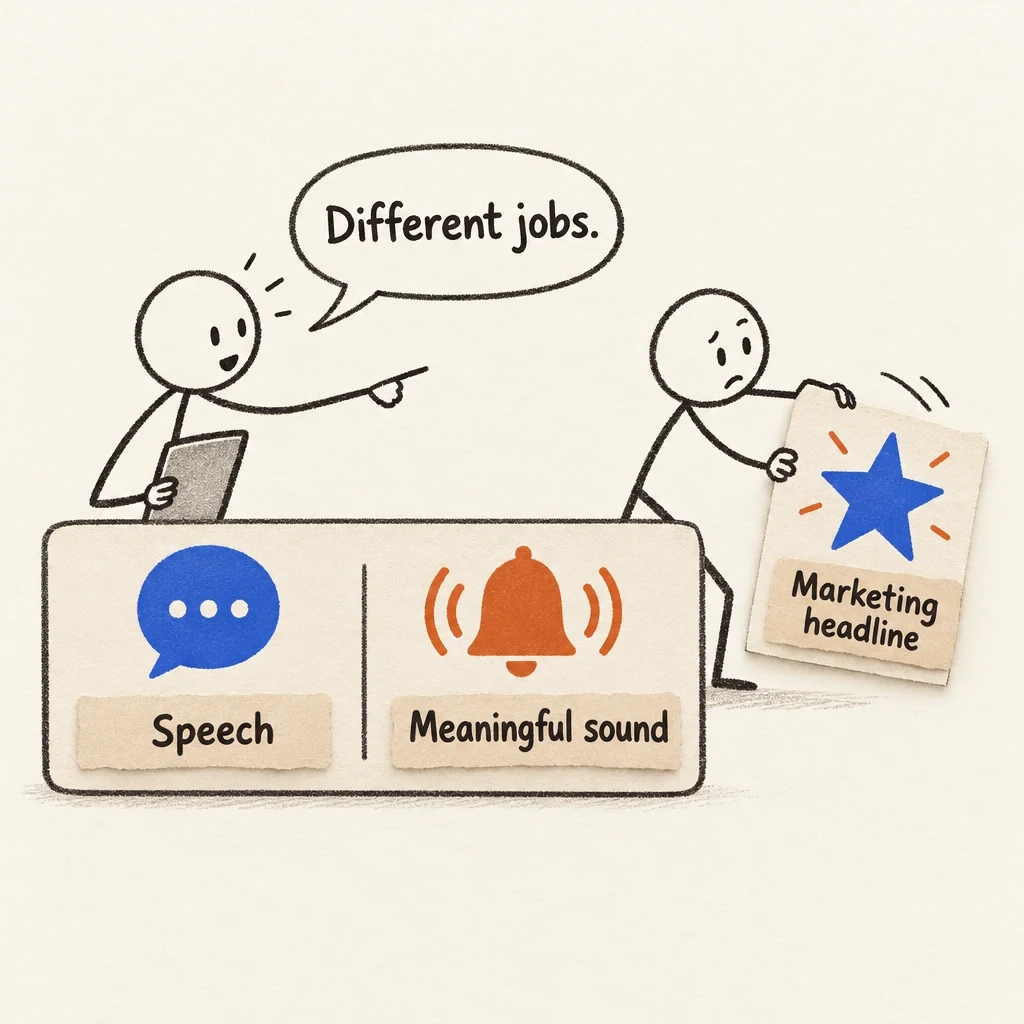
A promotional headline is not the caption track
A marketing headline can identify the product. Faithful captions still need to carry the dialogue and meaningful non-speech sound.
View full-size (opens in a new tab)Image explanation
- Captions preserve the delivered dialogue and meaningful non-speech sound. A marketing headline has its own communication job.
- Restore the audio after silent review and compare what each channel communicates. Keep the faithful caption track even when promotional text is present.
A proposed lamp exercise
Imagine a fictional warm-white lamp with an adjustable arm, a single hinge design, and a round base. One planned opening shows attractive pools of desk light but leaves the object hard to identify. Another starts with a clear lamp view and shows how the arm relates to the working area.
The scene-revision planning guide includes a written request for a clearer fictional lamp reveal. Here, the first treatment deliberately explores ambiguity, while the second asks for a clearer explanation. Both are pre-production choices. No returned videos, measured conversion improvements, or observed mute-first results support this exercise.
Check whether the planned images make the adjustment understandable. Glowing pages alone won't do that. Then check whether the category text leaves the hinge visible. The fictional prop's defined facts don't include energy savings, brightness measurements, or health benefits.
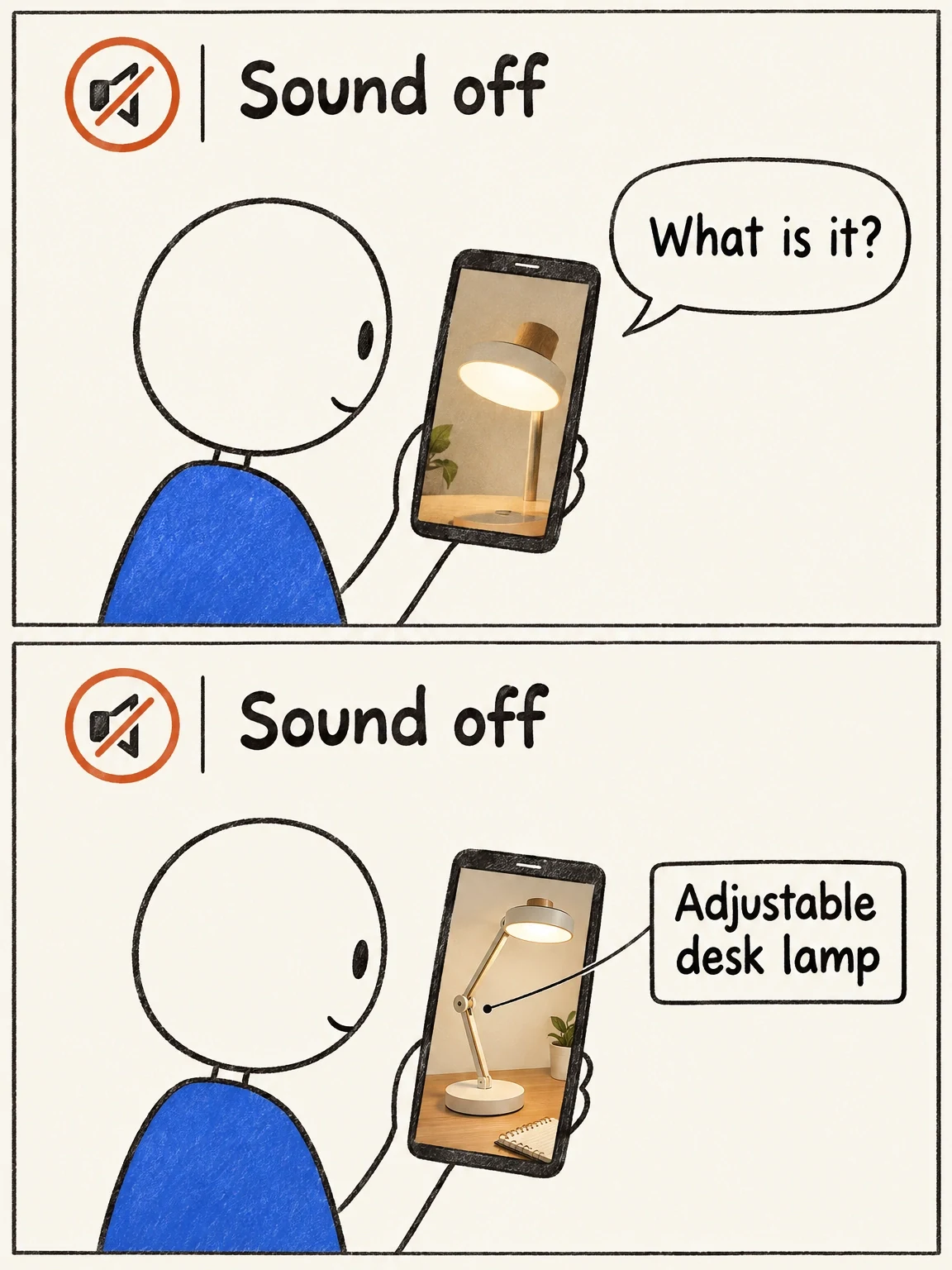
Mute the explanation you already know
The fictional lamp's atmosphere crop leaves its category unclear. The proposed whole-object view gives the silent reviewer more to recognize.
View full-size (opens in a new tab)Image explanation
- In the fictional planning exercise, the atmosphere crop fails to identify the lamp; the proposed whole-object view shows its category and arm relationship.
- These compositions report no observed revision result. Real mute-first review needs actual normal-speed video without help from the script, followed by comparison with the audio.
Turn an unclear answer into one production change
Use the record below, leaving observations blank until someone reviews the actual file.
Candidate and version: [actual filename]
Review basis: [returned export / pre-production storyboard]
Intended display context: [placement; display size]
Product understood without audio: [reviewer's actual answer]
Visible action understood: [reviewer's actual answer]
Unclear connection: [specific scene join, if observed]
Text competing with product detail: [actual element, if observed]
Invitation understood: [reviewer's actual answer]
Audio-only essential information: [identify after restoring sound]
Requested change: [one specific visual, sequencing, or text decision]
Preserve: [identity, useful views, approved wording, other fixed elements]
Recheck: [same mute-first sequence on the revised assembled export]
Match the change to the problem. An unrecognizable object needs a view that explains its category; a confusing action needs a readable demonstration. Simplify the text if the ending is crowded. Adding captions to every problem can leave viewers with more to read and the same unanswered question.
Use the creative-revision workflow to specify the focused change, then open Fablo to produce a clearer assembled candidate. Recurring monthly credits support ongoing production in Fablo, including revisions and checks that consume the balance. Ask which work is affected and review the estimate before approving the change.
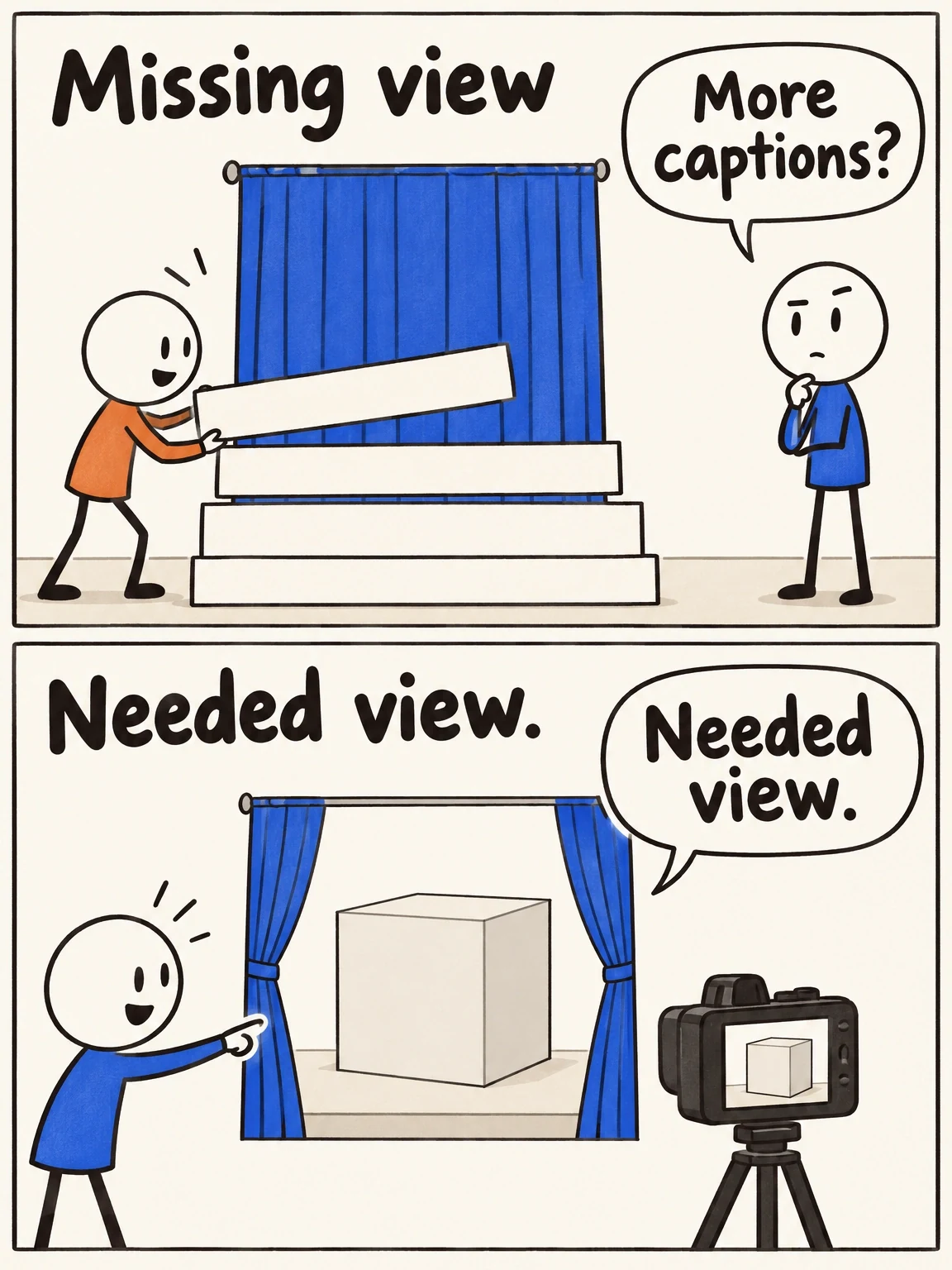
Captions do not build a missing shot
More captions can add reading without showing the missing product relationship. Choose the correction that answers the actual viewing problem.
View full-size (opens in a new tab)Image explanation
- An unrecognizable product needs a category-defining view. A confusing action needs a clear demonstration. A crowded ending needs simpler text.
- Base the specific revision on findings from the actual candidate, preserve approved material and repeat the same mute-first inspection on the assembled export.
- The cube illustrates the needed view. This cartoon does not document a completed or accepted revised video. Extra captions alone can leave the missing visual answer unresolved.