Start a scene revision by naming the exact video, locating the problem, and explaining what the replacement needs to do. Specify what to preserve, then review the new scene inside the complete ad. “Keep everything else the same” leaves too much for the production team to decide.
Even a small image change can affect the neighbouring cut. A new spoken line may need different captions, music, timing, or an ending adjustment. Name those dependencies so the team can fix the scene without treating one defect as permission to remake the concept.
The lamp example below is a written teaching brief. There is no original or corrected footage to inspect, and it records neither a Fablo correction nor a campaign turnaround. Use it to practise planning a revision.
Identify the source before describing the change
Attach or identify the exact assembled video you want revised. Use the file-naming and versioning convention to distinguish it from later candidates. Include its version, approved script, product references, offer, action, and destination. A screenshot can show where a visual issue occurs; you'll need the video to review the surrounding movement and audio.
Inspect the file before adding a timestamp. If you don't have one, describe the scene clearly: “the first full product view after the desk opening,” for example. Label any planned timing as planned.
If you're continuing the same production conversation, name the selected candidate. In a new conversation, supply the source material and constraints again. Don't assume earlier decisions or assets will carry across automatically. Even a targeted change needs that context and a final review.
Separate the finding from the desired effect
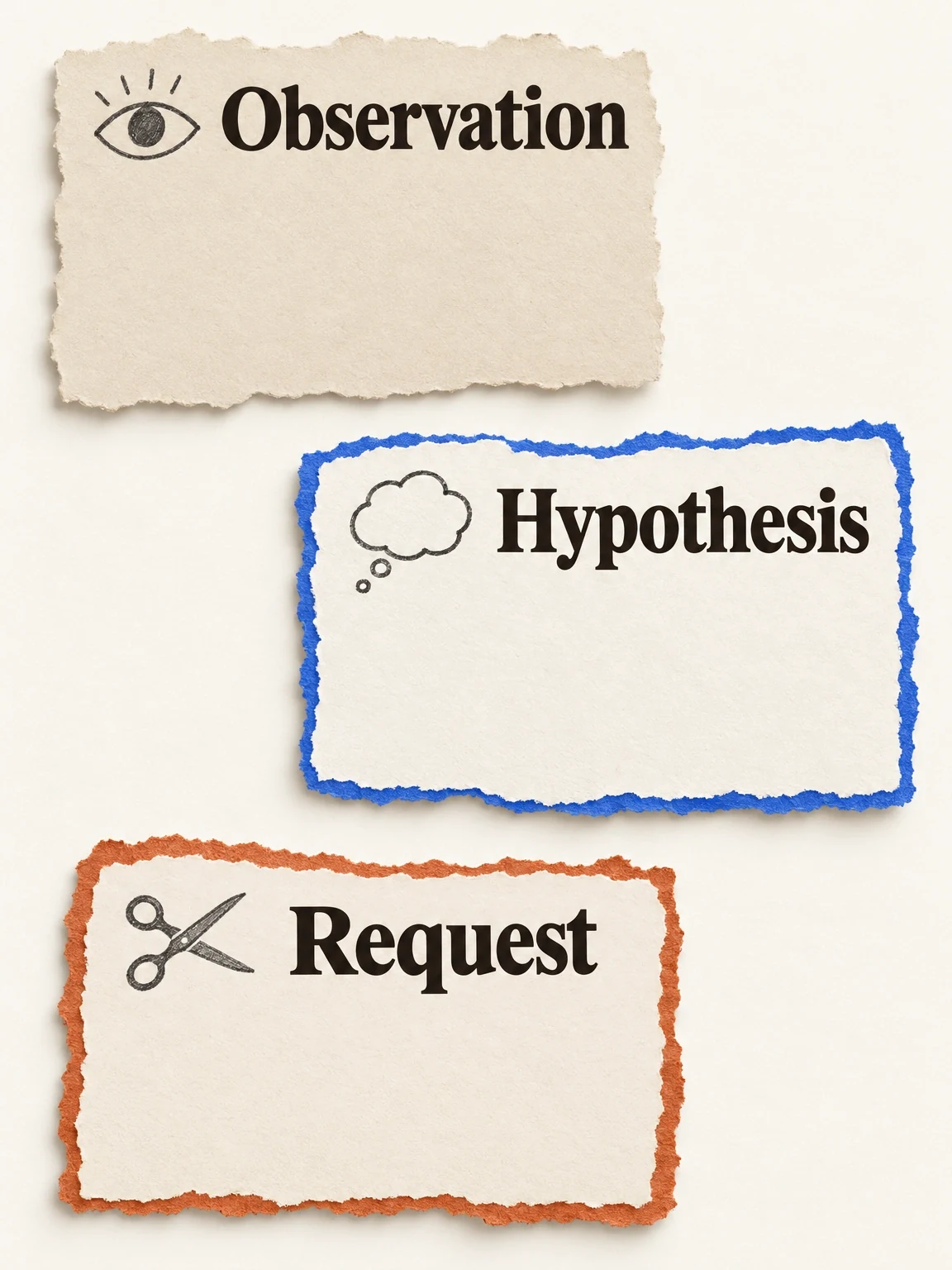
Write three short statements:
- Observed issue: what a reviewer can see or hear in the source file.
- Communication hypothesis: why that might prevent the scene doing its intended job.
- Requested change: the specific visual, spoken, or editorial adjustment.
For an actual ad, “the lamp appears only as a cropped shade” is a locatable observation. “Viewers may not identify an adjustable desk lamp” is a hypothesis. “Replace that view with the complete lamp and a readable arm demonstration” is a production request.
Keeping those statements separate helps you avoid turning a review comment into a campaign diagnosis. You can confirm that a scene explains the product more clearly without claiming it improves conversion.
A finding is not a forecast
Write down what you saw or heard, what might follow from it and the specific change requested. Keep those statements separate.
View full-size (opens in a new tab)Image explanation
- A real revision brief needs a locatable visible or audible observation, a qualified possible communication consequence and one clearly scoped adjustment.
- Check the actual replacement against its communication and preservation conditions. A clearer scene can meet the brief while leaving campaign conversion effects unproven.
- The notes contain no findings because no candidate has been inspected for this illustration. A production comment alone supplies no campaign diagnosis.
Decide whether the change really fits one scene
A wrong product part, hidden category view, mistimed caption, or clipped spoken word may need only a focused correction. Changing the audience, offer, or reason to buy affects the whole creative brief. Use the creative-brief guide for that broader work.
Some scene requests still need work elsewhere. If a longer line won't fit the shot, choose shorter approved wording or agree to a wider edit. If a new camera angle reveals the wrong variant, correct the product identity too. Ask which work is affected before expanding the revision.
Specify both the material you want reused and the creative decisions you want retained. Recreating a scene in the same style uses new footage; reusing a scene keeps the original footage. Either approach still needs a continuity check.
Use this scene-revision brief
Source candidate: [exact assembled video and version]
Product/variant: [name; approved identity references attached]
Scene to revise: [actual interval or unmistakable description]
Observed issue: [visible/audible finding; evidence attached]
Scene's intended job: [identify / demonstrate / explain / invite]
Change requested: [one bounded replacement or adjustment]
Acceptance condition: [what the reviewer must see or hear]

Reuse where possible: [named source scenes, audio, ending]
Preserve decisions: [message, product, tone, offer, format]
Flexible within this scene: [framing, wording, movement, etc.]
Approved facts and exclusions: [supported details and limits]
Exact viewer action and destination: [wording and URL]

Identify affected joins, speech, captions, music, and runtime.
Explain necessary new work and estimated spend before proceeding.
If the change needs a wider edit, return the expanded scope first.
Return a new identifiable candidate and a reuse/change note.
Keep the source available for comparison and review the full export.
Write an acceptance condition the reviewer can check in the video. “Feels more premium” leaves them guessing what to inspect. “The whole lamp, round base, and supplied hinge are visible while the category line is spoken” gives them a concrete task.
Illustrative application: a clearer lamp reveal
Apply the creative-revision planning workflow to a fictional warm-white adjustable-arm lamp. Suppose the original direction deliberately delays identification. The revision asks for earlier recognition and a clear arm view. This is a written planning exercise; no original-and-revised video pair is supplied here.
For that exercise, a focused scene request could read:
Replace the ambiguous opening product view with a recognizable full-lamp composition. Use the supplied lamp design and proposed category line, “An adjustable desk lamp for your working corner.” Preserve the warm desk setting, round base, approved hinge, and the agreed ending. Add no brightness, energy, or health claims. Show what neighbouring timing or captions would need to change.
The request is sample customer wording. It isn't a transcript or a record of a successful edit. To publish a before-and-after demonstration, you'd need the actual original, revision, final words, and a record of what changed. For an existing product, use its real references and supported facts.
Run downstream checks before acceptance
First check whether the replacement resolves the named issue. Then review it in the assembled candidate:
- Check that the preceding and following shots still make sense, without unexplained jumps in product position, presenter, setting, or action.
- Confirm the replacement uses the approved variant and details. Record any mismatch in the product-fidelity ledger.
- Check that speech and captions are complete, accurate, synchronized, and readable, with enough time before the next line.
- Listen for voice and music balance, abrupt cuts, and a truncated ending.
- Verify labels, offer wording, and destination. Check their hierarchy on mobile, keeping captions clear of the product action.
- Play the actual export from beginning to end and confirm its format and duration.
Record the checks you performed and anything still unresolved. You'll need to review the full ad to know whether the edit caused problems elsewhere.
The patch has strings attached
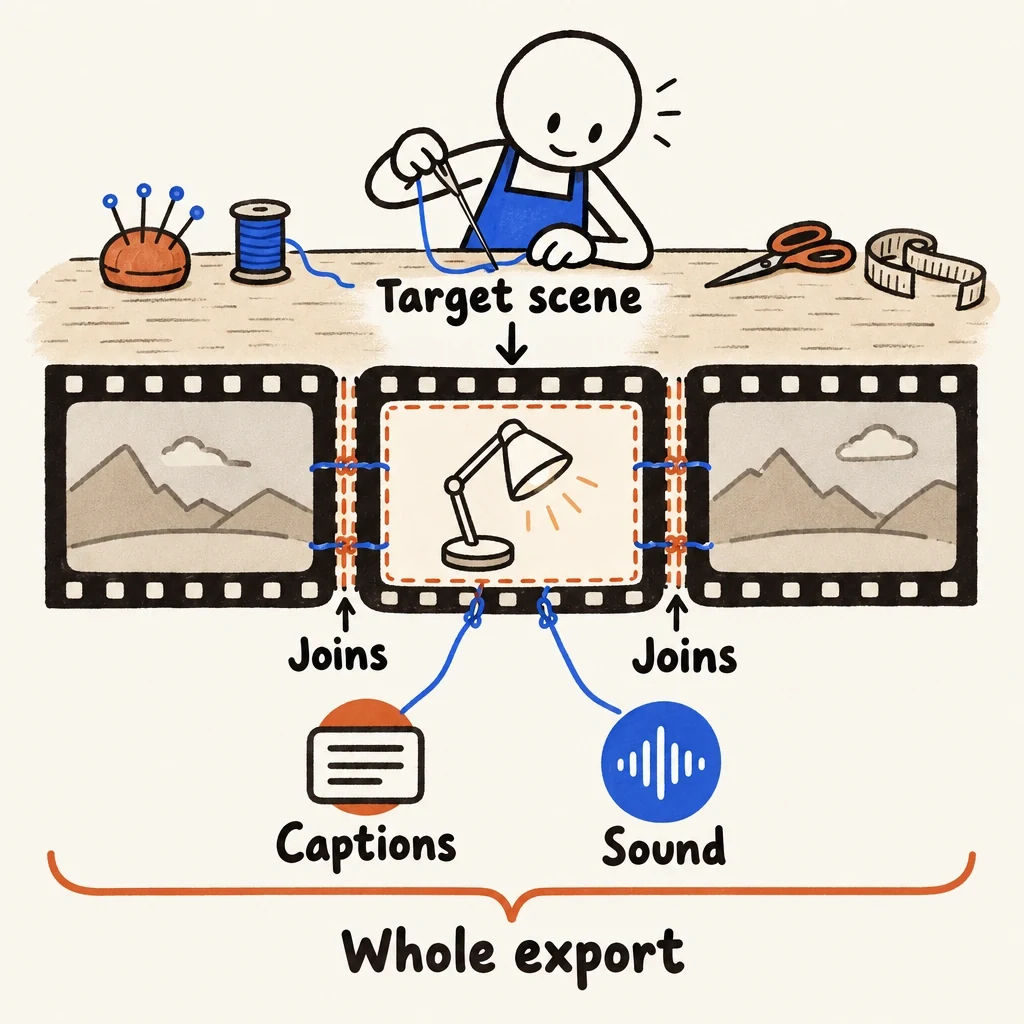
A local scene change can affect its joins, captions and sound. Inspect the replacement inside the complete ad.
View full-size (opens in a new tab)Image explanation
- Replacing a scene affects its neighbouring joins, captions and sound as well as its own communication job.
- Inspect the complete new export. Record what was actually reused, what changed and the decision on that version.
Accept the revision for the stated reason
Compare the source and new candidate against the acceptance condition and preservation list. Record what was reused, what changed, and the human decision. If you find another issue, make it a new request rather than quietly widening “one scene.”
Use quality checks to decide whether to accept the production work. Campaign results need separate evaluation. Bring the exact candidate and completed brief, then open Fablo to produce the bounded scene revision. Fablo's recurring monthly credits fund further production and corrections. Ask which work is affected and review the estimate before proceeding. Keep the source so you can compare it with the revised export.