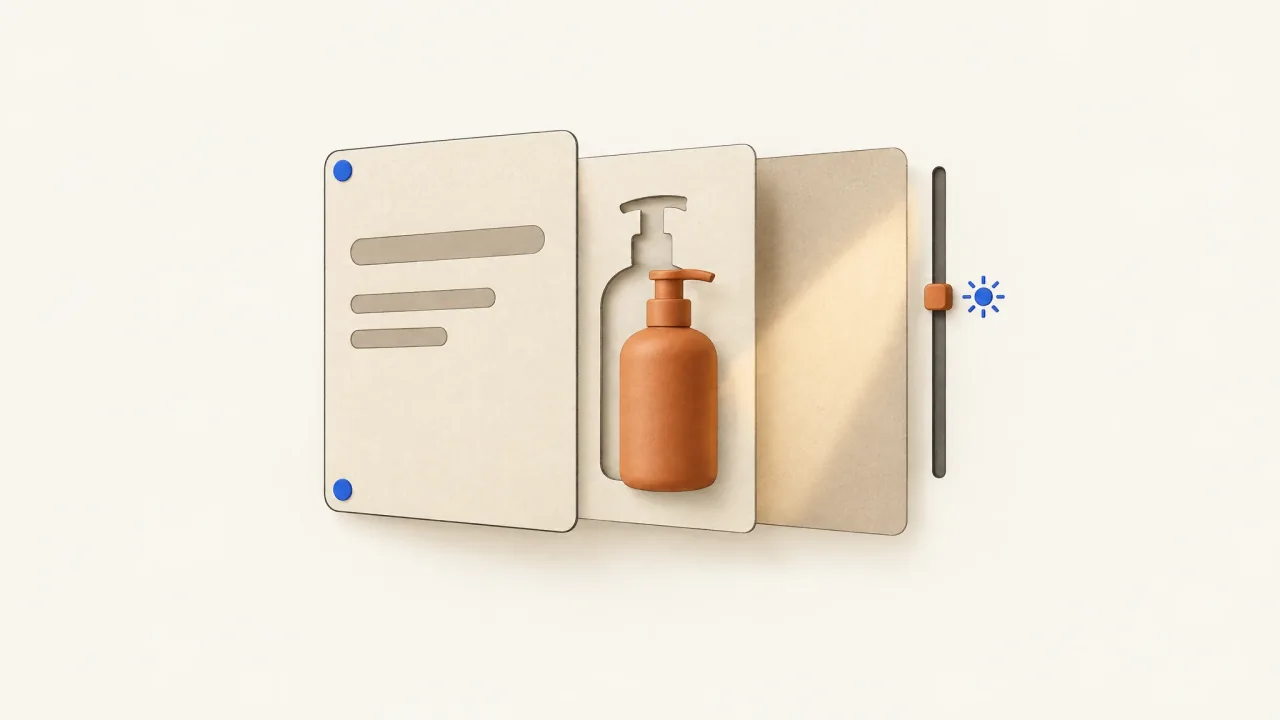
Start with the approved static and mark what must stay fixed and what can move. Choose one motion that supports the existing message. Preserve the exact copy, product identity, logo, and commercial terms, and decide on the ending and any loop before producing the video.
Put those decisions in a motion-permission map: what can move, what must stay faithful, and what the final frame needs to communicate. That gives the production team a clearer request than “animate this”.
Freeze the message before adding movement
Write down what the static communicates at a glance: the product, main idea, any offer, and next action. Identify the elements that carry each part. The headline might express the idea, the product silhouette help with recognition, and a button give the invitation.
You can start with an approved static. If you describe it as a strong performer, attach your campaign evidence and context. You'll need separate evidence to know whether motion retains or improves those results.
Choose the question you want production to explore. “Can a moving background preserve this product message?” asks for less than “Can we turn this layout into a new demonstration?” A new demonstration adds scenes, actions, and possibly claims. Give that work its own brief before production begins.
Separate editable layers from protected identity
Collect the original layout, exact text, logo artwork, product image, and any layered source files. Check what you actually have. A flattened image may not have layers you can separate cleanly.
Specify what can change in each element:
- Preserve the exact letters and commercial meaning of the wording. Animate its entrance only if the message stays visible when needed.
- Keep the approved logo artwork and proportions. Permission to move it doesn't include permission to redraw it.
- Protect the product's distinctive shape, color, parts, and visible packaging text. Say whether the original image must stay fixed.
- Name the movements allowed for the background and decoration. Keep them consistent with the setting without adding a product claim.
If cutting out the product damages a thin handle or edge, simplify the treatment or request a better source image. Use the product-fidelity guide to name the visible problem more precisely than “make it look more accurate.”
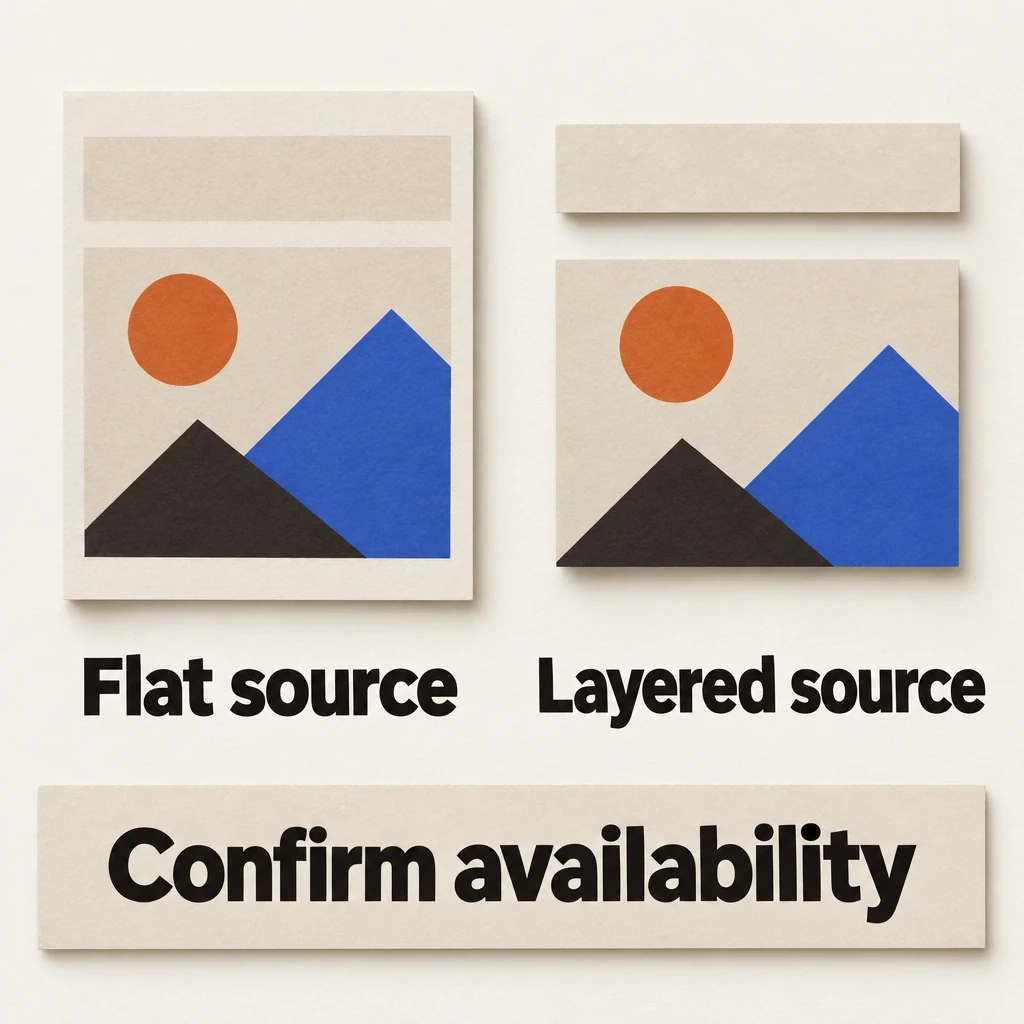
A flat image is not a layer inventory
Confirm which assets and layers actually exist before choosing a motion treatment that depends on separating them.
View full-size (opens in a new tab)Image explanation
- Inventory the approved layout, exact text, logo artwork, product image and any available layered files. A flattened image may leave its layers inseparable without damage.
- Moving a supplied element differs from redrawing its identity. If extraction damages a distinctive edge, simplify the treatment or request a better source while preserving exact wording and product identity.
- The separate planes show schematic possibilities. They contain no recovered layers or inspected motion candidate.
Worked direction: a watering can with a moving leaf shadow
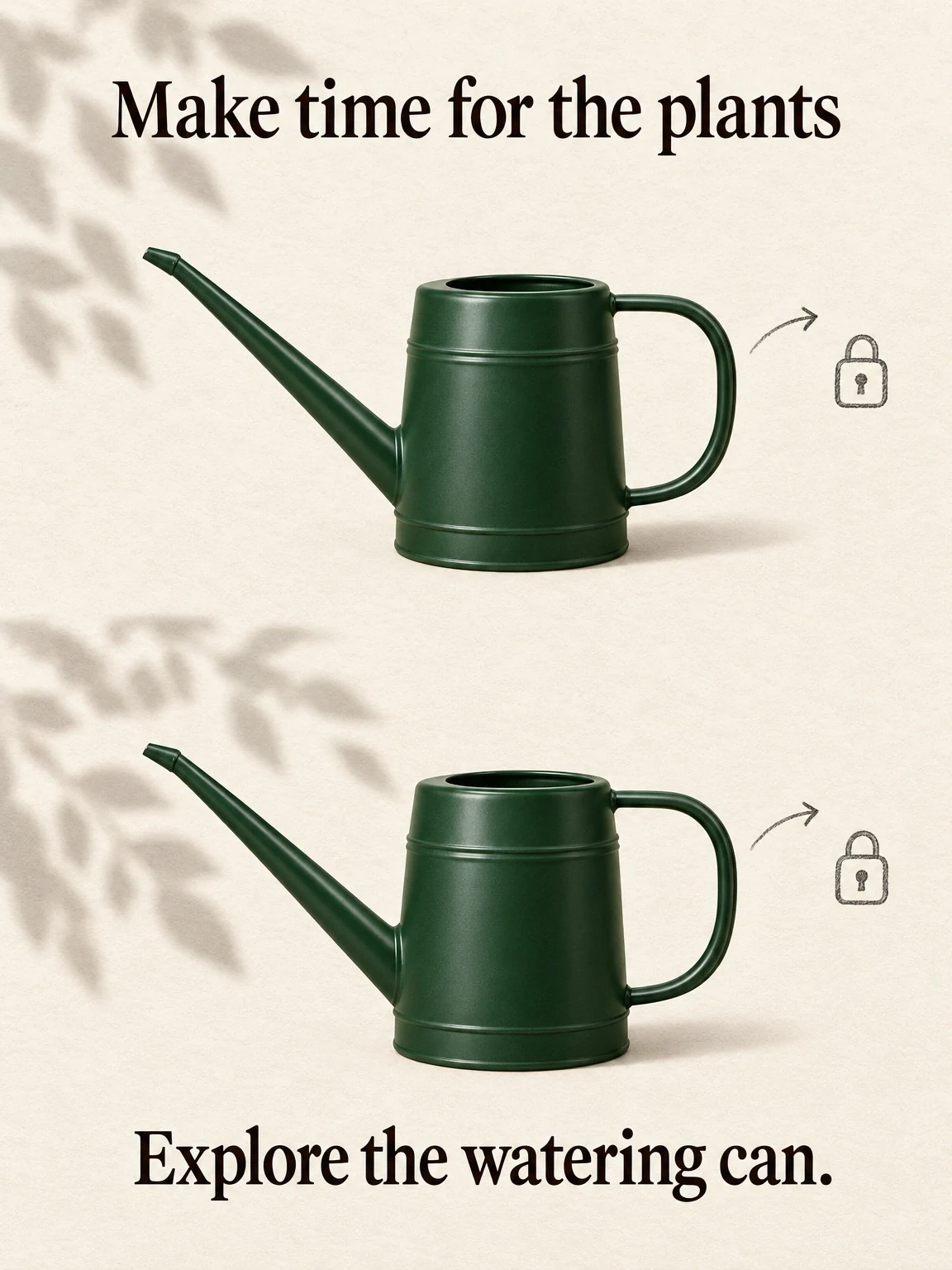
Imagine approved artwork for a fictional forest-green watering can with a long spout and side handle. It sits against a cream background under the headline “Make time for the plants.” A small brand mark and “Explore the watering can” invitation complete the layout. This design is an illustration for the exercise, with no published campaign or produced render supplied.
The static depicts a small gardening ritual. It doesn't demonstrate water flow, capacity, or durability, so keep those claims out of the motion version too.
Let a broad leaf shadow travel gently across the cream backdrop while the watering-can image and wording stay fixed. The shadow suggests a plant-related setting. You don't need to bend the spout, rotate the handle, or invent a pouring action.
Make the product and headline clear from the start. Move the shadow through unused background, then let it settle into a quiet final composition. Keep its darkest area away from the headline and brand mark.
The shadow gives the eye something to follow while preserving the artwork's hierarchy. If the can rotates, the headline animates, the logo moves, and a plant grows too, those ideas compete with each other.
Use the static-to-motion workflow brief to plan this kind of request. Describe the treatment you want, then set permissions for your own approved artwork.
Let the shadow move, keep the message
A moving leaf shadow gives the fictional watering can a plant-related setting. The product, exact message and invitation stay fixed.
View full-size (opens in a new tab)Image explanation
- Keep the forest-green can's long spout and side handle, along with the exact shared wording. Only the background leaf shadow may move.
- Specify the endpoint or loop and inspect actual readability. The plan supplies no pouring, capacity or performance evidence.
Decide the endpoint before choosing a loop
Even subtle movement needs a deliberate ending. Decide whether to hold the final composition or return to the opening state for a repeatable loop.
For the watering can, a held ending gives the viewer time to read the invitation. A loop could work if the shadow returns without a distracting jump. Check before reversing an entire sequence; in other adaptations, reversed product actions can imply physically impossible behavior.
Record the endpoint in the layout requirements. The viewer should be able to understand the product, headline, logo, and invitation together. If timing, sound, or the ending still needs assembly, use the finished-ad versus generated-clip guide to specify the remaining work.
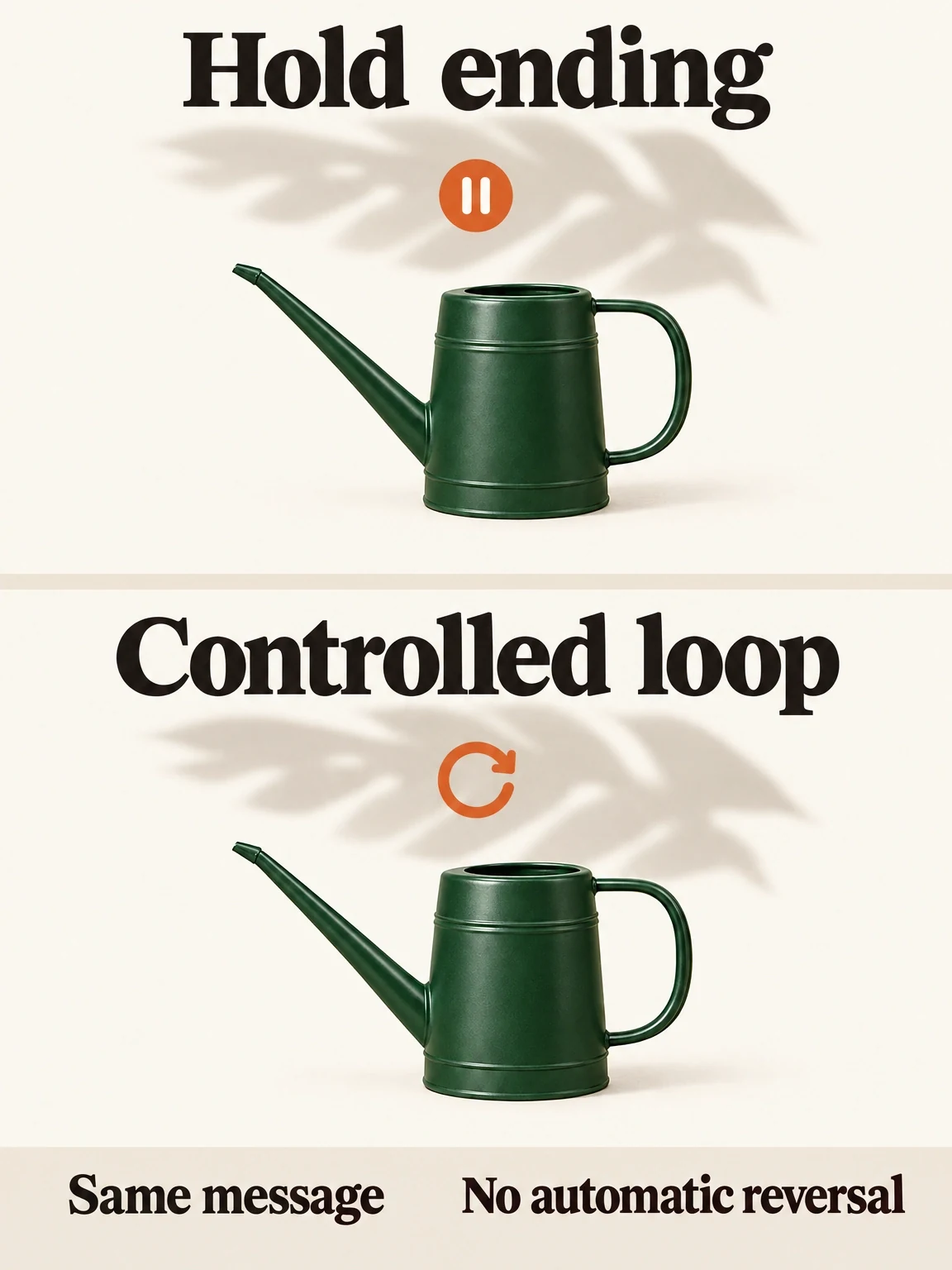
An ending hold and a loop are separate permissions
The fictional watering-can treatment needs either a readable ending hold or a deliberate loop return. Choose the endpoint before animating.
View full-size (opens in a new tab)Image explanation
- An ending hold leaves time to read the invitation. A loop needs a specified return without a distracting jump.
- Only the background shadow may move in this fictional treatment. Avoid reversing product actions or animating every layer by default.
Copy the motion-permission brief
Fill in the permissions before discussing visual style:
Turn [approved static artwork and version] into one assembled video.
Existing message: [product, idea, offer, and next action].
Production question: [the controlled motion adaptation to explore].
Sources attached: [layout, product image, logo, exact text, layer files].

Protected copy: [verbatim headline, offer, qualifications, invitation].
Protected identity: [silhouette, colors, parts, artwork, product details].
Product treatment: [fixed supplied image / explicitly permitted change].
Movable layer: [one background or decorative element].
Allowed motion: [path, entrance, emphasis, and stopping point].
Excluded motion: [product distortion, new actions, competing animation].

Opening state: [what must be understandable immediately].
Endpoint: [the final approved composition].
Playback: [hold the ending / loop with a specified return].
Audio: [silent / supplied sound / requested supporting sound].
Delivery: [destination, ratio, export dimensions, and runtime].
Flag unavailable layers before proposing a treatment that needs them.
Explain the plan and estimate before paid work; return a full candidate.
Review preservation, then produce the next candidate
If you'll compare the static and motion candidates, use the matched image-and-video contract to record what's shared and what must change. The contract applies beyond beauty products. A fair brief makes the comparison clearer without assuming motion alone explains a campaign result.
Compare the motion version with the static at ordinary viewing size, watching the opening, movement, and endpoint. Does the headline say exactly the same thing? Does the product retain its spout and handle? Does the shadow ever reduce contrast or hide the invitation?
Play the whole export with its intended audio, then without sound. Check readable playback and a smooth loop if requested; an attractive still frame can't establish either. Select the candidate for how well it preserves the message and meets the production requirements. Evaluate campaign results separately.
Bring the permission map to the product-ad workflow and open Fablo to make the motion version. Describe the idea in chat, then work through planning, production, evaluation, targeted correction, and assembly toward the agreed video. For recurring static-to-video work, use current plans to budget production credits around your briefs and estimates.