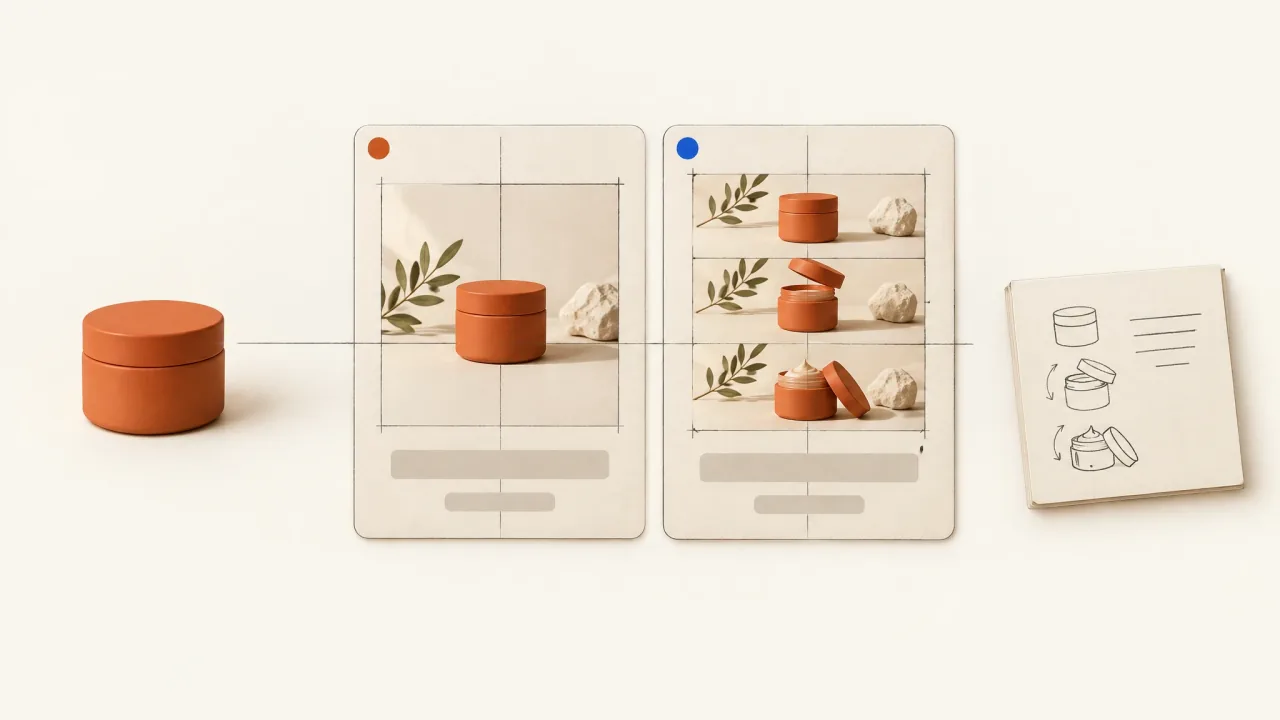
Beauty brands don't have a universal winning ad format. For a useful comparison, make an image and a video with the same product, buying message, offer, and destination. Record the differences the formats can't share. However good they look, an unrelated static and video tell you little about the effect of motion alone.
The job here is to produce comparable material for the campaign owner to evaluate. Finishing the pair won't tell you which asset will convert or establish a format-wide ROAS conclusion.
Choose the question before commissioning the pair
"Should this product composition move?" asks something narrower than "Should we advertise with video?" You can explore the first question with an approved image and a motion treatment. The second might involve an application demonstration and a product portrait, which differ in both format and how much they explain.
Decide which question you need to answer. If the video shows real application and the image shows only packaging, label the commission a comparison of two creative approaches. That may still be commercially useful, though it won't isolate motion.
Use the creative-testing production matrix to keep the production request manageable. Start with two assets. Define the comparison before adding more formats, messages, offers, or presenters.
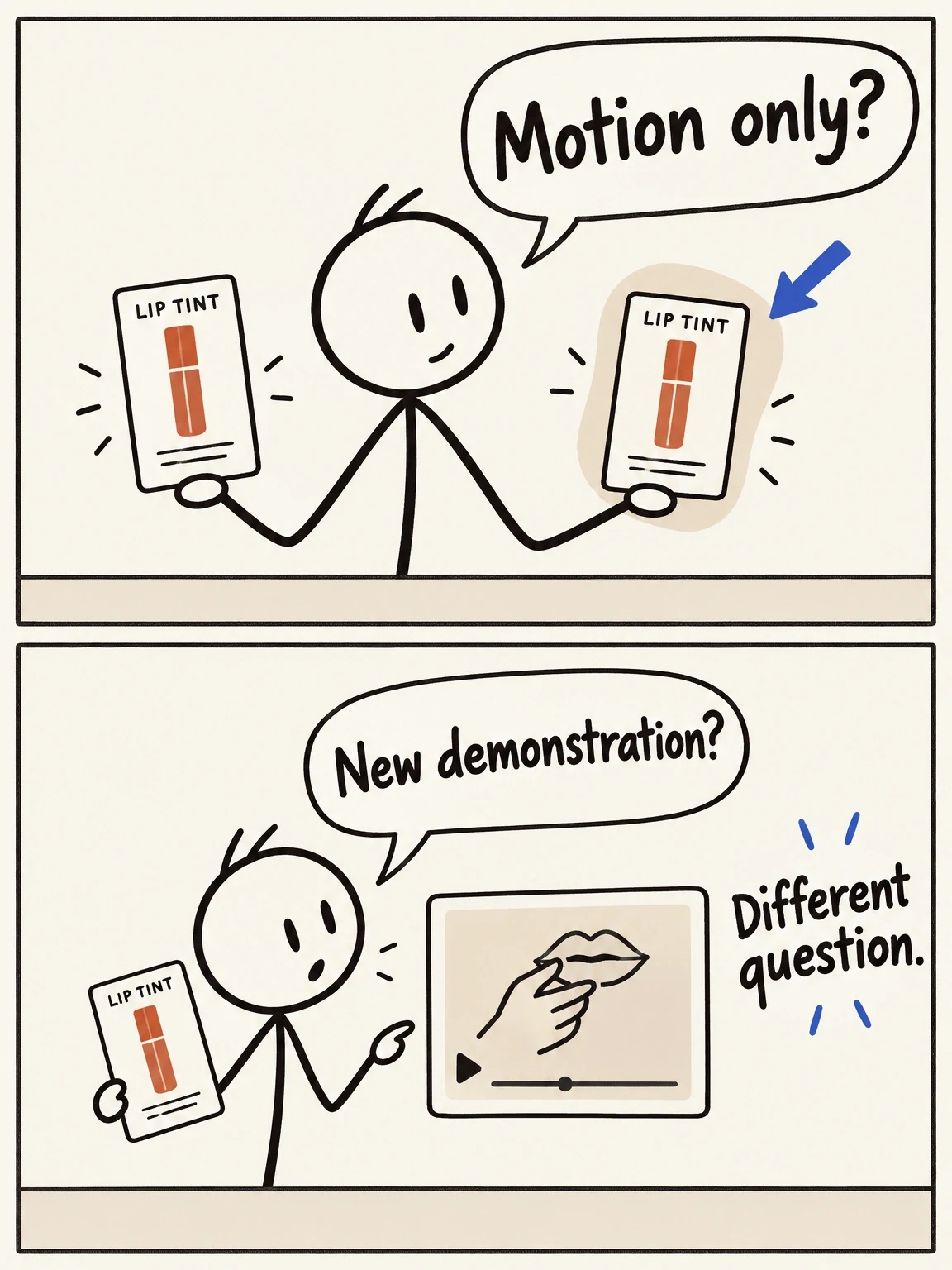
Did motion change, or did the explanation change?
A moving background asks a narrower question than a packaging image compared with an application story.
View full-size (opens in a new tab)Image explanation
- Keeping the product composition fixed while the background moves asks a narrower motion question.
- A packaging image versus an application video changes the explanation and evidence as well as the format. Describe it as a comparison of creative approaches.
Lock the message, product evidence, and invitation
The free ad layout generator can give you a straightforward product-photo baseline. It places your own image and exact copy into a downloadable PNG, using existing material in your browser. Brief the motion counterpart with that same approved image and wording.
Give both briefs a shared contract. Name the exact SKU and approved product references, then specify the audience situation, main sentence, claim evidence, offer, action, and destination. Use the same source revision throughout.
Include how prominently the copy appears. The same wording can work differently if it's clear in the static but hidden until the video's final moment. Decide when the product, main message, and invitation should appear in the video, and how they rank in the image.
Keep the evidence consistent too. A generated close-up of flawless lips can't replace a real application image in one half of the pair. If a format needs additional evidence, supply it for both or record the difference. Even a small change in colour, finish, or skin appearance can change what the ad says about the product.
Separate shareable elements from unavoidable differences
Both assets can use the same approved product imagery, exact copy, palette, framing intent, and destination. Actual exposure time will still depend on the viewer. Video also adds sequence, duration, transitions, and potentially audio. A fixed layout won't stop motion from redirecting attention.
Choose a destination suitable for both formats, then inspect how each appears there. Meta publishes separate Feed image guidance and Feed video guidance. Review the relevant current specifications before defining the exports for each.
Leave narration and new claims out of a motion-focused pair. If the video needs music, include it and record audio as another changing element. Adding a spoken testimonial or a new demonstration broadens the comparison beyond "motion only".
Worked example: one lip-tint message in two assets
For this illustrative brief, the fictional Reed Petal lip tint has supplied packaging references and an approved rose-colour description. The brief includes no application result, wear claim, discount, or customer endorsement. The message is "A rose tint for your routine," and the invitation is "Explore Petal," which a real brand would replace with its approved action and URL.
The proposed image places the approved tube photograph beside the headline on a warm neutral field, with the product name and invitation clearly visible. The video keeps the same product image and exact text throughout a short planned runtime. Only a gentle background shadow moves; no colour-changing light passes over the tube or any product sample.
The restrained approach keeps the question focused on motion around an existing message. It won't answer whether an application story beats a pack shot. The static-to-motion showcase offers a proposed workflow for protecting copy and identity, without claiming a returned Fablo beauty test.
You'll still need to record the video's duration and changing background, which the image doesn't have. If production animates the tube opening or adds a lip scene, pause the parity decision. Either relabel the comparison to reflect those additions or request a new candidate.
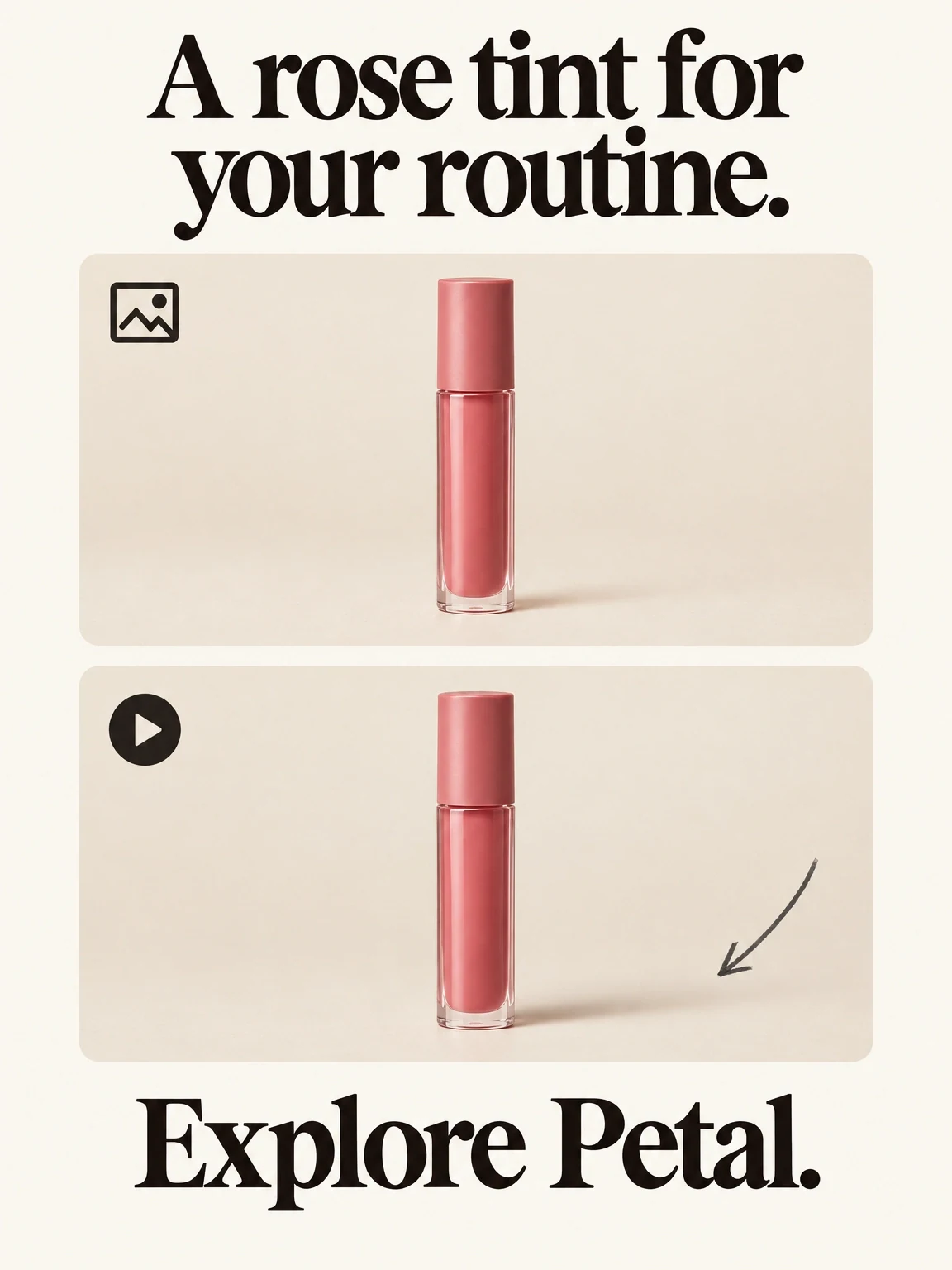
One message, a moving shadow
These fictional Reed Petal layouts keep the message fixed and allow only the background shadow to move.
View full-size (opens in a new tab)Image explanation
- Both planned Reed Petal assets share the product image, rose-colour description, message and invitation.
- Only the background shadow may move. This adds no application evidence or product promise; duration and any audio remain format differences, with no campaign effect established.
Copy this paired-asset parity contract
Fill in the contract before production. Complete the actual-difference fields once you have the returned files to inspect.
Pair ID and comparison question: [specific production question]
Product/SKU and reference revision: [same authority for both]
Audience situation: [shared context]
Approved message and evidence: [exact wording and source]
Offer/action/destination: [identical approved terms and URL]
Shared visual anchors: [product image, palette, composition]
Copy prominence: [image hierarchy; video visibility schedule]
Image request: [layout, destination, export requirements]
Video request: [permitted motion, runtime, destination, export]
Audio decision: [none / included and recorded as a difference]
Excluded changes: [new claims, product appearance, extra scenes]
Expected format differences: [time, motion, sequence, audio]
Actual exports and differences: [pending until files exist]
Parity decision: [matched enough / revise / relabel comparison]
Reviewer and accepted versions: [complete after inspection]
Produce the pair from this shared contract. Explain the complete
scope and estimate before paid work; let me review both together.
Hand over comparable files with honest labels
Inspect the actual image and complete video side by side. Compare the text, product identity, evidence, invitation, and display context. Then watch the video at normal speed. Its most attractive paused frame won't reveal a message that goes missing during playback; fix or record that difference.
Attach the pair contract to the creative asset manifest and mark which files have been accepted. Keep planned versions separate. The campaign owner can then interpret results with the actual delivery and campaign context. Unequal results from the pair alone don't establish a general format effect.
Use the creative-variations workflow and open Fablo to produce your comparable image-and-video pair. Plan the pair through conversation, then use production checks, assembly, and corrections within the agreed scope to prepare creative you can inspect together. For recurring format experiments, review the subscription options and estimate each selected pair before authorizing production.