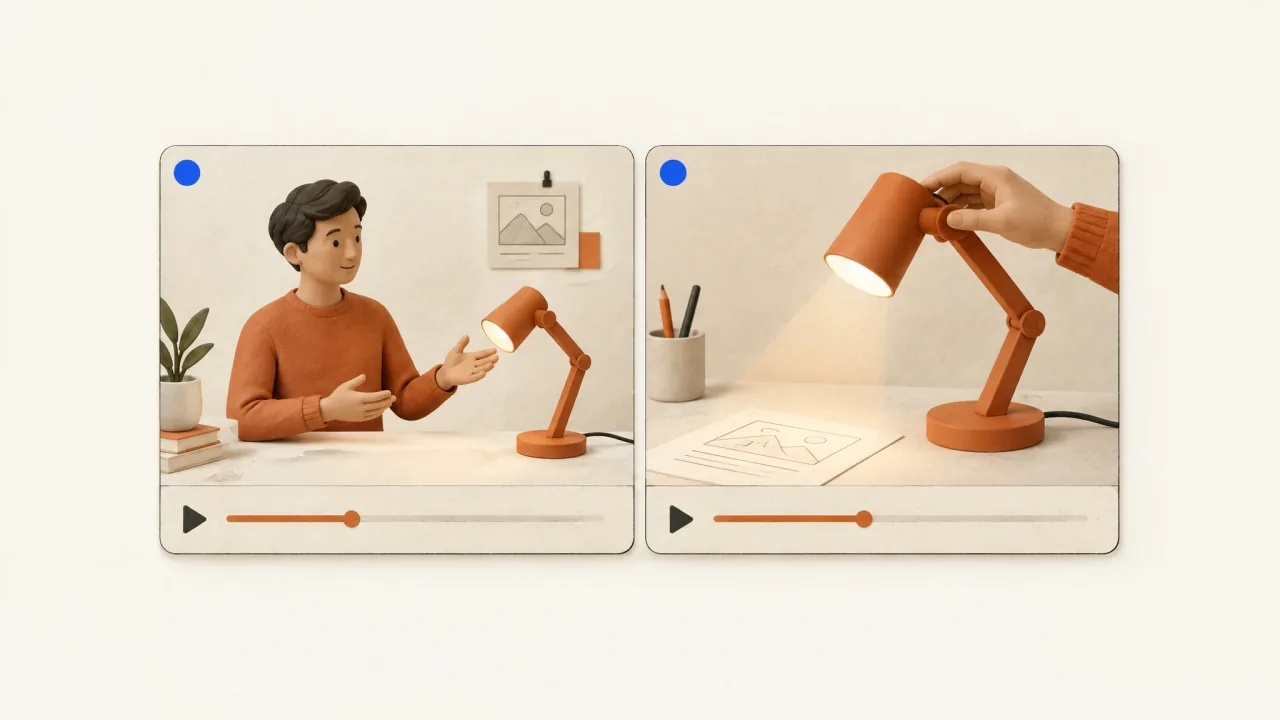
Choose a presenter to explain a situation, answer an objection, or guide attention. Use studio-led imagery when the product's shape, parts, or visible action carries the explanation. Combine them when each has a separate job.
Ask: what would become harder to understand if this format were removed? A presenter who adds no information may take space the demonstration needs. But if their explanation holds a confusing sequence of close-ups together, product imagery alone may fall short.
The format decision gives you an asset to review and test. Its campaign results remain unknown whichever form you choose.
First, separate appearance from origin
“Creator-style” describes direct address, an everyday setting, conversational delivery, and a visible person. Record separately whether that person is a human creator, brand employee, or generated presenter; the style alone won't tell you.
The term “studio-style” describes controlled product composition. It can use recorded product footage, generated illustration, or a mixture. A clean background leaves the imagery's origin unresolved.
Record the origin independently:
- Native footage: a camera recording of the actual person or product. It can document the action shown, subject to the recording's conditions and edits.
- Generated illustration: a constructed depiction of an approved scenario. It can explain a supplied fact, but is not a recording of that fact being demonstrated.
- Actual evidence: the appropriate source for the claim, such as product specifications, a documented test, or genuine authorized customer experience.
A natural-looking generated speaker has no real customer history to share. The FTC's endorsement guidance says endorsements must be honest and not misleading. Give a fictional presenter an explanatory role and leave out invented stories such as “I've used this for months”.

The hoodie is not provenance
An everyday look tells you how a presenter is styled. Their recording or generation history needs a separate record.
View full-size (opens in a new tab)Image explanation
- Creator-style describes appearance and delivery. Neither casual styling nor a controlled studio look tells you whether the person or real product was recorded.
- Record native recording, generated illustration and claim evidence separately. The article's FTC guidance, checked October 7, 2026, calls for honest, non-misleading endorsements; keep invented customer history out of a generated explainer.
- The characters illustrate a source-checking mistake. They supply no genuine customer experience, endorsement or inspected asset.
Follow the decision through the product's communication problem
Does the viewer need to understand a use situation?
A presenter can connect the product to an ordinary moment: switching between a phone and a work device, packing a parcel, or rearranging a working corner. Specify what the speaker needs to explain.
For a fictional three-slot cable keeper, a suitable proposed line is: “Switching devices? Give the loose cable ends a place at your desk.” That introduces the situation without inventing satisfaction, ownership, or productivity gains.
For a presenter who returns in several scenes, prepare a continuity sheet covering identity, voice, wardrobe, and product state before commissioning them.
Show where the cable ends rest in enough detail to understand the placement. A presenter mentioning the product and gesturing toward an unreadable background leaves that demonstration incomplete.
Does the viewer need to inspect the object?
Use studio-led composition when the answer depends on visible detail. Show the cable keeper's three slots so the viewer can see their count and relationship to the cable. A dramatic rear view might conceal the detail the scene needs to explain.
Position the camera to reveal that detail, keep supporting objects out of the product silhouette, and light the cable so it stands apart from the slot. Build a minimal demonstration shot list around what each view must explain.
For existing products, supply an identity-first reference pack. Require the advertised variant, exact packaging, and approved dimensions even when a generated approximation looks attractive.
Does the viewer need both explanation and inspection?
Assign each part of a mixed sequence a job: the presenter names the use situation, the product view explains placement, and the ending connects that understanding to the invitation.
Cutting from a presenter to a cable already resting in a slot can explain its position. It leaves generated hand contact, insertion, and release unproven, so the insert can't establish that a handling shot works. Those actions need their own footage and inspection if they matter to the explanation.
Two proposed treatments, one unchanged message
Consider the fictional matte cobalt-blue keeper with exactly three slots. Its defined job is giving loose charging-cable ends a place at the desk edge. The treatments below are pre-production plans; no returned media is being described.
Presenter-led treatment: a fictional adult at a working desk introduces switching devices. A product insert shows the resting cable and desk edge. The presenter returns for a brief invitation. Wardrobe and delivery remain understated so the use situation carries the idea.
Studio-led treatment: the desk-edge composition opens on the keeper and loose cable ends. A closer view explains the slot relationship. A wider frame establishes the working context, with concise category text supplying what the presenter would otherwise say.
To compare formats, preserve the message, approved facts, offer, and destination. Moving from an objection-led speech to a mechanism-led close-up changes the argument too. The six-angle planning lesson explores proposed arguments through presenter and inspection briefs. Those brainstorming examples contain neither a controlled format test nor returned footage.
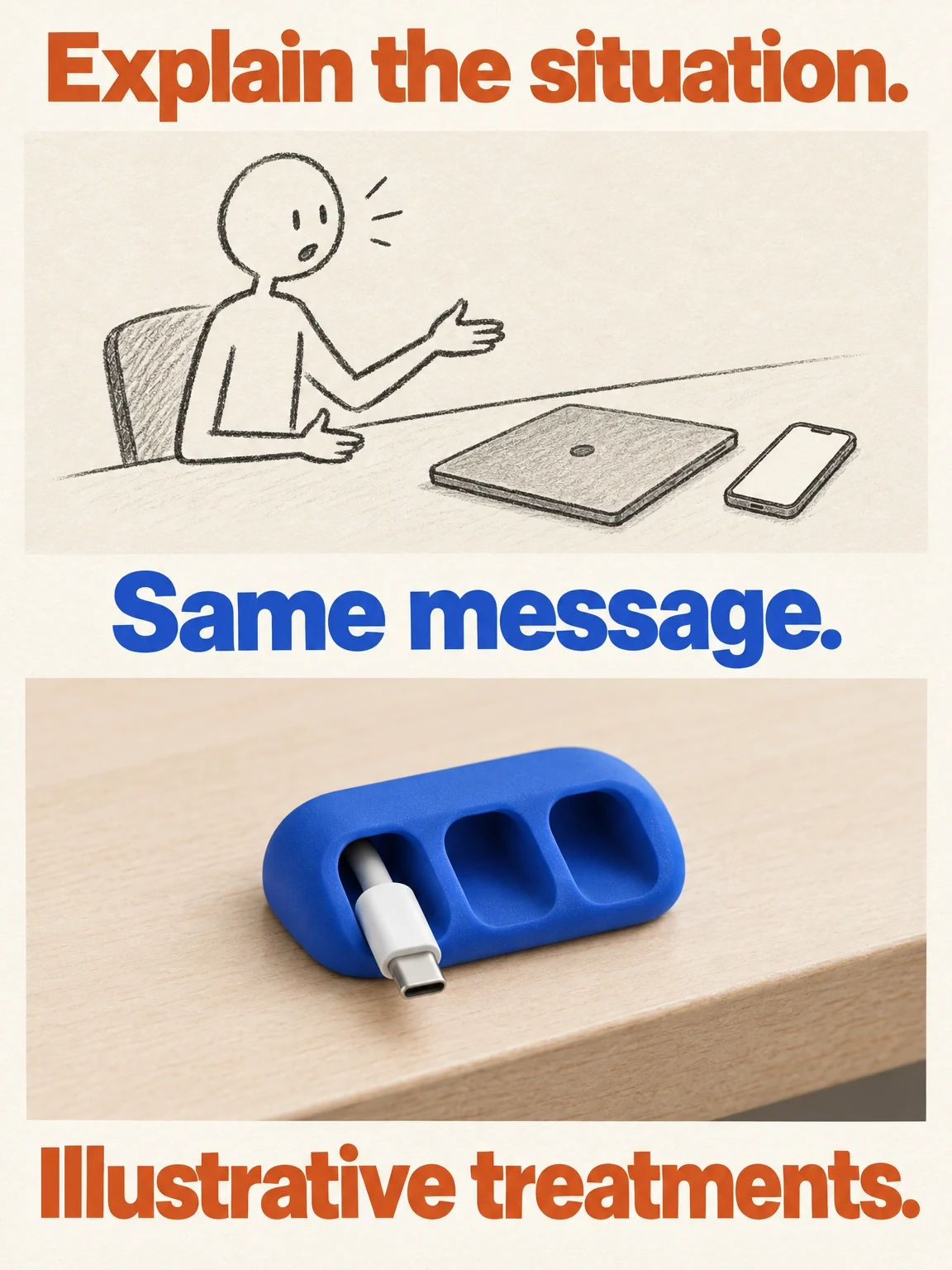
A presenter and a product view have different jobs
These fictional keeper treatments share a message. The presenter supplies context; the close product view shows where the cable ends rest.
View full-size (opens in a new tab)Image explanation
- A presenter introduces switching devices, while a close product view explains the same resting-place message.
- The cutaway shows an end state. It cannot prove presenter handling, genuine customer experience or a winning campaign format.
Copy this format-selection brief
Resolve missing offer terms before production. Leaving a price out of the creative doesn't establish that the actual signup, demo, or lead offer has no price.
Product and exact variant: [name; supplied identity references]
Communication job: [what the viewer must understand]
Approved facts and evidence: [claims; actual supporting sources]
Unresolved facts: [resolve before showing or saying them]
Chosen form: [presenter-led / studio-led / mixed]
Why this form: [which explanation it makes possible]
Presenter origin and role: [human recording / generated explainer]
Product imagery origin: [native footage / generated illustration]
Indispensable product view: [detail, action, or placement]
Handling requirement: [actual action needed, or explicitly unnecessary]
Fixed message: [buying reason; approved wording; factual limits]
Flexible treatment: [setting, composition, lighting, delivery]
Approved offer: [exact commercial terms or genuine non-purchase invitation]
Invitation and destination: [actual action; exact URL]
Requested delivery: [assembled video; ratio; duration; text and audio]
Acceptance question: [what must be understandable in the final file]
For the keeper, “studio-led because the three-slot relationship needs to be visible” names a job. “Studio-led because it feels premium” leaves that job unresolved. The same distinction applies to “presenter-led to introduce switching devices” and the unsupported outcome in “presenter-led because UGC wins”.
Inspect the chosen format against its assigned job
During review, ask whether the speaker contributes necessary information and whether the product view communicates the promised action. Check that captions, speech, and ending describe the same offer.
Compare the assembled sequence with the format's assigned job. The presenter-led section should explain what imagery alone can't carry; the object-led section should give the viewer a clear look at the required detail. Check identity and motion in either format, since neither guarantees perfect results.
Fill the brief with your actual product facts, use the product-ad workflow to frame the task, and open Fablo to produce your chosen format. Fablo's monthly credits fund production for a recurring creative schedule. Estimate the chosen scenes, assembly, and likely corrections before deciding how many ads to commission.