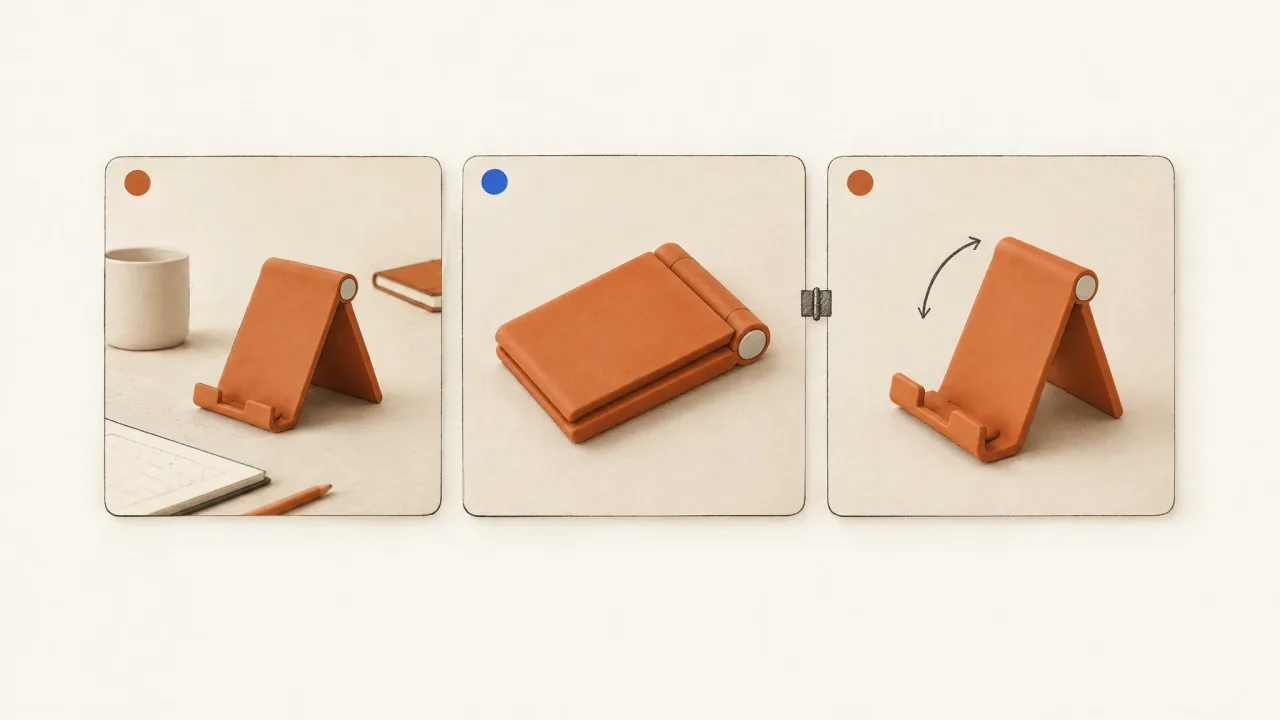
Choose a thumbnail that shows the same product and raises the same question as the video's opening. Check how the poster appears in the destination you're using. Meta placements and viewing contexts don't all use the selected poster as their starting image.
Compare the poster with the opening: what does the still image lead someone to expect, and does playback start to deliver it? Get that match right before adding a dramatic headline or commissioning more artwork.
Name the destination and inspect the poster's actual role
Say whether you need an ad thumbnail, a social cover, or a poster for a page's video player. Even if they use the same photograph, each has its own delivery context. Record the destination and the video version it will accompany.
Use the relevant export specifications, such as Meta's Facebook Feed video guide, for the video file. Then check the poster in the current publishing or campaign preview. Does the selected image appear? How is it framed, and what happens when playback begins?
If you can't confirm how the poster behaves, mark its use as pending. The opening still needs to identify the product and establish the message on its own. Don't make its explanation depend on an image viewers may never see.
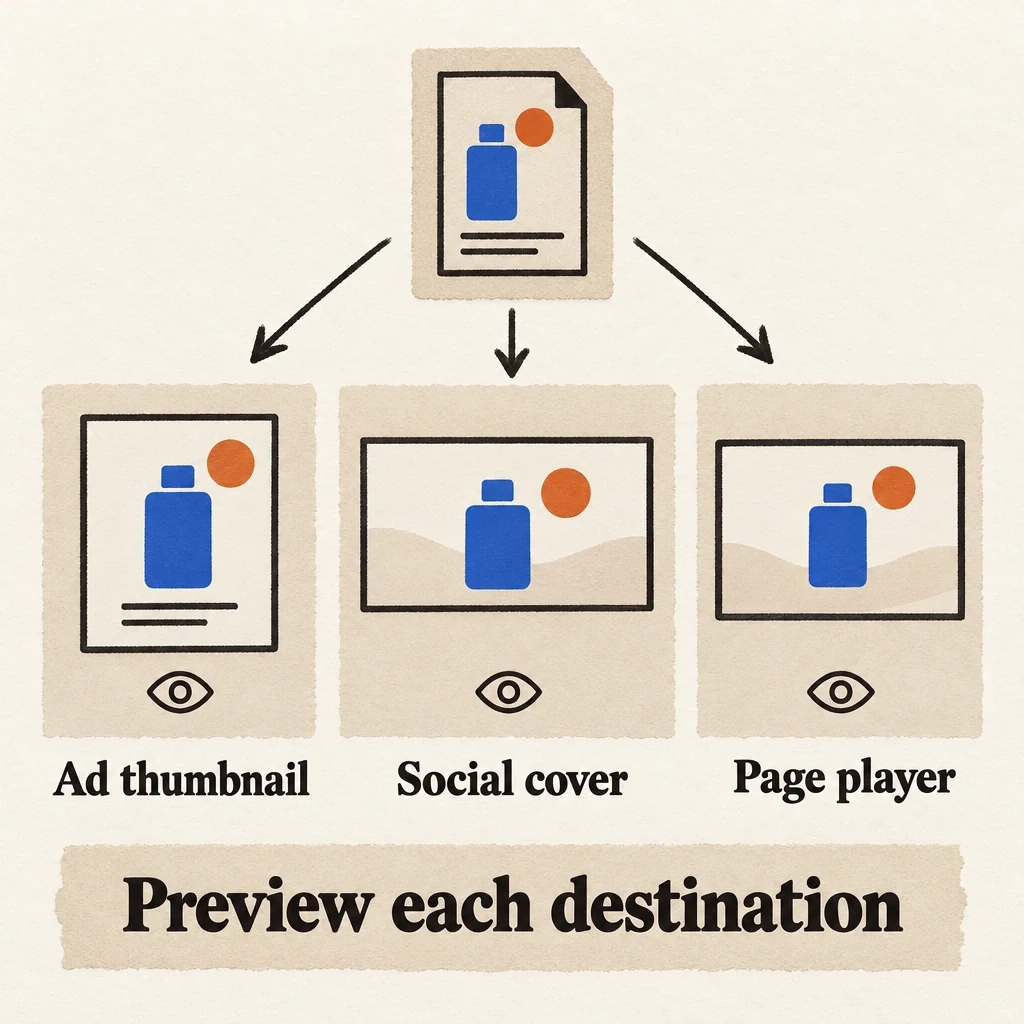
The same poster file can have different publishing jobs
A still image can serve several publishing roles. Check how it actually appears in each destination.
View full-size (opens in a new tab)Image explanation
- An ad thumbnail, social cover and page-player poster are separate publishing roles, even when they share an image.
- Confirm appearance and crop in each current destination. Poster display is unresolved until checked, so the opening must explain the product on its own.
Describe the first beat before choosing still images
Watch the opening of the selected video and describe it in a plain sentence. Include the visible product, action, setting, and essential text. If the video hasn't been made, describe the planned opening and mark the selection as provisional.
Next, state its unfinished question. “How does this divider come out?” creates a different expectation from “What fits inside this box?” A poster can introduce either question, but it should not advertise one while playback immediately pursues the other.
Use the visual-and-spoken hook guide to decide what the opening needs to do. For the thumbnail, focus on whether someone can recognize the product and anticipate the action playback will show.
Compare a video frame with a separate composition
A frame from the video can match the opening closely. It can also have motion blur, a hidden label, an awkward hand position, or incomplete on-screen text. Inspect it as a still. A frame that works during playback may make a poor poster.
A separate composition can make the product and action easier to read. Use the video's product references and the same limits on claims. Keep an exploded mechanism, accessory, skin result, or offer out of the poster if playback never shows it. The poster should make the opening clearer.
Place the exact copy in a layout you can control, and check that a more readable title still describes the same story. Review it at the intended display size and in the actual crop where available. If a destination needs a different composition, record that version separately.
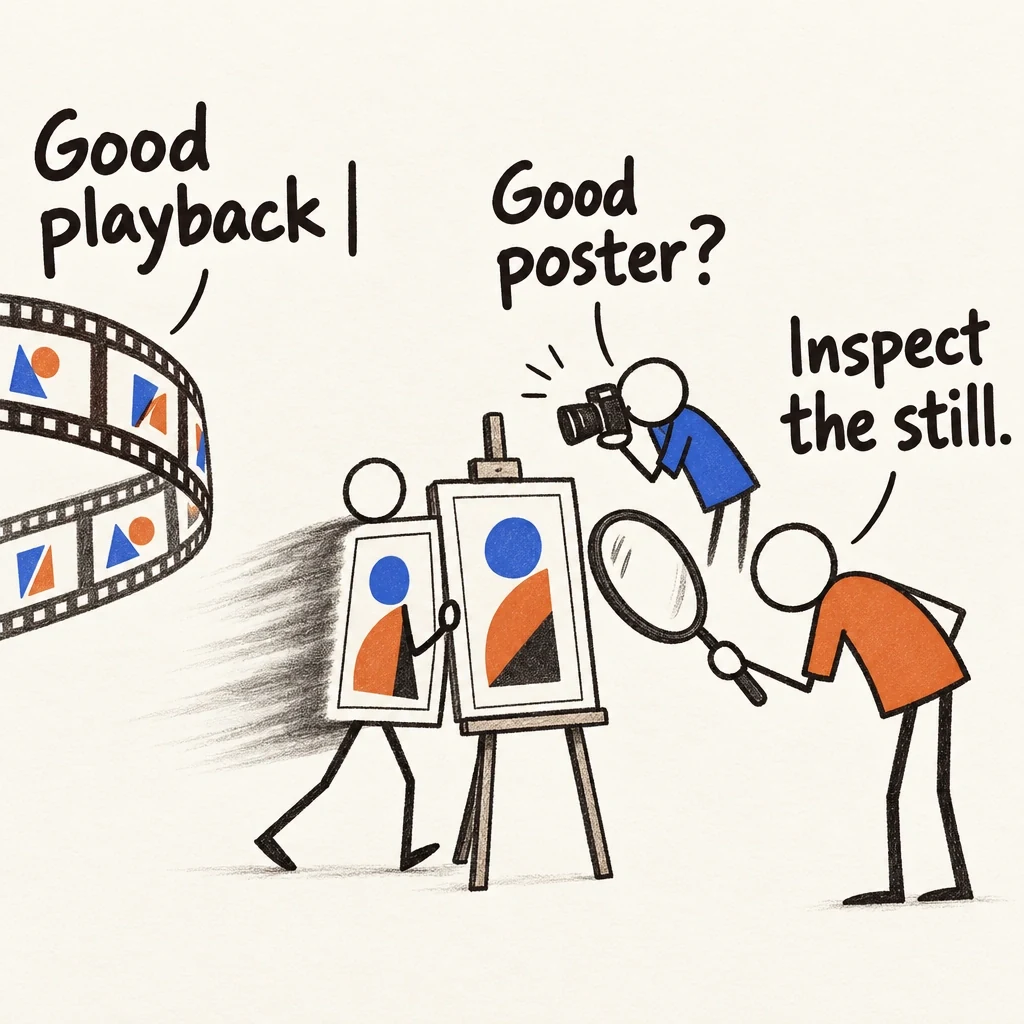
The moving frame sits for its portrait
A frame that works in playback gets another job when chosen as a poster. Inspect the isolated still before selecting it.
View full-size (opens in a new tab)Image explanation
- An extracted frame can have motion blur, an obscured label, awkward handling or incomplete text despite good playback. Check sharpness, identity, hand position and complete text at the intended size and crop.
- A separate composition can clarify the same opening using the same references and promise. Keep out mechanisms, accessories, results and offers absent from playback, and record separate destination versions when needed.
- The abstract smear is a cartoon prop. It reports no observed defect from returned media.
Worked example: three candidates for a lunchbox opening
Consider a fictional cobalt lunchbox with one removable divider. The illustrative opening plan shows the box open on a table, then a hand lifts the divider. Its question is “How does the divider change the interior?” Product references and actual footage would be needed to execute and inspect this plan.
Candidate A: closed-box hero. The box is recognizable and neatly framed. However, the divider is invisible. A headline such as “Move the divider” asks the viewer to imagine the action rather than previewing it. Keep the hero as a packaging option; it is a weaker match for this particular opening job.
Candidate B: open-box action frame. The box and divider are visible, with the hand at the beginning of the lift. This is the provisional selection because it introduces the action playback is meant to continue. Check that the hand does not hide the divider and that the captured frame is sharp.
Candidate C: elaborate lunch spread. The lunchbox sits among several prepared dishes with “Lunch sorted” across the image. It introduces a meal-planning story absent from the opening. More visual abundance would not repair that mismatch; revise the composition or use it for a different brief.
If no actual action frame is readable, request a matching separate view of the open box and divider. These are planning judgments, not findings from returned Fablo media or a thumbnail click-through experiment. The social-asset-bundle showcase offers a proposed way to plan companion posters and covers, not proof that this set has been produced.
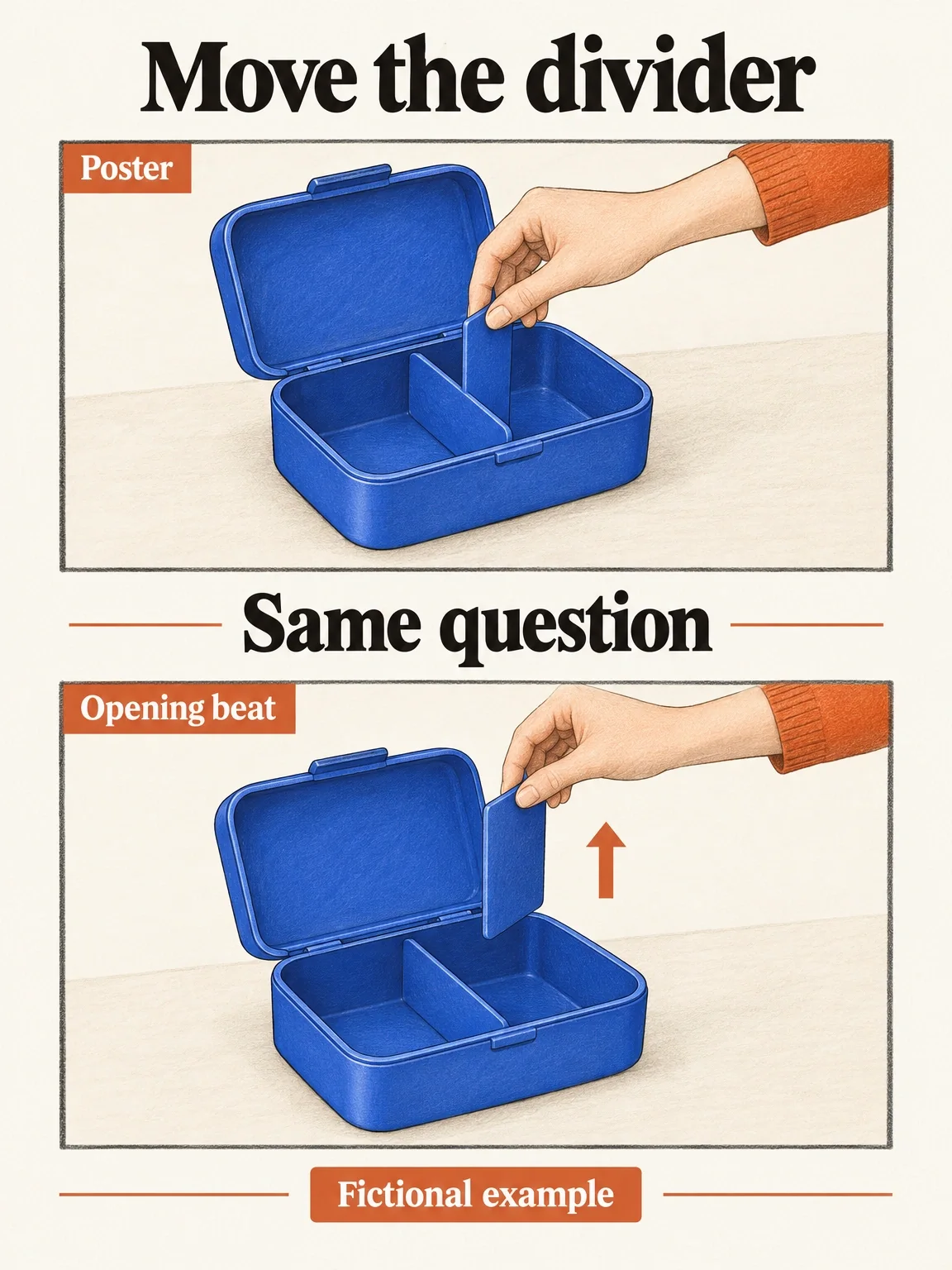
The poster starts the same question
The fictional lunchbox poster introduces the same single-divider action as the planned opening. Selection still awaits inspection of the actual media and destination.
View full-size (opens in a new tab)Image explanation
- The open-box poster introduces the same single-divider action as the planned playback opening.
- Keep the selection provisional until the actual frame clarity, handling, crop and destination poster behaviour have been checked.
Copy the poster-to-opening selection card
Fill the candidate fields for each proposed image, then mark the version you select.
Video/version: [actual export, or clearly marked planned video]
Destination and poster role: [ad thumbnail / cover / player poster]
Current preview status: [confirmed context / unresolved]
Opening beat: [product, action, setting, exact visible words]
Opening question: [what playback begins to answer]
Candidate ID/source: [actual frame location / separate composition]
Product recognition: [identity details visible at display size]
Poster promise: [what this image and exact copy lead us to expect]
Playback agreement: [same question and supported action?]
Crop/legibility finding: [actual preview observation, or pending]
Decision: [select provisionally / revise / use for another brief]
Requested correction: [bounded image or opening change]
Preserve: [product, source version, approved message and ending]
Deliverables: [matching poster file and assembled video version]
Explain the plan and estimate before production. Let me review
the poster, opening, and complete video together before acceptance.
Review the pair without supplying the missing story
Show the poster, then play the opening muted. Does it continue the same recognizable action? Use the sound-off inspection guide to check the whole sequence, including the invitation. Restore audio and check that the spoken words keep the same promise.
If the pair doesn't match, use the creative-revision workflow and open Fablo to produce a matching poster-and-opening pair. Name the change and the material worth keeping, then review the assembled video after the checks and any agreed correction. For recurring poster and video work, compare the subscription options with your next production request.