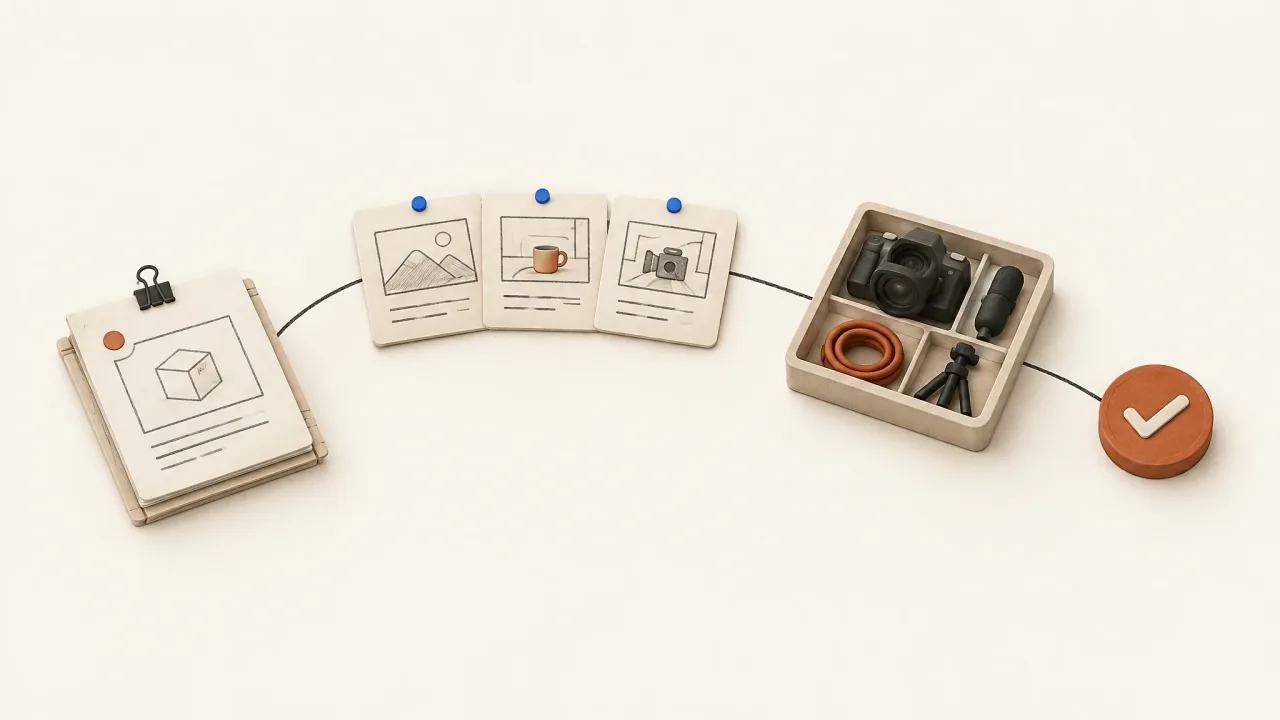
Both products are relevant to agent-led ad production. Creatify documents research, multi-scene production, persona consistency, scene revision, and QA. Fablo describes a conversation-led process from brief to assembled-video review and correction. Compare how you'll supply inputs, supervise scenes, and request changes. Creatify Agent.
Fablo Team compares official vendor pages checked on October 7, 2026 with Fablo's published product-ad workflow and Fablo's homepage. This guide reviews documentation. It includes no tested benchmark, quality score, or worked example with approved ads.
Seven responsibilities to settle before buying
-
Creatify documents importing brand imagery, copy, and pricing from product URLs. Its agent also accepts an idea or brief. Whichever input you use, have your team approve the actual offer and claims before production. Vendor-documented intake.
-
Creatify describes researching the brand and category before planning scenes. Ask either workflow to identify supplied facts, sourced observations, and creative assumptions. An imagined audience situation still needs evidence if you want to treat it as a customer finding. Decide what you'll approve before research becomes a spoken claim or visual demonstration. Creatify's research description.
-
Creatify offers Agent in chat and Flow on a canvas, with movement between them on the same ad. Explore Flow if your team wants to inspect individual scenes. Fablo describes developing the brief and production through conversation, so both products offer a conversational way to work. Documented interfaces.
-
Creatify describes scene planning, shot generation, music, compositing, and finished image/video creatives. Fablo's product-ad workflow describes scripting, visual direction, production, sound, captions, and assembly. Compare the finished deliverable you need, including the work between generating a shot and approving a complete ad. Creatify production scope.
-
Creatify describes changing a shot, avatar, line, or music in the same thread while retaining the rest. Fablo also describes targeted corrections. Say exactly what should stay fixed, then inspect the complete revised ad, including scene joins and sound. Check preservation in each workflow rather than assuming the same revision terms mean the same behavior. Vendor-documented revision.
-
Creatify describes a scene-level critic for text, product fidelity, and persona consistency, included in Pro mode by default. Confirm that behavior in the mode you'll use. Fablo describes checking the assembled video and making targeted corrections before human selection. Compare what each review checks against the errors your brief can't tolerate. Creatify QA scope.
-
Define the format, runtime, export dimensions, and review owner before production. Automation can prepare and check the ad. Your team still decides whether its product details, claims, message, and final action are acceptable.
Use the same brief to compare supervision
If your strategist wants to approve scripts in chat and your designer wants to adjust scenes on a canvas, look at Creatify's documented Agent-to-Flow path. If one creative owner wants to keep the brief, feedback, and corrections in a conversation, evaluate Fablo alongside Creatify Agent.
Supply the same references, approved claims, scene requirements, and one specific correction to both products. Record the decisions you had to make, what changed, what stayed fixed, and the total charges. The creative-brief guide helps keep those inputs comparable.
Choose Creatify when
Choose Creatify when its documented URL intake, chat-to-canvas workflow, scene-editing controls, and mode-specific QA fit how your team wants to supervise production. Its documentation also covers research and finished-ad delegation, so include those in your evaluation if they're priorities.
Consider Fablo when
Consider Fablo when its documented brief-to-video conversation fits how your creative owner wants to plan, review, and correct work. Creatify also documents research, multi-scene production, and QA. Compare how each workflow lets you plan and review the work.
Budget for the mode and the complete production task
Check current Creatify plans for the mode, Flow access, QA behavior, usage limits, exports, and revision charges you need. Compare what you spend on a deliverable you approve, rather than the size of the credit balance.
For Fablo, check the current pricing and credit explanation. The media estimate covers planned media calls and an allowance for retries. Chat and reasoning are charged separately against the same balance. If a completed ad isn't suitable, correcting it may require another paid render, so credits don't translate into a fixed number of finished ads.
Make the responsibility split explicit
Use the product-ad workflow and adapt this brief:
Create two 15-second vertical ads for [product] using my references and approved facts. Explore [mechanism explanation] and [specific customer problem]. Use [verified offer], [viewer action], and [destination URL]. Show me the scripts before production. When I request a revision, identify the scene to change and what should stay fixed. Return the final exports and note any product or text errors that remain.
Bring your brief into Fablo and paste your edited request. Review the production scope and budget before paid generation.